×
![Jabra Link 41 EHS Cable for Cisco 8941 and 8945 Desk Phones]()
1 / 1
Jabra Link 41 EHS Cable for Cisco 8941 and 8945 Desk Phones
Special Order
87+ bought in past month
Price:
$89.00
Stock:
In Stock
24/7 Support
Same Day Dispatch
Easy Returns
Warranty 2-Years
Handle Calls Without Returning to Your Desk
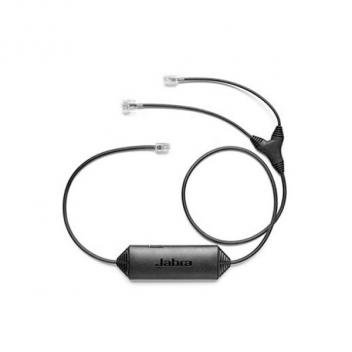
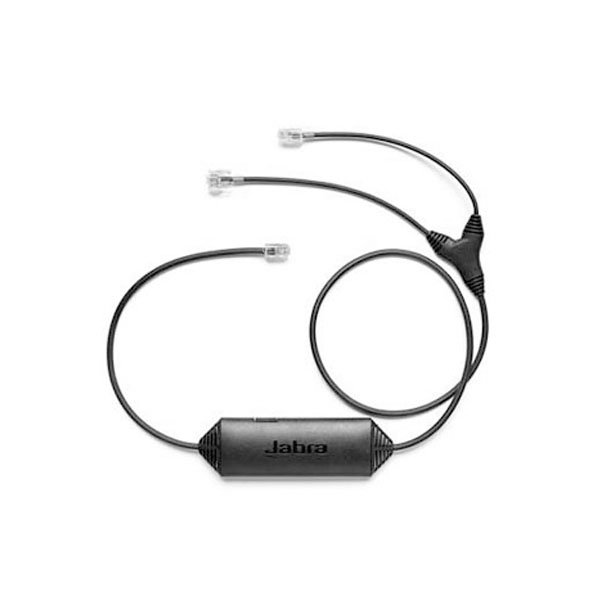
The Jabra Link 41 EHS Cable (14201-41) connects compatible Jabra wireless headset systems to Cisco Unified IP Phone 8941 and 8945 models. It enables electronic hook switch (EHS) functionality, allowing users to answer and end calls directly from their headset instead of manually operating the desk phone.
Wireless Freedom with Remote Call Control
Designed for professional office environments, this adapter supports incoming call alerts through the headset, along with remote call answering, call ending, volume adjustment, and microphone muting on compatible setups. This makes it useful for receptionists, customer support agents, and employees who need to move around while staying available for calls.
Straightforward Installation and Configuration
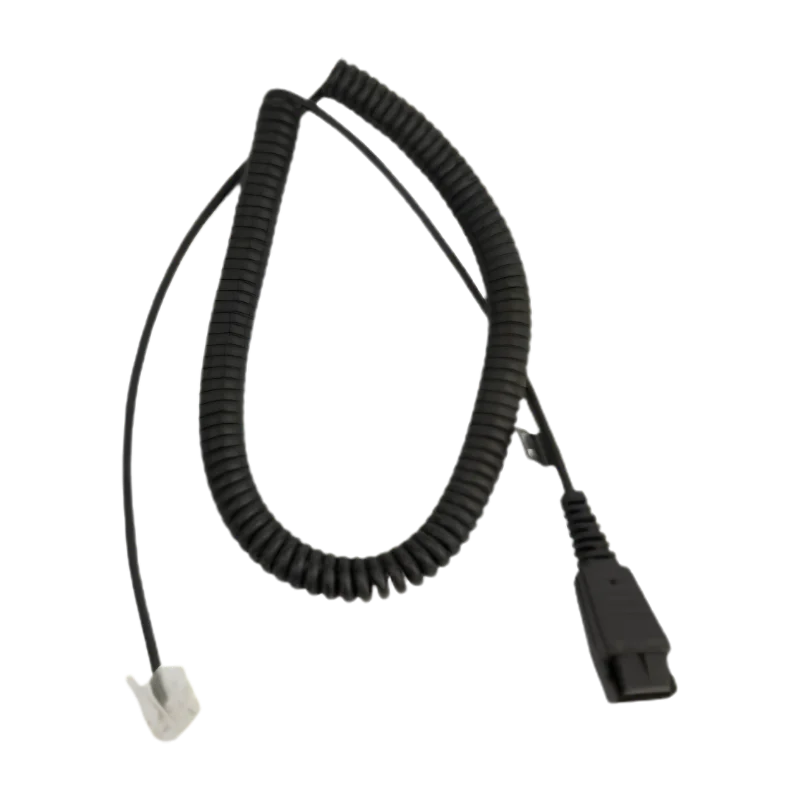
The Link 41 connects the headset base to the Cisco phone's headset port, with separate connections for the base's telephone and AUX interfaces. The Cisco phone's EHS setting must be enabled, and the headset base may require compatible configuration. The adapter is also software-upgradable through Jabra PC Suite.
Need more connection options for your office setup? Explore our Connectivity Accessories or browse Headset Cables for additional connection solutions.
Key Features
| Feature | Details |
|---|---|
| Brand | Jabra |
| Product Name | Link 41 EHS Cable |
| Manufacturer Part Number | 14201-41 |
| Product Type | Electronic Hook Switch (EHS) adapter |
| Compatible Phones | Cisco Unified IP Phone 8941 and 8945 |
| Compatible Headsets | Selected Jabra PRO 900, PRO 9400, and Motion Office wireless headsets |
| Cable Length | Approximately 33.86 inches (860 mm) |
| Remote Call Control | Answer and end calls |
| Additional Functions | Headset ring alerts, volume adjustment, and mute on compatible setups |
| Firmware Updates | Supported through Jabra PC Suite |
| Installation | Connects headset base telephone/AUX ports to the phone's headset port |
| Important Note | Confirm phone and headset compatibility and enable EHS in phone settings |
Customer Reviews
Write a Review