service@findheadsets.com 9931 Franklin Ave Suite 128 Franklin Park IL 60131
Call us now +1 (773) 945-5233

Wireless Multi Device Headsets

Wireless multi-device headsets are designed for professionals who need to stay connected across multiple devices without interruption. These headsets allow seamless switching between computers, desk phones, and mobile devices, making them ideal for hybrid work, offices, and on-the-go communication.
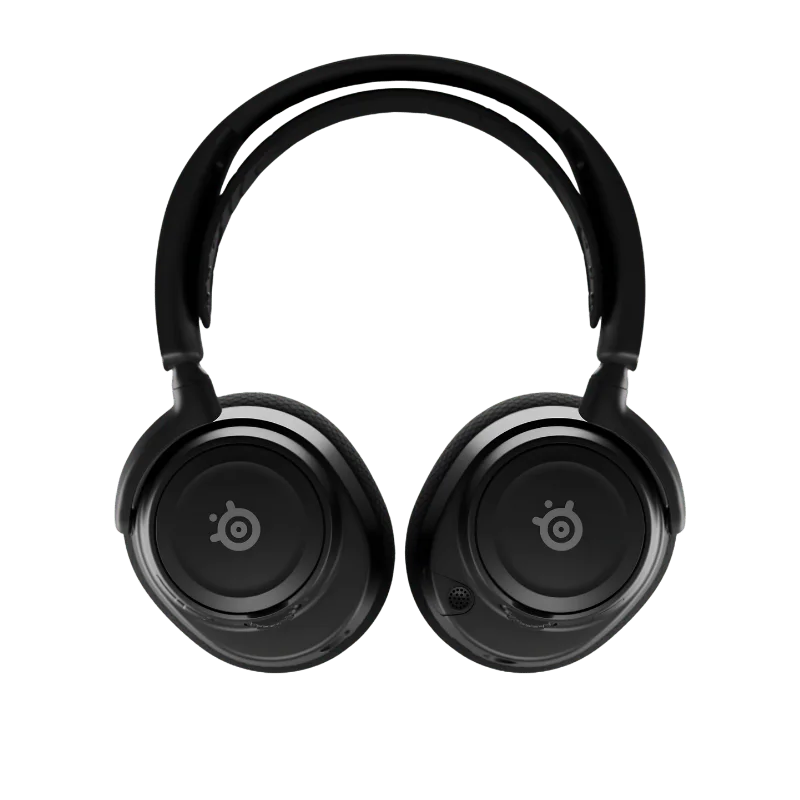
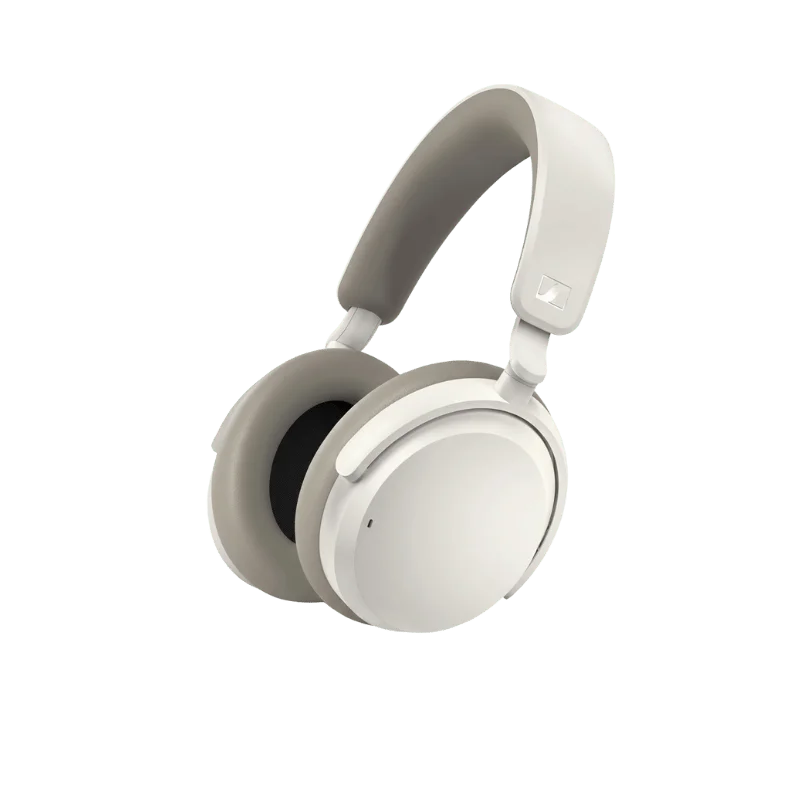
Built with advanced Bluetooth or DECT technology, they deliver stable connections, clear voice quality, and reliable noise-cancelling microphones. With all-day comfort, long battery life, and broad UC platform compatibility, wireless multi-device headsets support efficient communication across calls, meetings, and daily workflows.

Showing 1 to 24 of 51 results

Wireless Multi Device Headsets

Are you a professional or a call center agent, always busy with a lot of incoming calls? Calls and calls everywhere on your PC, desk phone, and cell phones, and you are constantly occupied. Don't waste a single minute switching between different headsets and devices.

Wireless Multi Device Headsets let you attend calls from multiple devices with a single headset.

Wireless multi device headset

Professional-Grade Wireless Headsets for PC, Deskphones, and Smartphones

Busy professional with not even a single minute free to switch the headset. No more struggle with the multi device wireless headsets. Connect your headset to two or more devices simultaneously with a single charge. Explore our wide range of wireless headsets that connect with your PC, deskphones, VoIP phones, and smartphones. Perfect for office professionals, managerial staff, and call centers.

Never miss incoming calls

Never Miss An Incoming Call with Wireless Headsets

Connect your headset either to the office phone or the computers for VoIP softphones and video conferencing. Never miss an incoming call when you have a wireless headset. Whenever there is an incoming call on the VoIP softphones, hear it ringing through the base or headset.

The base is compatible with 800+ deskphones, so no inconvenience will occur. Never let any call go unattended. For detailed compatibility information, visit our guide.

Call switching multiple devices

Handle One or More Calls Effortlessly with Multiple Device Connectivity

Connected to two devices and receiving calls from both? No need to switch headsets when you can just switch to a call from the secondary device. Set one device as the default and the other devices as secondary devices.

No more rushing towards the secondary device to take the call. Just put the call on hold from the original device using the headset and switch to the secondary device.

Take more than one call with no hassle by bridging calls from two devices to form a conference call.

Crystal clear audio quality

Excellent Sound Quality During Every Call

With a good number of microphones and noise canceling mics, deliver your voice crystal clear. Never let behind-the-scenes chaos ruin the customer experience when you are taking a call. Whether you are using the headset for a softphone or desk phones, your customers will easily hear you. Your callers will not be able to predict what's happening behind.

Filter Background Noise with Multiple Noise-Cancelling Microphones

Sound clear to your clients with no ambient or background noise. Speak like a pro with multiple microphones that filter background noise. The better the noise-cancelling microphones, the better the audio quality. The maximum number of microphones ensures a more crystal clear audio.

Headset pairing options

Multiple Pairing Options to Connect With Deskphone, PC, and Cell Phone

No more limitations on the connected devices with Multiple pairing options. Set one device as your default where you want to primarily take calls. The other connected devices will be secondary, where you can switch to take calls.

Either pair your headset with the cell phone or pair the cell phone with the headset base on the desk, both options are available. Explore our Bluetooth headsets for flexible connectivity.

Headset Bluetooth Pairing With Cell Phone

Want to stay connected to take calls even when you are out of the office? Try pairing your headset with your cell phone directly using Bluetooth. Enjoy the freedom of taking your headset while travelling or using it at another location.

Headset Base Pairing with Cell Phone

Experience wireless freedom within the office by pairing your cell phone with the headset base at your desk. Take advantage of the extended wireless range with the Bluetooth and DECT technology in your office.

Put your cell phone next to the charging base on the desk that will use Bluetooth technology for audio transmission. The headset and the charging base use DECT technology to provide an extended range.

Choose this option if you prefer to stay within the office but have to switch between your cell phone and a connected device.

Long battery all day wireless

Long Battery Life that Keeps You Activated

With a single charge, stay tension-free for all day. The long battery keeps you active throughout your working hours and takes your productivity to the next level.

Stay More Focused With Active Noise Cancellation

The wireless headset equipped with active noise-canceling mics and ear cups reduce the ambient noise. Besides chaos and background noise, the ANC headsets keep you focused and offer a private space with significant noise reduction.

ANC active noise cancellation

Bluetooth and DECT Wireless Range for Mobility in the Office

Move freely in your office with the Bluetooth and DECT technology. Stay tangle-free the whole day without any concerns for connection loss or weaker signals. Bluetooth technology supports audio transmission when the cell phone is at the desk. The Headsets use DECT technology for a wider wireless range.

Perfect for office phone connectivity needs. For more information, check our headsets buying guide.

Bluetooth DECT base station

Wearing Styles that Suit You Based on Performance and Comfort

Wearing styles change your overall work experience and can directly influence your productivity. Performance vs comfort, what's your priority or need depends on you. Choose a wearing style that matches your comfort and gives the best performance.

Explore different wearing styles for wireless multi device headsets to find one that suits you. Learn more in our comprehensive guide on all you need to know about headsets.

Multi device headset wearing styles

Headband Style with Single Ear

Experience better audio quality, noise-cancelling capabilities, and talking time with the headband style. The headband style rests on your head and always performs best for these needs. If using with one ear, it leaves one ear open to be aware of the surroundings.

For brainstorming, the headband style offers better support with large ear cups. The large ear cups isolate the ambient noise and can have a larger battery. So no tension of recharging your battery during working hours.

Over-the-Head Style

Enhance your focus on the caller with the over-the-head style. Wear it when you want to deeply focus on something important.

A binaural or stereo headset covers both of your ears entirely. The large ear cups with active noise-cancelling mics let you brainstorm without any distractions. These mics create an opposite sound wave and transmit it into your ear canal.

Multi device connectivity setup

Headsets Over Your Ear

Want a low-profile headset that feels lightweight or nothing, then the over your ear styles are for you. You can choose any style, including over-the-ear, in-the-ear, or convertible style that does not compromise your comfort.

Over-the-Ear

This style features large ear cushions with a headband that keeps you focused during customer calls. They offer passive noise isolation and superior sound quality.

In-the-Ear

This wearing style directly fits into your ear canal and blocks the external noise. Best for you if you want a headset for travelling and on the go.

Convertible Headsets

Experience comfort with adaptability in a single headset, the convertible style. This style lets you adjust the headset to the wearing style that is comfortable for you.

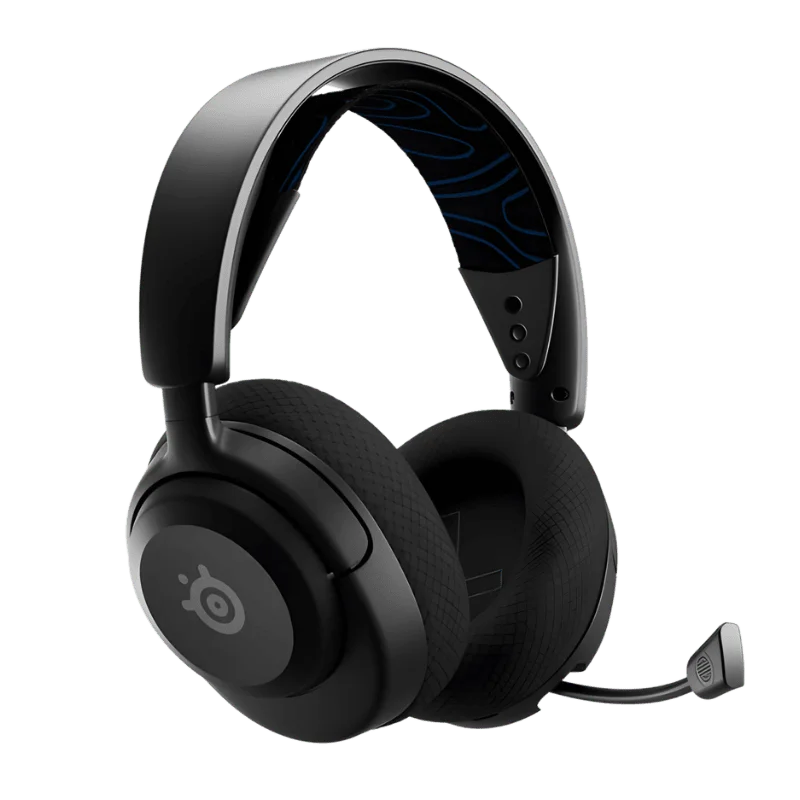
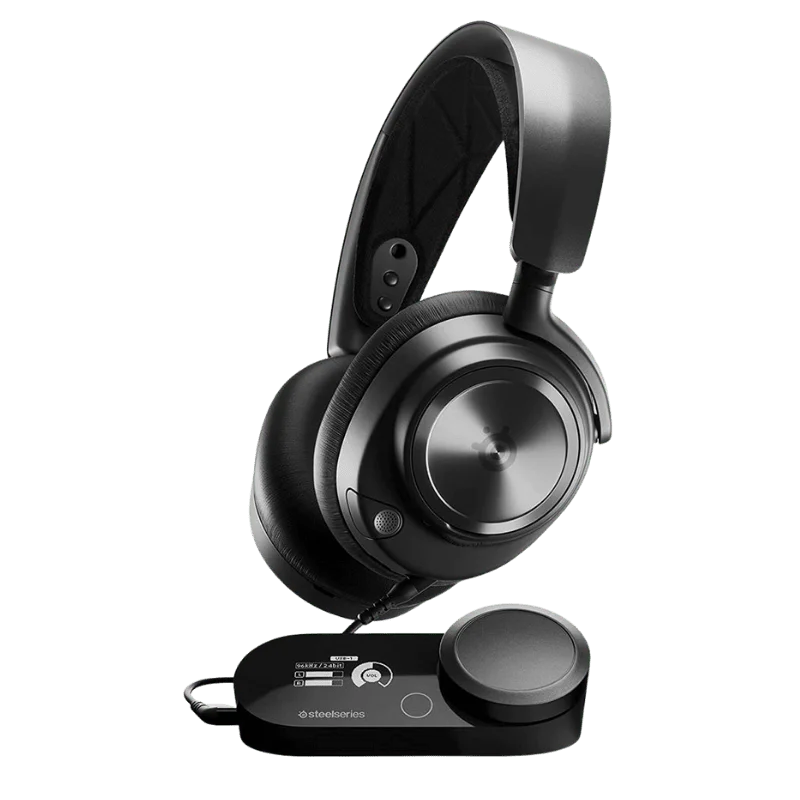
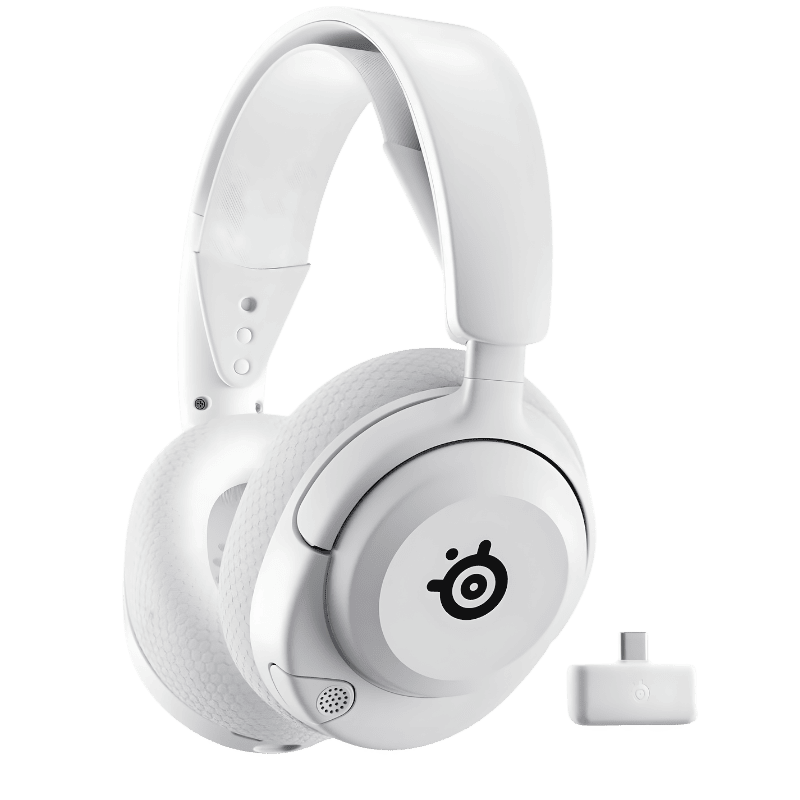
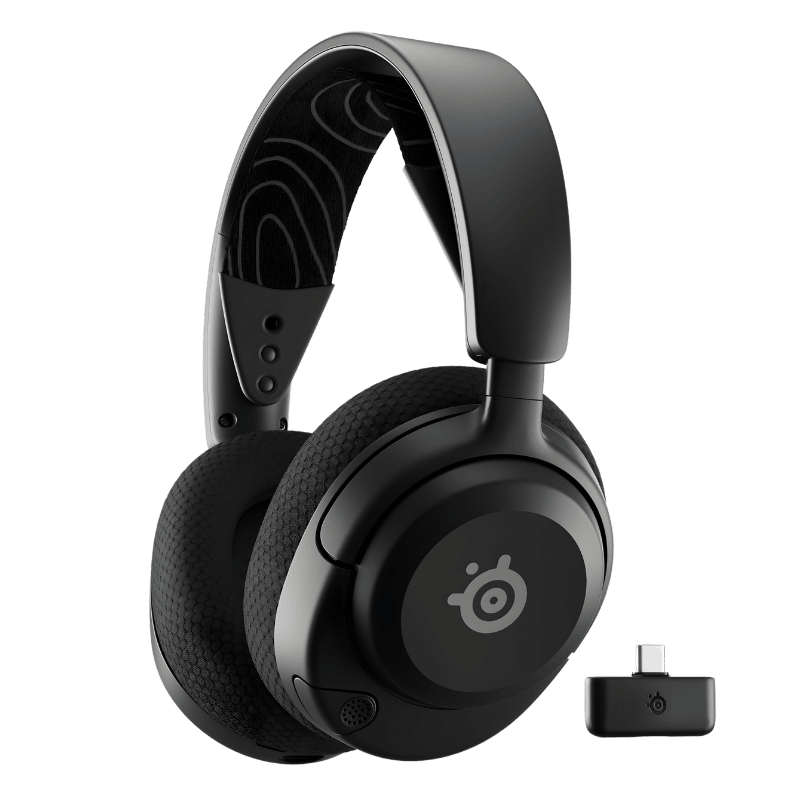
Featured Multi-Device Wireless Headsets

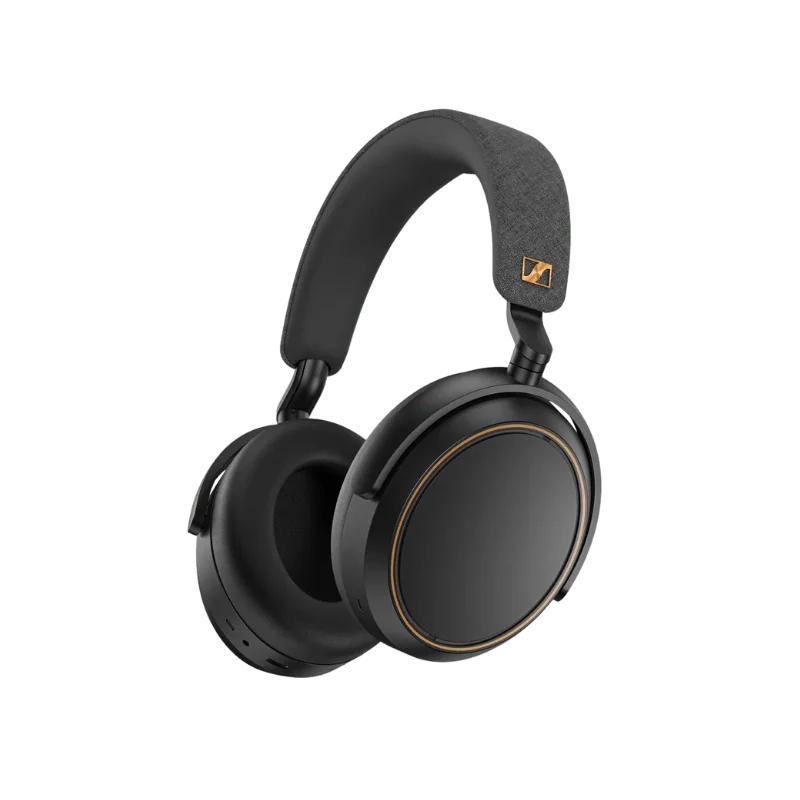
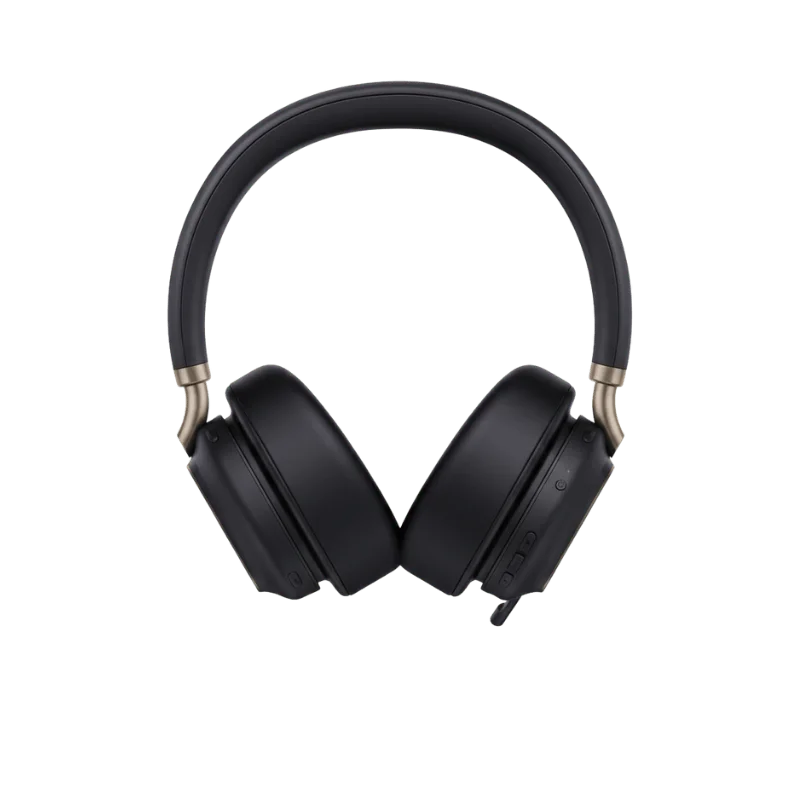
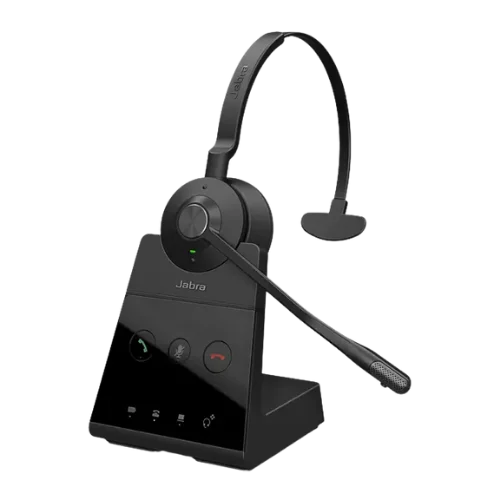
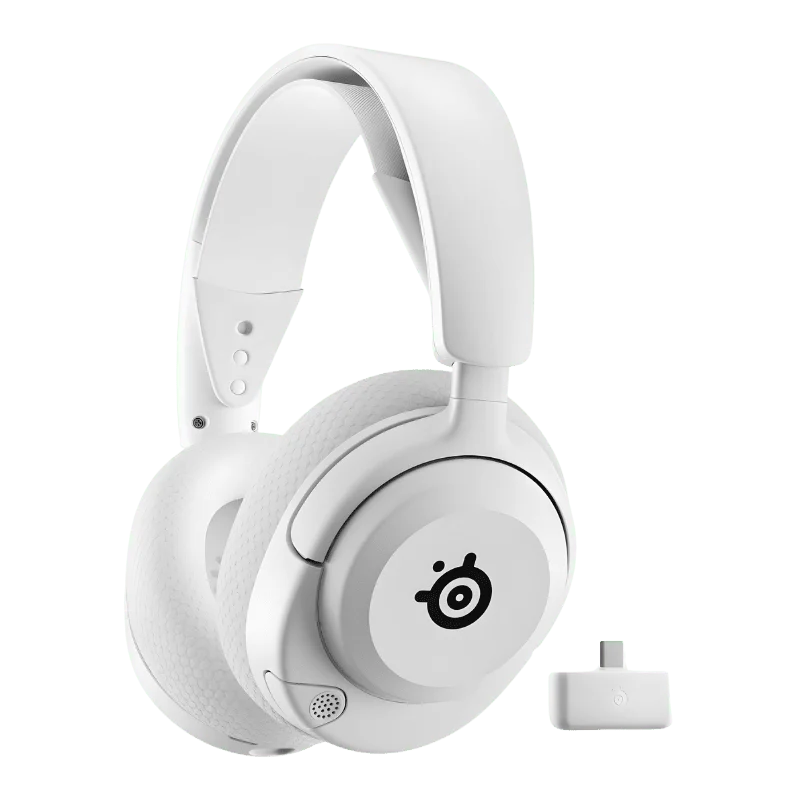
Explore our top-selling multi-device wireless headsets for professional use:

Our Trusted Brands for Wireless Multi Device Headsets

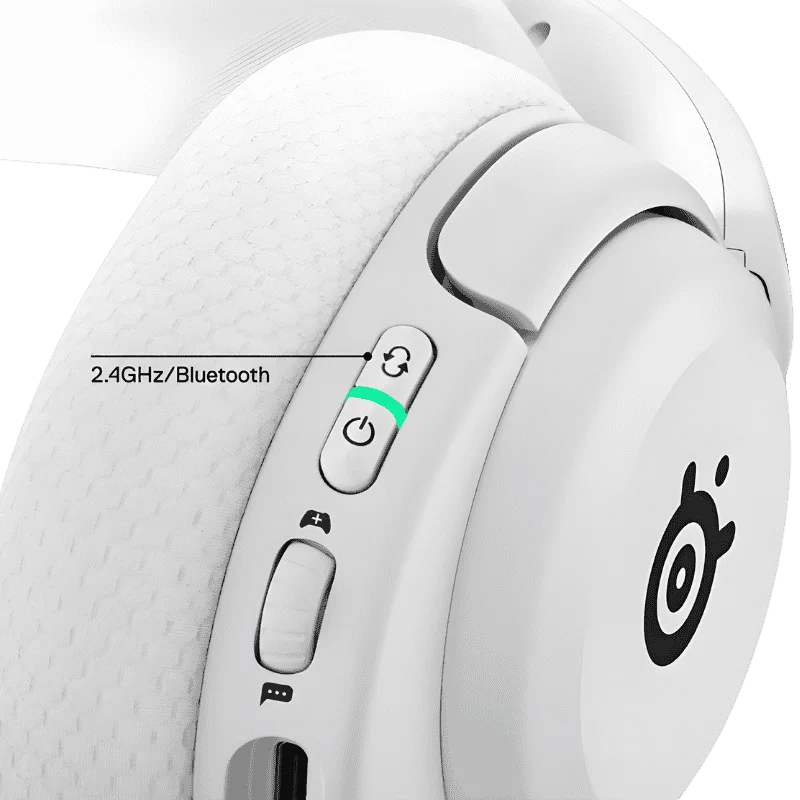
We provide you with wireless multi device headsets from the top manufacturers, reputable for their exceptional quality devices. Our trusted brands include Plantronics Poly, Jabra, Logitech, and SteelSeries. All these brands are recognizable for their seamless connectivity, better audio quality, and a wide range.

Buy Wireless Multi Device Headsets from FindHeadsets

Are you looking for a genuine supplier of wireless headsets? You are in the right hands. Explore a wide range of wireless multi device headsets from the top manufacturers, Jabra, Plantronics, and many more. Get headsets that cancel out any background noise and deliver clear audio without any latency.

Also explore our USB wireless headsets for additional connectivity options.

Looking for a wireless product that connects with multiple devices simultaneously? Buy Wireless Multi Device Headsets now!

FREQUENTLY ASKED

Multi-Device Headset Questions

Yes, the wireless headphones can be connected to multiple devices. They are multi-device compatible, so they can be connected to deskphones, softphones, smartphones, and PC.

Bluetooth multipoint is not so popular because most headphones or headsets do not support it properly. Only a few headphones support streaming from two devices at a time. Moreover, the audio quality is also compromised.

There is no one best multi platform headset. Many top brands offer multi-platform, which can be declared as the best cross-platform headsets. Some prominent brands are Logitech, Steelseries, and Razer.

A multipoint headphone is one capable of connecting to two or more Bluetooth devices at the same time. They eliminate the need to manually disconnect from the first device and then connect to the other. You can easily switch from the primary device to the secondary device.

A Bluetooth headset connects with two devices at the same time with multipoint connectivity. However, they can store eight pairing devices but connect with two simultaneously.

Address

9931 Franklin Ave Suite 128 Franklin Park IL 60131

Hours

Mon-Fri: 9:00am - 5:00pm

Sat-Sun: Closed

Find Headsets Logo