
Headsets 101: Ultimate Guide to Understanding Headsets
In the modern world, headsets are a common thing with new technology. There are many choices, which sometimes confuse us about where we should begin. We have multiple applications, plugins, adapters, and other options to choose from.
At Find Headsets, we provide a headsets 101 guide to explain headsets to you in detail with all the pictures and visuals. This will help you understand which headset is better for your work and how you can use it. We will explain which devices and cables you need and where and how you can connect.
Office Headsets
These headsets are especially designed for clear voice and clear communication. They are commonly used in:
- Call centers
- Corporate offices
- Customer service departments
- Reception desks
- Remote work setups
These headsets are designed to offer microphone clarity, comfort, and reliability over entertainment features like bass-heavy sound.
Office Corded Headsets
These headsets have a wire with them, which is used to plug into the source. They are old style, but corded office headsets are still widely used. They offer simplicity and stability. They are well known for their amazing features, like:
- No battery required
- Consistent audio quality
- Minimal interference
- Easy setup
We mostly go for corded headsets for our office. But after going for this option, we mostly face a few problems like "Where to plug this headset cord into?"
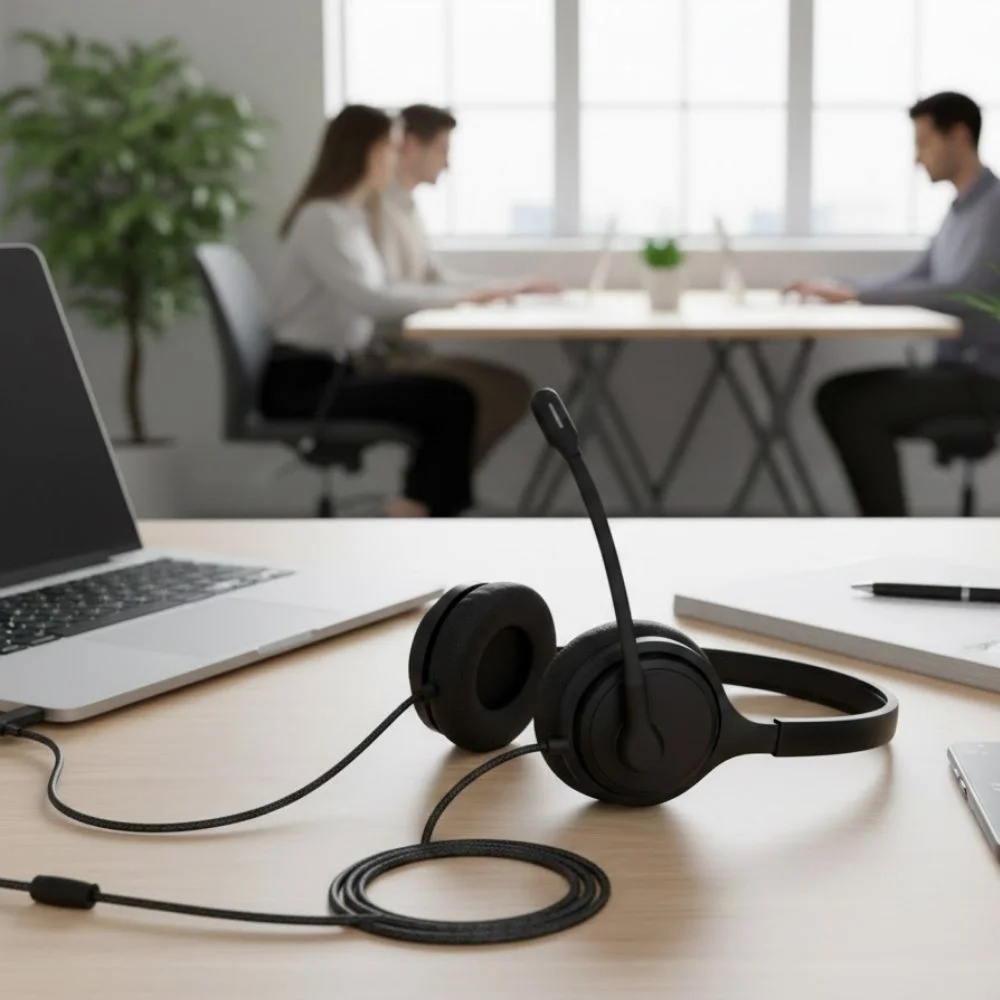
Well, to understand this, you need to know that there are three types of plugging systems in current telephones:
For older and basic telephones:
You will need an amplifier that plugs into the headset port on your telephone.
For new telephones:
You will find a modular headset port on the bottom of your telephone for plugging in.
2.5mm headset jack:
Some telephones have a side jack for plugging these types of cords.
What is Required for a Corded Commercial-Grade Headset Solution?
If you think that setting up corded headsets for your office would require thousands of items, then you are totally wrong. This is a very simple process. You will only need two items:
- An amplifier
- A Quick Disconnect (QD) Cable
Now, what are these, how do they work, and why are they important?
So if you keep on the move, and you're the person who works and wants freedom of movement, then a Quick Disconnect (QD) Cable is all you need. Want to know how and why?
The first thing that you need to know is that commercial-grade headsets have a special cable connection called a quick-disconnect.
Well, understand that a quick disconnect cable is a unique type of cable that allows you to move. You can pull this cable apart from your telephone and then connect again several times. It is designed in such a way that it will not wear out.
In layman's language, it means you can keep the headset on your head. When you need to stand up or walk away from your desk, you can simply unplug the cable. You don't have to take the headset off every time.
Important Note:
But this facility is not for every headset. Some manufacturers provide this, and some do not. So you need to confirm first. Cheaper headsets do not have this feature, so you have to remove the headset whenever you leave your desk.
Each headset brand has its own type of quick-disconnect, so cables from different brands cannot be mixed. The quick-disconnect is strong and durable. You can unplug and plug it back in many times without damaging it.
Amplifiers and Direct Connect Cables
If you are among those people who buy a commercial-grade headset for the first time, and you think that you only need the headset, then you need to know that you are buying yourself mere confusion. Want to know why? Because a headset cannot work by itself! If you buy only the headset, you will feel frustrated because there will be nowhere to connect it.
A headset needs something to plug into. So if you want to connect it to a desk phone, then you will need either an amplifier or a bottom cable. Now, if you are thinking about how to decide which one you need? Then it depends on the type of your phone.
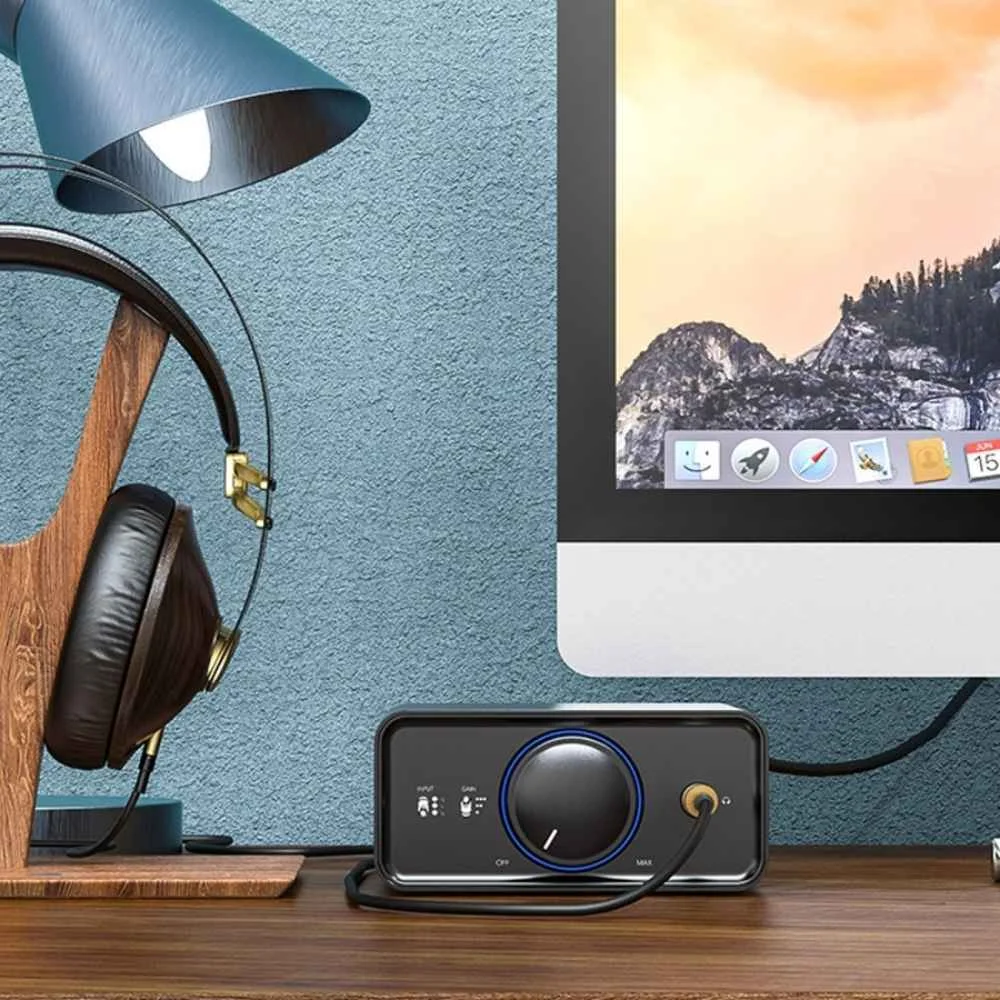
Plantronics amplifiers work with most office phones. It does not matter whether you have one line or multiple lines. These amplifiers are very popular because:
- They come with a mute calls option
- They allow you to adjust the speaker and microphone volume
- They provide you with very clear call quality
To make things easier for you, Find Headsets offers simple compatibility guides to help you choose the right headset setup for popular phone models.
What Are Amplifiers?
So the first thing is, let's understand what amplifiers are. An amplifier is a device or piece that connects to the same phone jack where your telephone handset is normally plugged in. And then, your handset plugs into the amplifier. This small device helps you better understand the working of your telephone and headset.
How Does an Amplifier Work?
It's simple to understand:
- When the amplifier is ON, your headset works.
- When the amplifier is OFF, your regular handset works.
What is the Difference Between Old and New Office Telephones?
In old telephones, working was hectic and less productive because you had to lift the handset to start a call and put it back down to end the call. Do you want to know why? That was because old phones had a small switch under the handset. That switch needed to be pressed and released to work properly.
Wasn't it so annoying? Yes, that was very annoying. But what it was, it was, and this was not just with one phone; it was with almost all phones. No matter which brand you used to use. Changing the amplifier or brand would not have helped you at all.
But things have changed with modern telephones. Newer phones have a headset port and a Headset button. You sometimes also find a Speaker button. New phone headsets do not require to be lifted. You simply press the Headset or Speaker button or a ringing line button to answer your call, and that's it. And ending the call is easier than receiving the one. You just need to press it again to end the call.
How Do Amplifiers Increase Your Productivity and Ease of Use?
An amplifier increases your work productivity 100 times more as compared to old phones. Now you don't need to worry about removing and replacing your headset for receiving or ending your call. This gives you many facilities like:
- Speaker volume control
- Microphone volume control
- Phone compatibility settings
- A mute button
What to Take Care of with Amplifiers?
Amplifiers use AA batteries, and these usually last 6 months to 2 years.
When batteries are low, you will hear a beep in your headset, and then you need to replace your batteries.
But don't worry, your calls won't suddenly drop because you will still have weeks to replace them. Moreover, you can also buy a power adapter instead of using batteries. This is more convenient, by the way.
What Type of Cables Come with Amplifiers?
The amplifier comes with two cables. One is a short cable that is also known as a pigtail. This connects the amplifier to your phone. And the second one is a coiled cable. This is used to connect the amplifier to your headset with the help of the quick-disconnect.
Direct Connect Cables
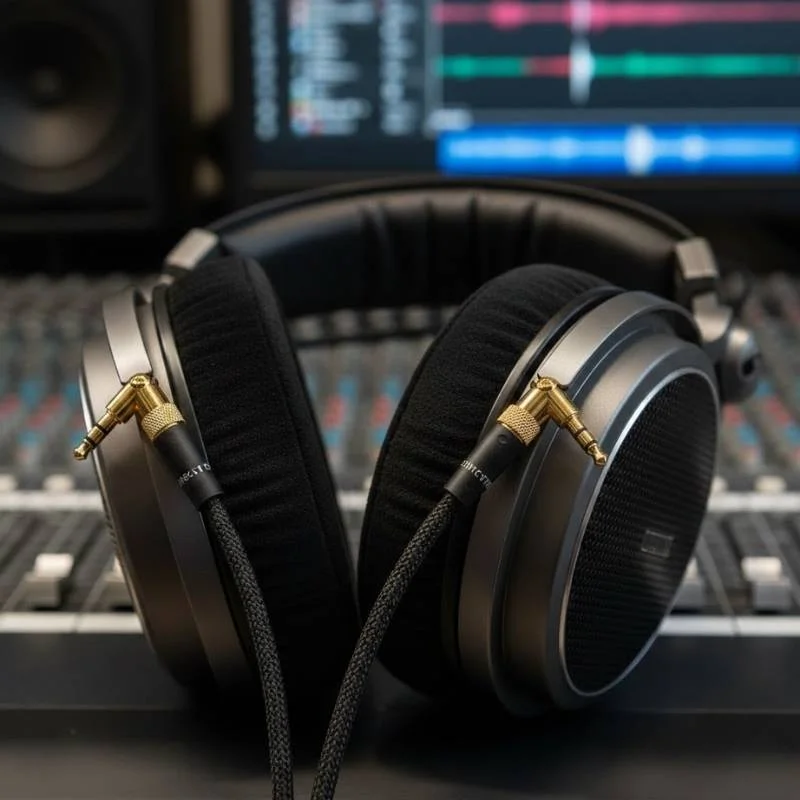
We understand that amplifiers are expensive and a less budget-friendly option. So if you are looking for an affordable and pocket-friendly solution for your office headsets, then you need to use Direct Connect Cables. It is very easy to use. You just need to plug it straight into the phone's headset port.
If we look at the budget, a Direct Connect cable can cost you between $30 to $40, whereas an Amplifier can cost you around $90 to $100.
What Do You Need to Know About the Direct Connect Cable?
When you use a DC cable, sound is controlled by the phone. It does not give you the facility to control the sound, adjust the microphone or speaker volume yourself like an amplifier used to do. And there is one more limitation that you need to take care of. The quality of sound may not be very strong or clear.
A Direct Connect cable works about 60–75% of the time, whereas an amplifier works almost 100% of the time because it has volume controls. So, you need to know that not every phone works well with every Direct Connect cable.
Modular Plugs RJ9 / RJ11 (Desk Phones)
Modular plugs are small plastic modular connectors that are used to plug headsets into office phones. When you connect the headset, you need a headset amplifier or a Direct Connect cable with these plugs. These plastic plugs are used to connect phones with an amplifier or a Direct Connect cable headset. There are two types of plugs:
RJ9 Jack (Also Known as RJ22)
This plug is usually clear or gray, sometimes smoke-colored.
RJ11
Bigger plug used for home wall phone outlets.
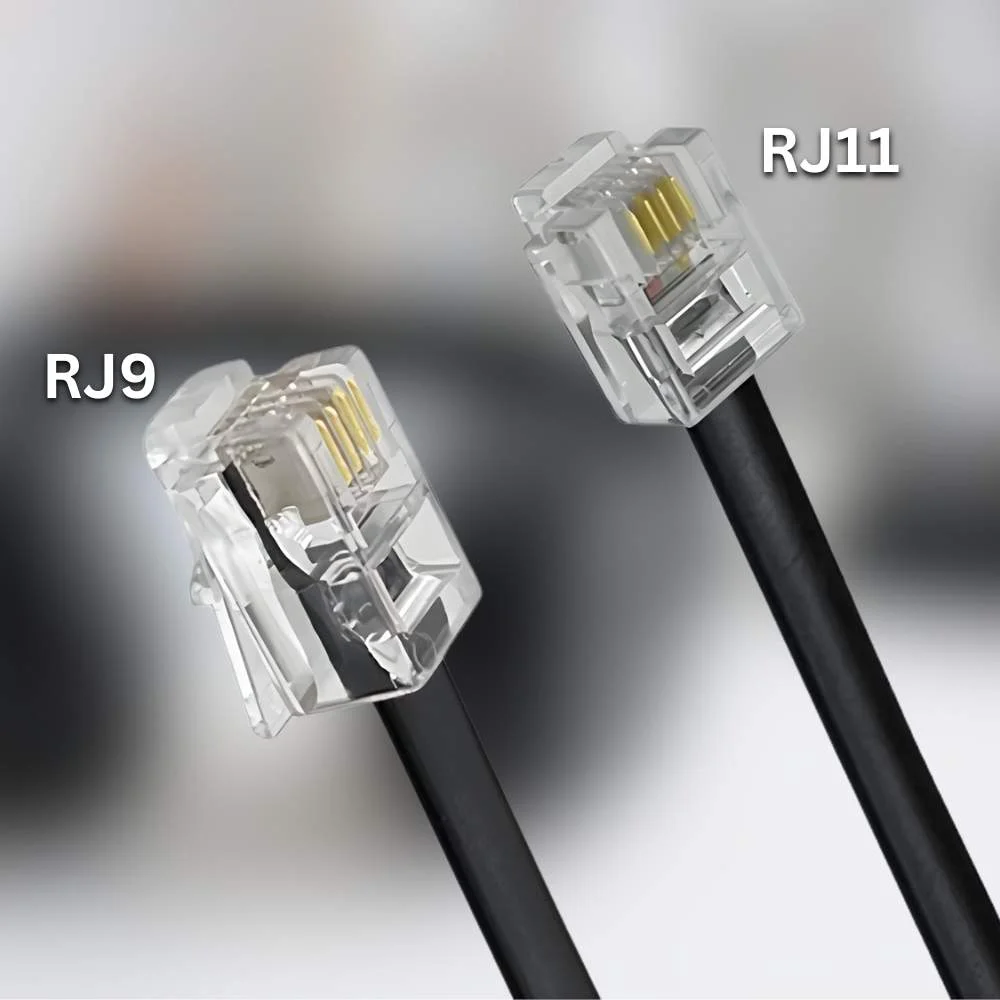
| Feature | RJ9 Jack | RJ11 |
|---|---|---|
| Size | Smaller plug | Bigger plug |
| Used For | Headsets and handsets | Home wall phone outlets |
| Signal Type | Carries voice sounds only - used for talking and listening | Carries ringing power, dial tone, and voice |
Important Note:
Both plugs come in different sizes and carry different signals. So you cannot replace them with each other. And if you plan to cut one plug and replace it with the other, it simply won't work.
Modular Plug Summary
| Plug Type | Description |
|---|---|
| RJ9 Headset Plug | 4P 4C: 4-position, 4-conductor used to plug into headset and handset ports |
| RJ22 Headset Plug | 4P 4C: 4-position, 4-conductor used to plug into headset and handset ports |
| RJ11 Headset Plug | 6P 4C: 6-position, 4-conductor used for telephones and modems |
| RJ45 Plug | 8P 8C: 8-position, 8-conductor used for computer networking |
2.5mm Headset Jack
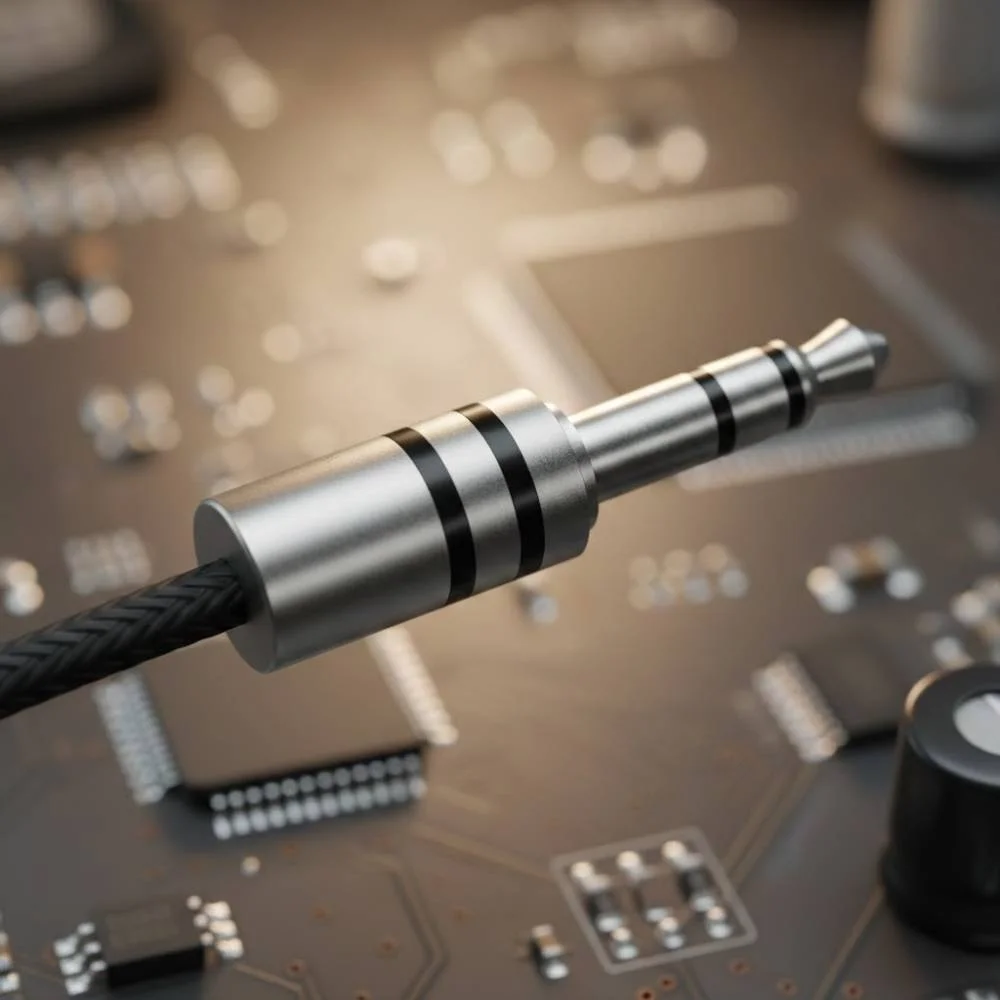
There are a few telephone manufacturers that produce a 2.5mm jack. It is both good and bad, and some offices use this jack.
The Good Thing
The good thing about this jack is that it provides your telephone with a headset button. And you can answer and end your calls by pressing the button. In this way, you don't need to lift the handset each time.
The Bad Thing
The bad thing is that if you buy a cheap, low-quality, or home-use headset for your office, thinking that it has a 2.5mm plug, you will face several problems:
- Poor sound quality
- Very few options
- Very short cord, so you must stay close to the phone
This makes the headset uncomfortable and impractical for office work. It is better to use a commercial-grade headset even if your phone has a 2.5mm jack. It will provide you with much better sound and comfort because they are made for long office use.
You can make your experience better by going for two types of options:
Option 1: Use an amplifier for complete volume control (Most Preferred)
- Poly EncorePro HW540 Headset (Quick Disconnect)
- Poly M22 Vista Amplifier
- Poly 2.5mm Adapter Plug
Option 2: Alternative method using a patch cable with no volume control
- Poly EncorePro HW540 Headset (Quick Disconnect)
- Poly 2.5mm QD Cable for H-Series Headsets
Headsets: Noise-Canceling vs Voice-Tube
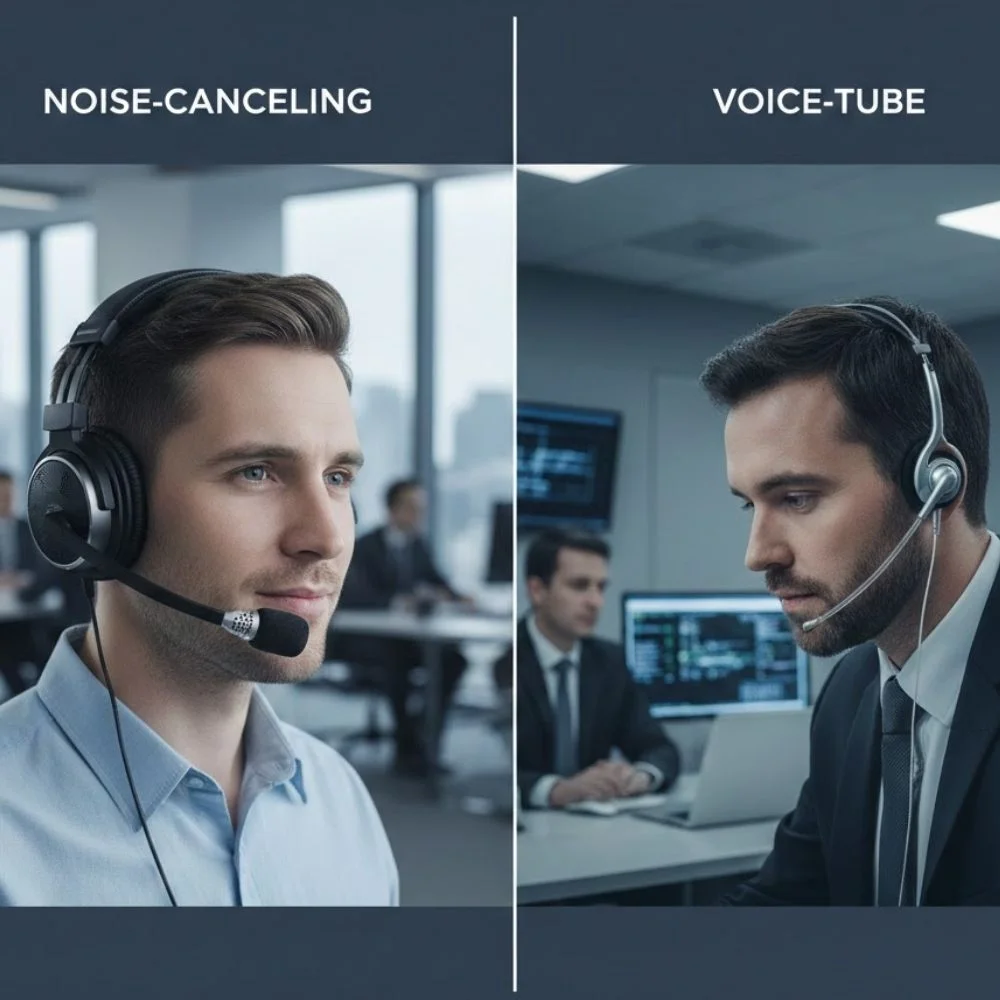
When you choose a headset, you should think about two main questions:
- How noisy is your work area?
- How do you like to wear your headset?
Noisy Work Environment
If you work in a loud place like a busy office, call center, or coworking space, you need a noise-canceling headset. It makes your voice clearer to the person on the call, but if you think it provides you with any benefit, it's wrong to say yes! Because it can only help your caller hear you clearly, not you.
How Does Noise-Canceling Work?
The headset has a microphone boom that is basically an arm to support the microphone. The microphone is attached to the end of the boom. So one side of the mic hears your voice, and the other side reduces background noise. Through this, it only focuses on your voice and reduces noise.
Noise-canceling headsets reduce background noise by up to 75%. But they do not remove all noise. They can block some of the noises, but if construction is going on near your workplace or cars are honking, it might fail to avoid those disturbances.
Advanced Noise-Canceling (High-End Headsets)
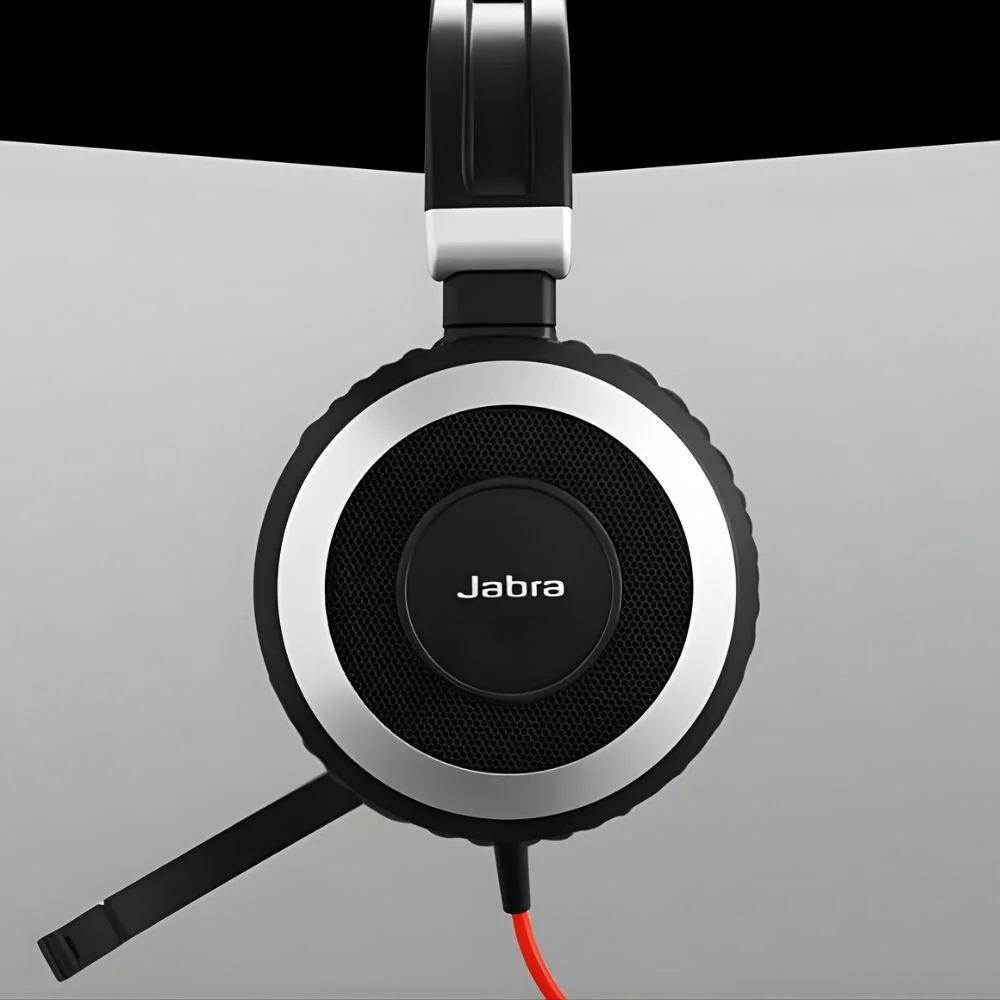
Expensive headsets use advanced technology that can block sounds. If you ask us for ANC, then you should use Poly's Acoustic Fence, which uses multiple microphones to block background noise.
Quiet Work Environment
If your work area is a quiet area, then you should go for a Voice-Tube headset. It is a better choice, and you can save some money as well. It gives you a better style with clear and natural voice quality.
Simple Test to Choose the Right Headset
You can test calling someone from the place you'll use the headset. Then ask them to stay silent and listen carefully. If you hear background noise, then choose Noise-Canceling, and if you hear little or no noise, then choose Voice-Tube.
In simple words:
- Loud place = Noise-Canceling
- Quiet place = Voice-Tube
Microphone Positioning
Microphone positioning is very important. If your microphone is not placed properly, the other person will not be able to hear you clearly. This will cause miscommunication and disturbance at both ends.
To avoid this, you need to keep your microphone about 1/4 inch away from the side of your mouth. This will make sure to deliver your sound perfectly.
There are some other factors on the basis of which you need to change your Voice tube every six months. According to Plantronics, this change can make your callers hear you clearly. This is just a general guideline and depends on how you care for your headset.
Important Tips:
You should avoid eating while using a headset microphone. Because small food bits can get into the small tube of the microphone and block the screen. This reduces your voice volume. Makeup can also block the screen. So, you need to replace the voice tube earlier than every six months.
If you don't eat or wear makeup while using the headset, then your voice tube can work for a very long time because it won't clog, and it is made of plastic and has no electronic parts.
If you think that it's better to clean the tube rather than changing it, then you are wrong. It doesn't help, and it pushes the blockage deeper, which reduces your voice even more.
Headsets: Over-the-Head vs Over-the-Ear
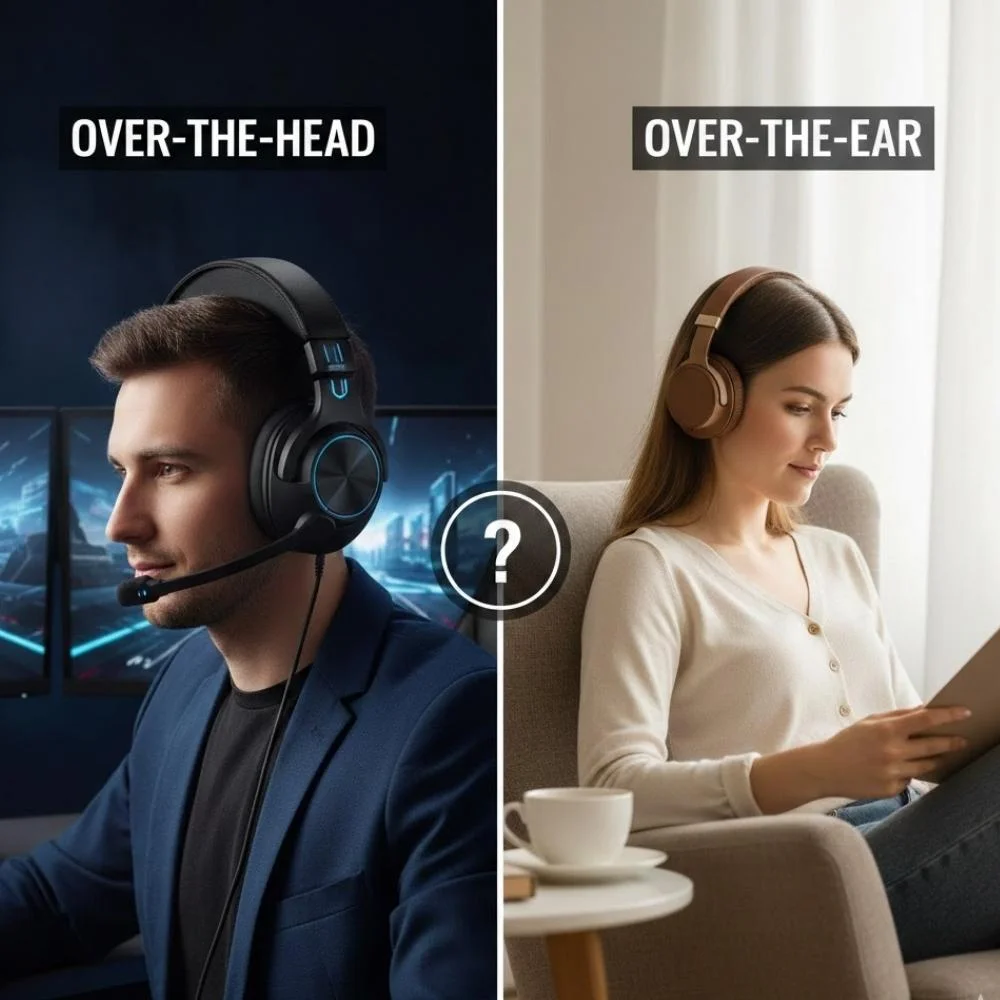
When you choose a headset, it is very important to look for your comfort and satisfaction. Along with this, you also need to understand your working environment requirements.
If Your Workplace is Noisy
If you work in a busy and noisy area, then you should go for an over-the-head headset. This will increase your productivity because the large ear cushion helps block outside noise. In very loud places, a headset that covers both ears is better than any other option.
Coworking Spaces
If you need to talk to your coworkers or hear them, then you need a single-ear headset or over-the-ear headset. It is the best option for you because one ear stays open and you can work using the other.
Focused Workspace
If you work in a place where you focus only on the caller, then a headset that covers both ears can help you block noise. You will stay focused, and no one will distract you.
Over-the-Ear Headsets
These headsets are smaller and very lightweight. They are very less noticeable than over-the-head headsets. In the end, your personal comfort helps you decide.
Left Ear or Right Ear
Headsets are designed to be worn on any of both ears. It's your personal choice on which ear you want to wear them, and you can switch them easily. Headsets that cover both ears can have the microphone on both sides.
Convertible Headsets
If you do not have any idea which style you like, then you can use a convertible headset. It is a very good choice for you. It allows you to wear it in different ways so you can find what works best for you. Convertible headsets are also helpful when you have to share headsets with your colleagues or manager because each person can quickly change the style to what they prefer.
You can check different types of wearing options at Find Headsets. We offer:
- Over the Head (Monoaural)
- Over the Head (Binaural)
- Over the Ear
- Convertible (Multiple options)
Headset Accessories
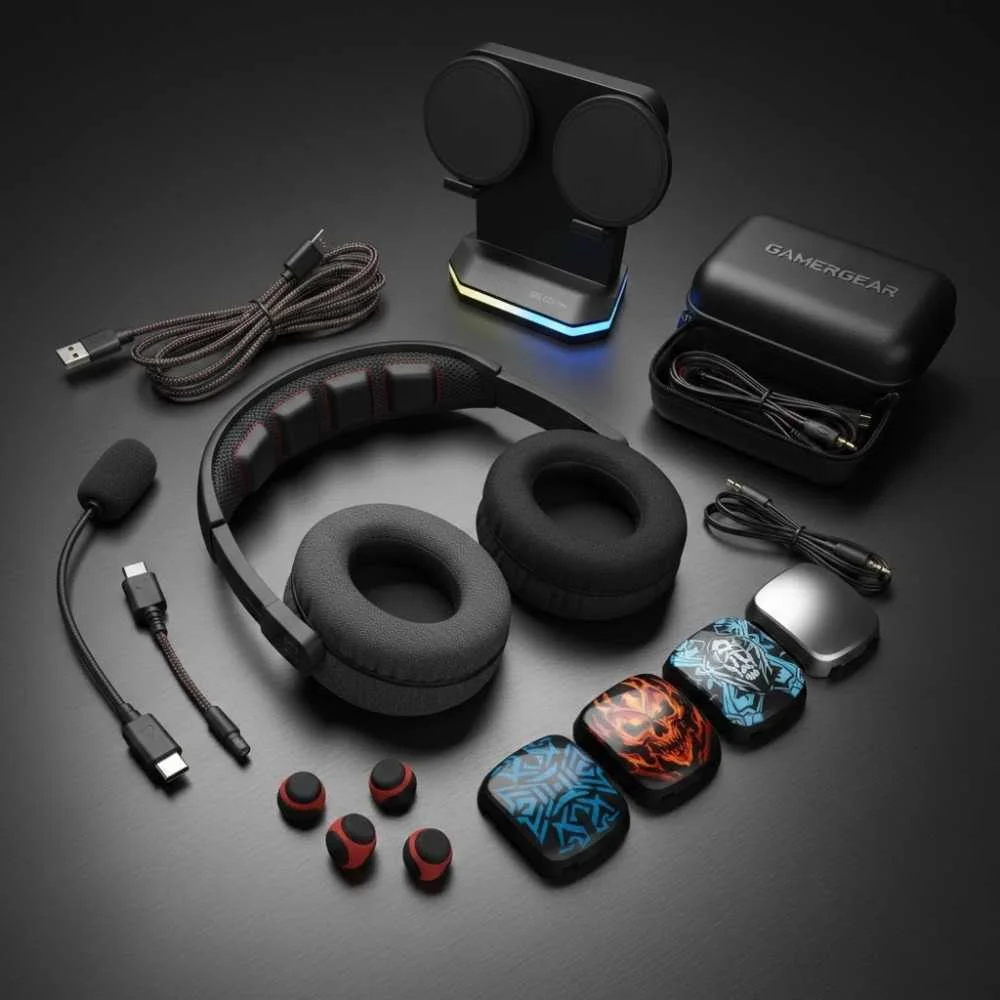
We offer corded headsets that have some accessories to give you maximum comfort, and they also make them easier to use. They are:
Leatherette Ear Cushions
It helps you in easy wearing and provides you comfort because they slide over your hair easily. If you have experience with regular foam cushions, you will know how painful an experience they give when they get caught in long hair. So leather ear cushions make the headset faster to put on and take off.
A Y-Cord
This is a gem accessory for your office, especially if you have trainees. You can use it for training. It lets two people listen to the same call. A trainer can listen in and take over the call if needed.
A 10-Foot Extension Cord
It gives you more movement if the cord is too short. It's a good option for those who want to move more but prefer not to switch to a wireless headset.
Wireless Office Headsets
These headsets do not require a cord for connection. They are an advanced type of headsets that offer you the freedom to move around while staying connected to calls. They offer outstanding performance and perks like:
- Walk and talk freely
- Hands-free multitasking
- Reduced desk clutter
These headsets are very user-friendly, but you can still find some problems. And to be very honest, anyone can find these problems. So let's learn how to solve these.
Where Do Wireless Headsets Plug Into?
When you use a wireless headset, you will find two common places to plug it into your phone. Like corded headsets, wireless headsets also have plugs to offer better connection and work productivity.
Phones have a handset port where you can plug the wireless base or charger. Many new phones come with a headset port on the bottom where you can plug in the wireless base.
How Can You Plug into a Handset?
So, as we know that many phones have a port where you can plug your headset. But the most confusing thing is how?
To understand this "how," you need to know where to plug and how to plug.
- To use the headset, you first need to press the button that is on the side of the headset to turn it on. It is also called the Call Control Button.
- After this, pick up the phone handset and place it next to the phone. You will hear the caller or a dial tone, which means you can now start dialing.
- So after this, when your call starts, you can move freely while talking.
- When your call is over, you just need to put the handset back on the phone. This will hang up.
- After this, you again need to press the Call Control Button to turn the headset off.
Battery Tip:
Some people keep the headset on all the time for easy use, but this consumes battery. And if you plan to do the same thing, then make sure the battery lasts long enough.
How Can You Plug into a Headset Port?
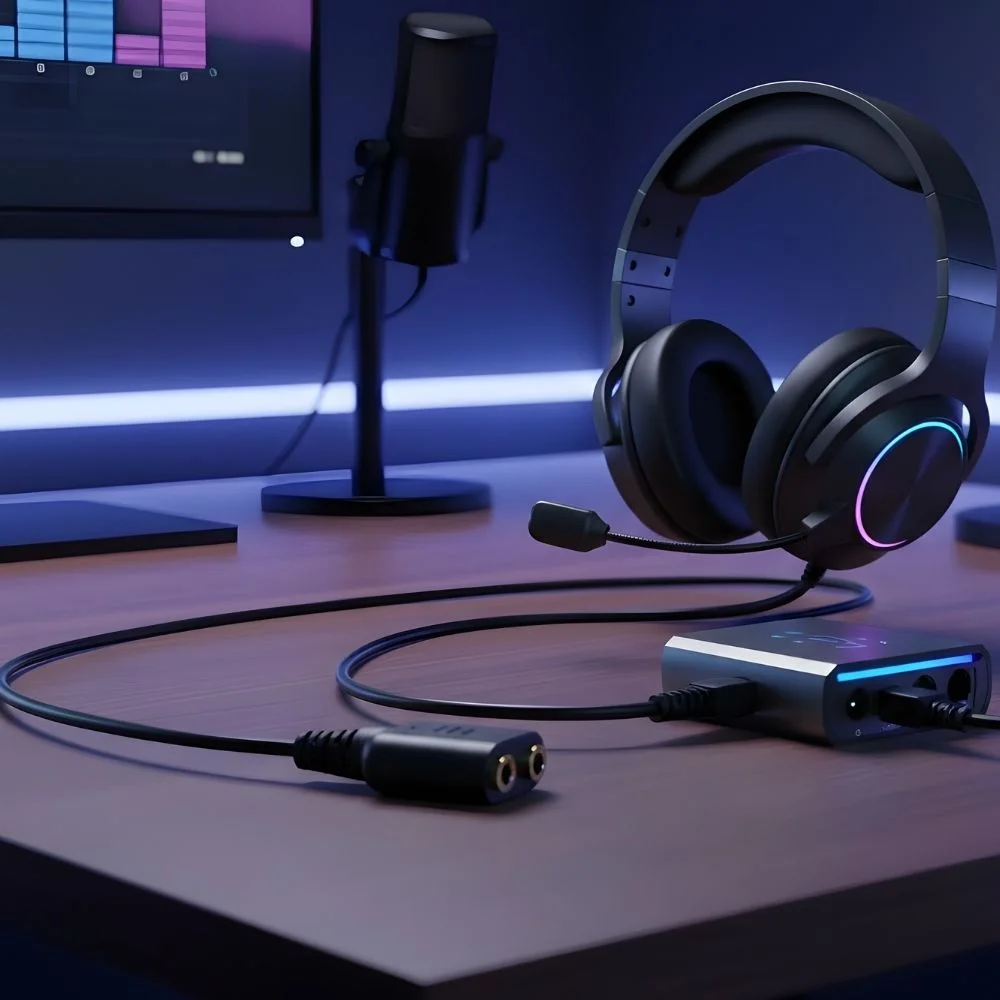
If you have a phone that has a headset port, then everything will remain the same, like plugging into a headset, except for one thing.
- You need to press the button on the side of the headset that is also known as the Call Control Button. This will turn it on.
- For an incoming call, you need to press the ringing line. And if you want to make a call by yourself, then press an open line and start dialing.
- When your call starts, then you can move in your office while talking.
- When the call ends, you just press the Headset button on your phone to hang up. Then press the Call Control Button to turn the headset off.
Important Note:
Same as a handset, some people leave the headset on all the time. But if you do this, you need to take care of the battery then. If your headset is plugged into the headset port, you cannot answer or hang up calls from the headset.
What is Required for a Wireless Commercial-Grade Headset Solution for Your Office?
Wireless headsets for offices come complete with all of their required components. They include:
- Base/Charger
- Headset lifter
- A/C Power Adapter
- Electronic Hookswitch (EHS) cable
- Small LED lights
How Are These Components Helpful?
Electronic Hookswitch (EHS) Cable:
The EHS cable allows you to answer and end calls without touching your phone.
A Handset Lifter:
Physically lifts and lowers the phone handset to answer calls.
The Base:
It controls phone compatibility, microphone volume, and speaker volume. And it also charges the headset when you are not using it.
Small LED Lights:
They are present on the base to show power, charging, and other status features.
Find Headsets has put together some telephone guides to help you understand your phone better.
Remote Answer and Hang-Up
If you want to answer or end your call faster, you can add a handset lifter or an EHS cable. They detect when your phone is ringing, and they send beeps to your headset to tell you there is a call. For answering your call, you just need to press the Call Control Button on your headset. In this way, your phone answers the call, and you can start talking.
When the call is over, you can press the Call Control Button again to hang up. But you still need to go to your phone to dial numbers, transfer calls, or use other phone features. You can answer calls even when you are away from your desk and avoid missed calls or voicemail.
Base/Charger
The base is the main control unit in the wireless headset. Through this, you can control phone compatibility. It also controls microphone volume and speaker volume. The phones you buy from the market are mostly ready to use. You just need to take them out and start using them.
But if you do not hear sound, you need to adjust the compatibility switch or dial until sound comes through. You can use the microphone setting to control volume settings. How loud does your voice sound to the person you are calling? You can set this with the help of the control volume. This only needs to be set once because your voice stays the same.
Then you set the speaker volume mainly on the base. You can set it close to the right level. And then you can use the small volume control on the headset to fine-tune it during calls.
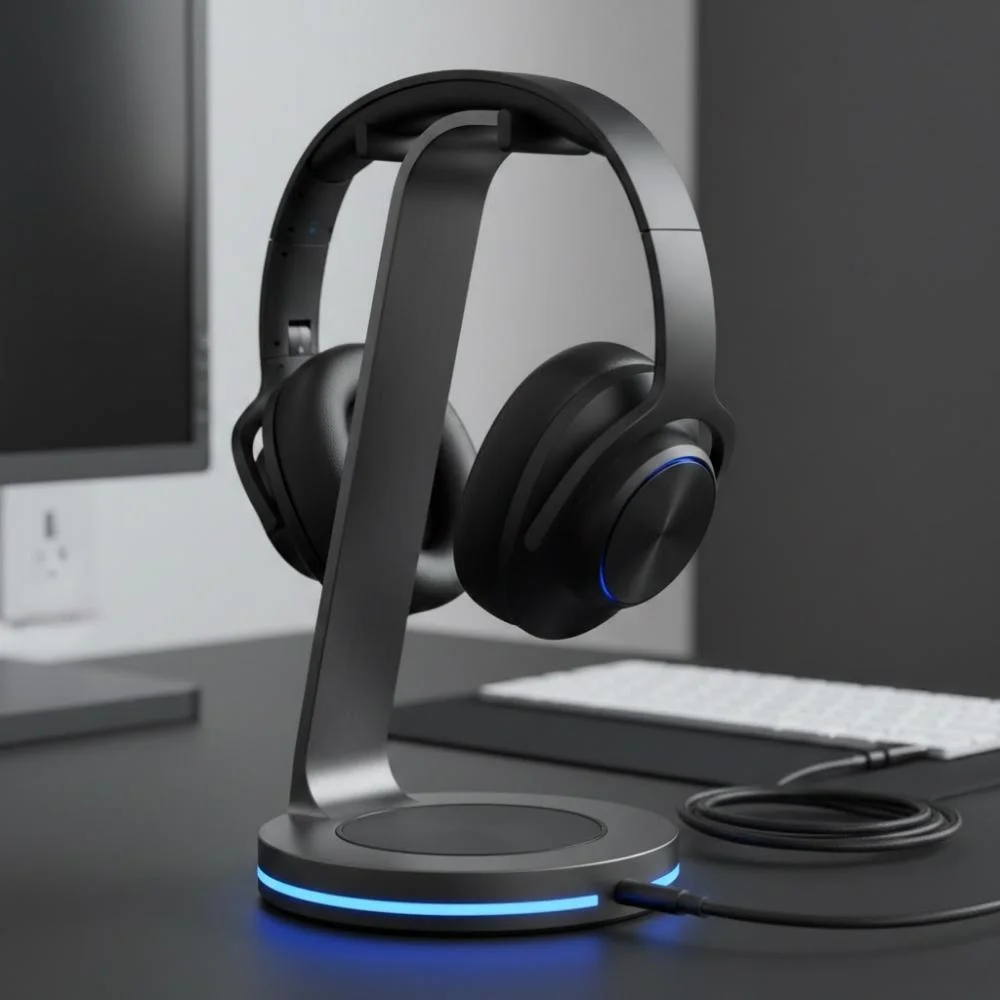
Audio Quality Tip:
If you feel your sound is distorted or has an echo, then you can lower the speaker volume on your phone to fix this issue.
Does Headset Microphone Positioning Matter?
Yes!! It does matter. We have discussed in corded office headsets as well. You need to know that if your microphone is not positioned correctly, your listener will not be able to hear you correctly, and it will lead to miscommunication.
So if you want the best sound, then you need to place the microphone about 1/4 inch away from the side of your mouth.
If you want to deliver your voice clearer to the person you are talking to and reduce background noise, then you can use a noise-canceling microphone. It has several benefits for you, like:
- It helps you hear better in a noisy place
- It helps your caller hear you better
- It can help you avoid miscommunication
- It provides better voice quality
This microphone is located at the end of the boom arm. This microphone has two sides:
- Front side: It picks up your voice
- Back side: It reduces background noise
You can reduce background noise up to 75% with the help of a noise-canceling microphone. But it cannot remove it completely.
Wearing Styles: Over-the-Head vs. Over-the-Ear
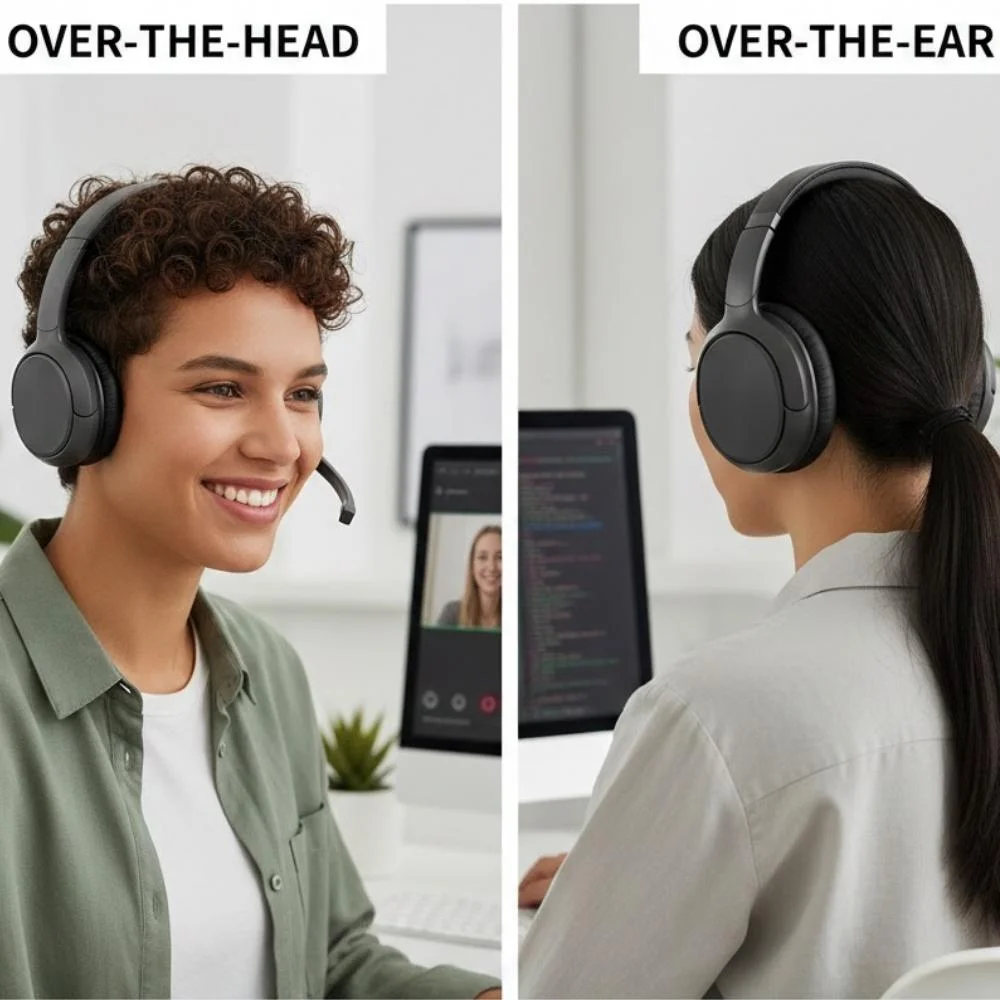
A headset is not just designed to help you hear and speak. They are designed to do the same function, but with your comfort. So when you choose how a wireless headset should fit you, you need to consider that your personal comfort is most important.
When you select a headset for your office, you should always consider your work environment. There are two types of headsets based on the user's preference.
Over-the-Head Headset
If you work in a noisy place, then you should use an over-the-head headset. It works better because the larger ear cushion helps your headset block outside noise so you can hear the caller more clearly. In very loud environments, headsets that cover both ears work best.
Single-Ear / Over-the-Ear Headset
If you are a person who works at a place where you have to manage two things - you need to stay aware of what's happening around you, and you need to work as well - then you need a single-ear or over-the-ear headset. It is a good choice for you because it leaves one ear open.
Two-Ear / Binaural Headset
If you need to focus only on your call and you do not need disturbance, then binaural headphones are best because they block more noise. Over-the-ear headsets are smaller and lighter. They are less noticeable than over-the-head headsets.
Left Ear or Right Ear
If you are a person who prefers a headset on the left or right ear, then you can go for this option. Headsets are not made for only one ear. You can easily switch the headset to wear it on either ear. Headsets that cover both ears can also be worn with the microphone on either side.
Convertible Headsets
If you have started using wireless headsets and you are not sure which style you like, then a convertible headset is a good choice for you.
When you use a convertible wireless headset, you can wear it in different ways. And in this way, you can find the most comfortable fit for you.
It is also great for shared offices because different users can quickly change the wearing style to match their preference.
Wireless Headset Accessories
At Find Headsets, you will find wireless headsets with all the accessories that make your work easier.
HL10 Handset Lifter or EHS Cables
For easy answering and ending calls from your headset. This can save your time and help you avoid missing calls that go to voicemail.
Wireless Training Adapter
It allows your new employees to listen quietly. It gives your trainees the chance to learn from other experienced workers. It can also be used to listen in on calls for coaching and monitoring.
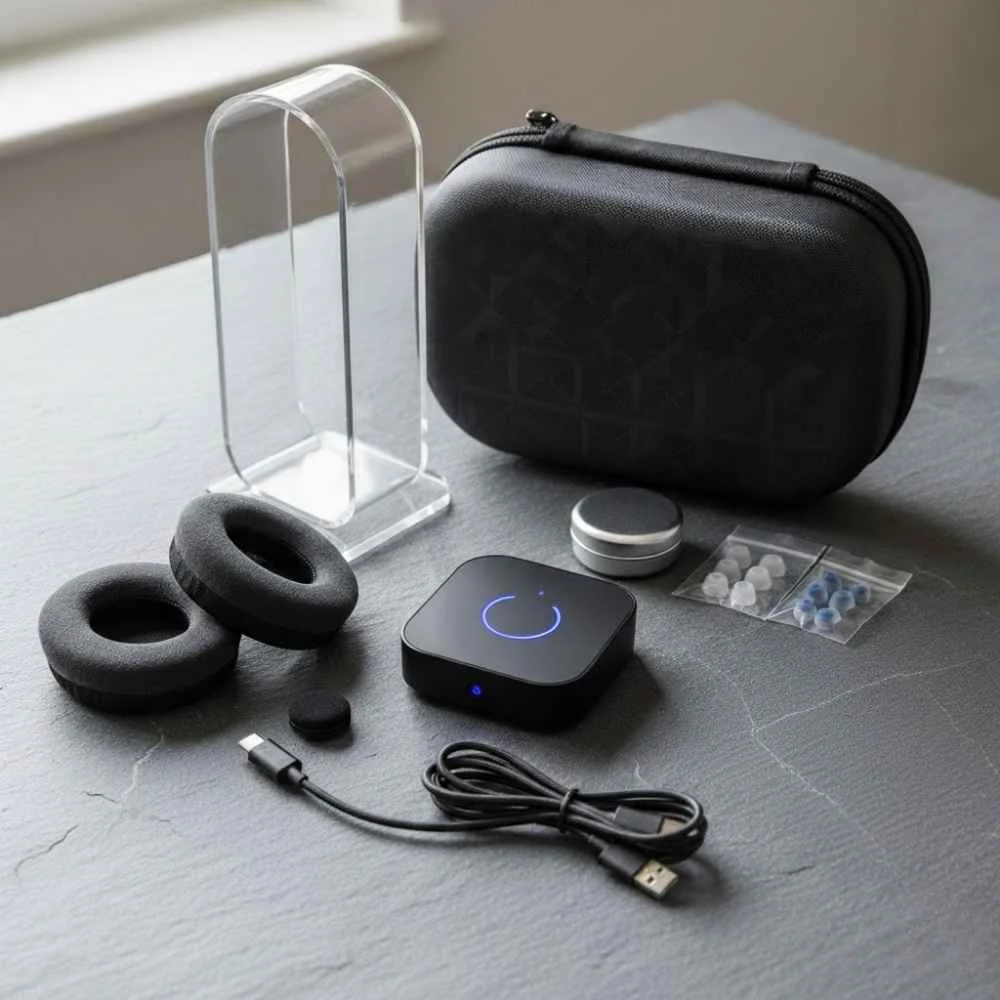
Home Headsets
What Are My Options for Home Headsets?
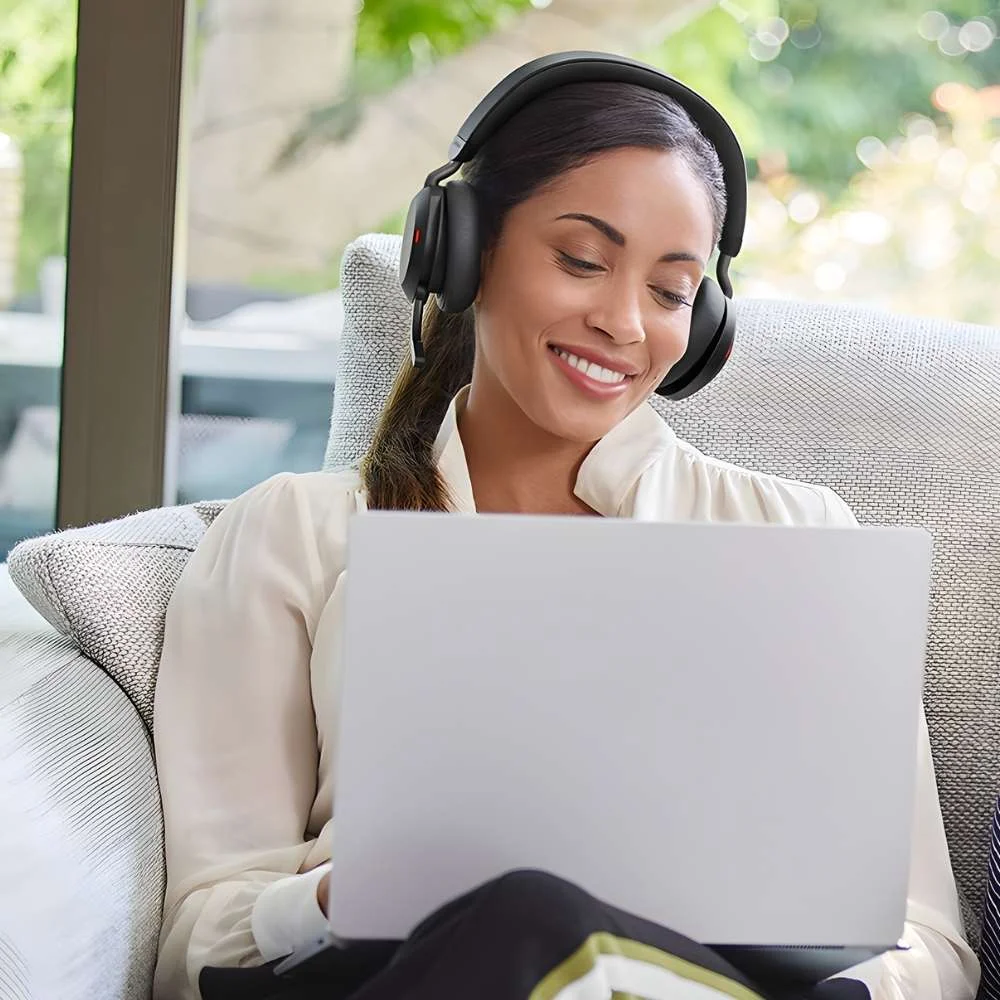
Unlike office headsets, home headsets are designed differently. They are manufactured to give you facilities to make your long gossips with your friends and family distortion-free with high-quality sound delivery. There are different types of telephone headsets when it comes to home telephones. These options are made to give you the freedom to talk hands-free at home. You have a few headset options:
- Telephone headset system
- Wireless headset system
- 2.5mm jack
- Headset system with an amplifier
Telephone Headset System
This is a separate phone that uses a corded headset.
Wireless Headset System
It gives you the freedom to move around your home, and it also has a feature in which you can see the caller ID on the keypad.
2.5mm Jack
If you use a wireless phone, then you can have a 2.5mm jack for plugging in your headset.
Headset System with an Amplifier
This is used to connect your home phone to a single-line or multi-line.
Telephone Headset System
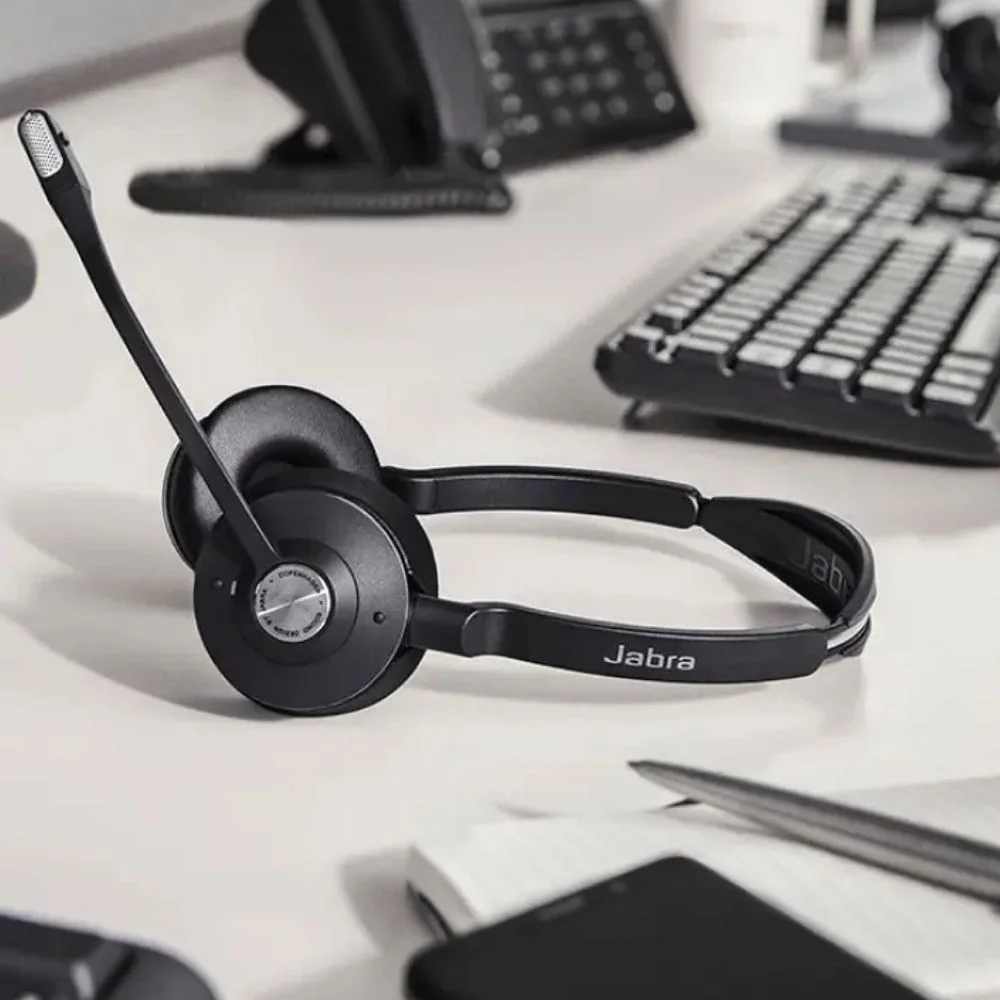
It is a very simple thing to understand that if you want to use a headset at home, you need to have a complete telephone headset system. It functions as a stand-alone telephone for you.
For Corded Telephone Headsets
For using a wired telephone headset, you will need a wall jack, which can be used to plug the base. The corded headset includes a base. This base acts like a phone, and you can use your headset for hands-free talking.
It is the same as you are adding another phone in your house. But instead of holding a handset in your hand, you actually talk through the headset. You can answer calls or start dialing with the press of a button.
For Wireless Telephone Headsets
Same as a wired headset, you can enjoy a wireless telephone headset in the same way. The only difference is that wired headsets have a cord and wireless ones are cord-free. In the wireless version, you can walk around your house while talking. It gives you a facility to cook, clean, garden, or look up information while you are on a call.
The wireless headsets mostly have buttons for answering and dialing. And you also find an LED screen that shows caller ID.
These headsets give you support for only one phone line. And if you have two lines, then your options will be limited, and you need to check carefully before buying.
Cordless Telephone w/ 2.5mm Headset Plug
If you are already using cordless phones at home, then we suggest that you add a headset that plugs directly into the phone. This option is quick and very easy, and it also has many choice options as well. Most of the time, cordless home phones have a 2.5mm headset jack on the side. This is due to its benefit that you can go hands-free. You just need to plug in the headset and clip the phone to your belt.
The downside of this jack is that most 2.5mm headsets are low quality and not very durable.
You may also notice that the speaker or microphone volume is not loud enough. To overcome this flaw, you still have to carry the cordless phone. And to be very honest, this takes away freedom of movement and the perks of hands-free.
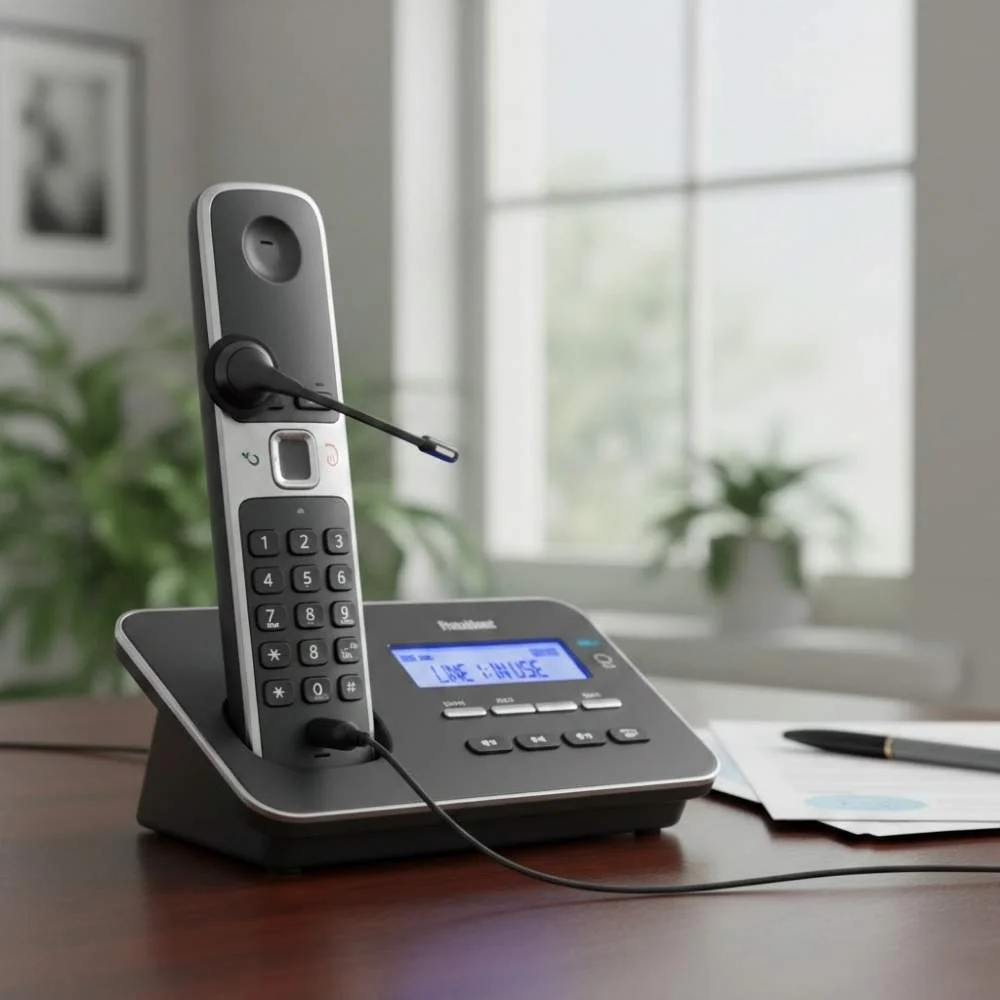
Single-Line or Multi-Line Phones
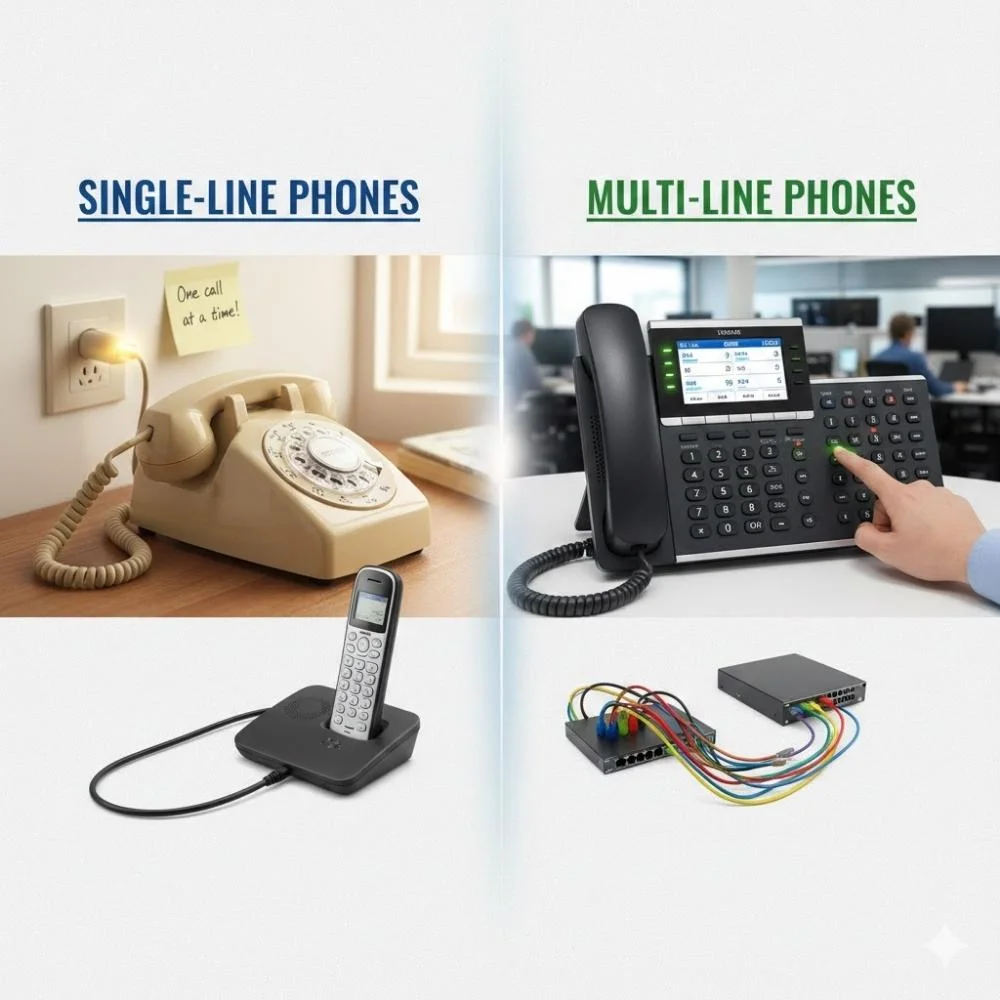
Nowadays, most home phones come with 1 to 4 lines that work well with headsets. If you want to use them with a headset, then you need a complete headset system. It will support your multi-line phones at home.
How to Make It Work?
If you want to connect the headset to a phone base, you need to plug it into the phone where your handset or receiver normally connects. And then you need to plug your handset into the base.
- When the base is turned on, the headset works.
- When the base is turned off, the handset works like normal.
You will need to remove your handset to make or answer a call. You usually need to lift the handset and place it next to the phone.
You will need to replace your handset to hang up the call to end the call. You need to put the handset back on the phone.
This is because lifting and placing the handset activates the switch hook lever of your handset earpiece and ends the call. It may feel inconvenient to you, but this is how headsets work with most phones. And if you think that changing brands or bases will remove the need to lift and replace the handset, then, my man, you are totally wrong!
How is the Quality?
Well, if we talk about quality, then you need to know that home headsets are designed for just conversation purposes. So the sound and features of home headsets are usually average compared to commercial office headsets. Because office and call center headsets are manufactured to meet all the work requirements.
But what we can assure you is that you will feel amazing. Want to know how? Look, if you have never used a headset before and you normally talk to your friends and family by holding a phone to your ear for long calls, then we understand that it must be a tiring thing. So headsets give you the freedom of talking hands-free, and you can move as well. In this way, even your average headset will feel amazing.
But if you feel like that, do you want something extra for your home phone? Then we suggest you check out office-grade headsets.
And if you are used to office-grade headsets, then consumer models come with fewer features. In consumer-grade headsets, you do not get:
- Different wearing styles
- A quick-disconnect to walk away, or
- The same volume controls, mostly on wireless models
But there is nothing to worry about because these limitations do not stop you from using a headset at home. You can spend less money and still enjoy hands-free communication.
Mobile Headsets
Mobile Headsets
Mobile headsets are specifically designed for use with smartphones and tablets. They are lightweight, portable, and perfect for hands-free communication.
There are further types of mobile headsets. Each one offers different specifications and features to enjoy.
Corded or Wireless
With the passage of time, mobile phones are becoming a necessity for everybody, from old people to Gen Z. Phones are used by everyone, and when they use phones, they need headphones for listening to music, making calls, or attending calls. And everyone needs freedom of movement. Because of this, headsets have also become very popular.
So because of this, many manufacturers have introduced their headsets that are very popular for use with mobiles. There are two main types of headsets. One is corded, which is also known as wired, and the other is wireless.
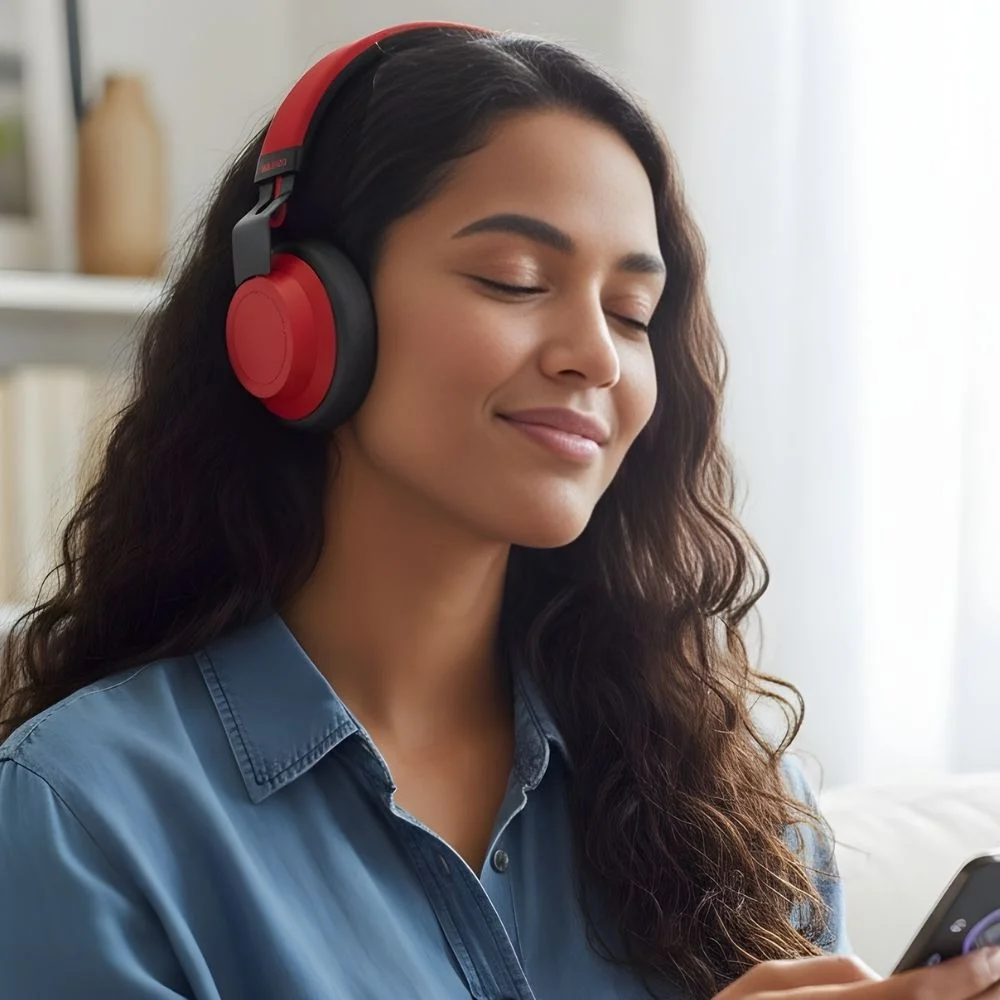
Corded/Wired Headsets
Corded headsets have a wire that you can plug directly into your phone so that you can start using your headset. Most of the phones use a 2.5mm or 3.5mm jack to connect to the headsets. Like some old phones, like BlackBerrys and iPhones, they used to have a 3.5mm plug, which sometimes needed an adapter as well. But why do you think people like wired headsets? There are many reasons behind this. The most important reasons are that:
- They do not need to be charged
- They are very easy to use. You just need to plug in the phone, and you can start talking
- The sound is stable and clear, and very much better
- And most importantly, they are very much budget-friendly
But there are some people who do not like these wired headsets because they find the wires hard to tackle when they entangle with each other. And they cannot look cool, and they cannot flex around while using these corded headsets.
Wireless (Bluetooth) Headsets
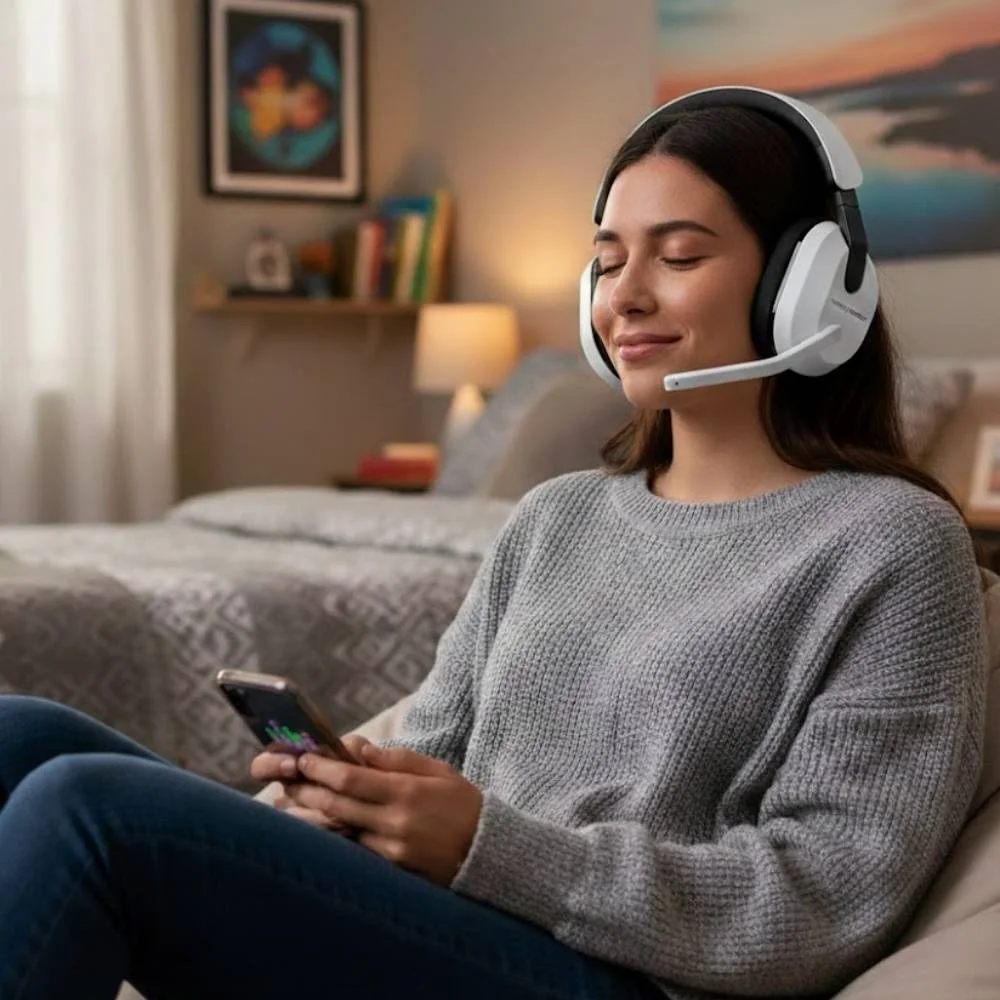
Bluetooth headsets are the most commonly used headsets. They have a compact design, which makes them perfectly portable. They are wireless and offer perfect voice assistant support. They reduce noise from the surroundings.
When we talk about the new generations and the new phones, wireless headsets that use Bluetooth are on fire. Like, everyone needs wireless headsets. Because there is no wire that can entangle, they look pretty cool.
You just need to connect them by pairing the headset with your phone, and you can enjoy everything. And do you know why Gen Z loves wireless headsets?
Because there are no cables, which means no mess. They are very easy to carry, and they look so much stylish. They give you perfect sound for calls, music, and gaming, and you can make unlimited reels by using these wireless headsets. And most of all, they give you freedom to move while you talk, eat, or do anything. You can enjoy your calls and music, etc.
But there are a few limitations and things that you need to remember. That is:
- You must charge them regularly. Similarly, if you won't charge, the battery will drain, and they will eventually end up switching off
- The first time setup needs pairing. Obviously, you need to pair your phone with your headsets for better usage
- Button control, volumes, and calls can be confusing at first time. But when you get used to it, you are always good to go
So, we can say that, if you want a very simple and reliable option in headsets, then you need to go for corded headsets. But if you are a Gen Z or you are a person who needs freedom, style, and you know the new Gen Z vibe, then you need to go for wireless headsets. That is a good way for you to go. Well, both look great. It depends on your lifestyle and comfort preferences.
Single-Ear Bluetooth Headsets
Single-ear headsets are perfect for those people who need to stay aware of their surroundings. They allow one ear to remain open while the other handles calls. They are small and can be used during:
- Driving
- Delivery services
- Fieldwork
- Retail environments
Corded 2.5mm Headsets
What is a 2.5mm Corded Headset?
A 2.5mm corded headset is basically a headset that connects to your phone and has a very small wire plug that is 2.5mm in size. So what do you need to do to make it work for you? You just need to plug it into the phone jack, and it starts working. There is no setup required, there is no pairing, and basically no stress at all.
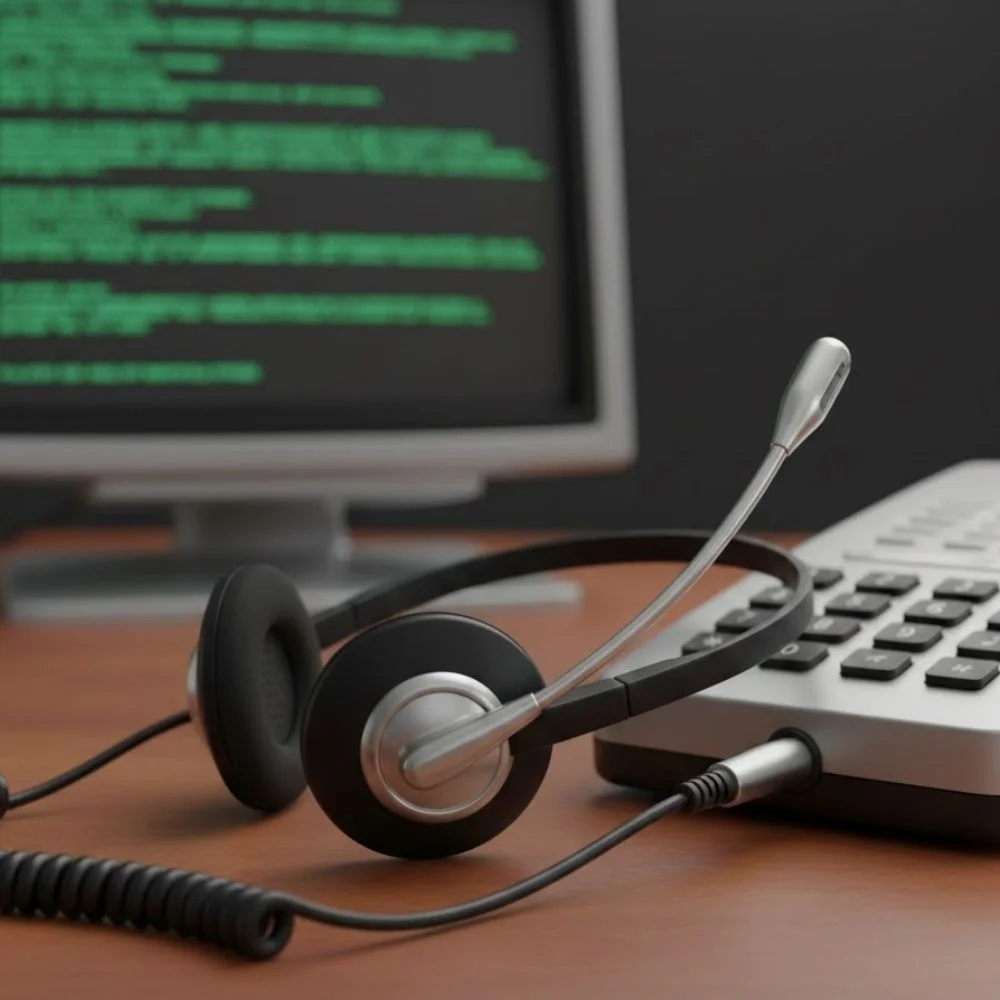
- You need to plug the headset into your phone.
- Your phone will automatically use the headset.
- You can just start talking right away, that's it. It's simple and easy, just like the new generation.
But why are these headsets so easy to use? Everyone prefers them because:
- They do not need charging
- They do not need any kind of Bluetooth or pairing
- And most importantly, they work immediately
But there are some things that you should know, because these headsets are made to be portable, and you can use them wherever you are. It does not matter if you are moving, eating, or doing anything; you can use it.
They are very lightweight, but they are not very strong. The cord can twist, tangle, or get stuck, mostly in the doors. They are your real enemies, bro!! So don't be surprised if you need to replace them often, because you can somehow, you know, damage them.
The volume is the most important thing to understand. The phone controls the maximum volume. Some headsets have volume buttons, but they cannot lower the volume. They cannot make the sound louder than your phone, and a headset never boosts sound. So you need to know these things. And then there is a very useful thing, which is a mute button. Many 2.5mm headsets have a mute switch on the wire, and by using this switch, you can mute your microphone immediately when needed.
These are perfect for calls, meetings, or when someone starts talking in the background. You can just, you know, turn on the music, or if you want to listen to what they are talking about, you can just secretly mute the volume, and you can just hear them around.
What Do You Need for a 2.5mm Corded Headset?
- 2.5mm to quick-disconnect patch cable Poly 64279-02
- Any Poly QD-Series Headset
Basic & cheap: regular 2.5mm corded headset
Stronger & professional: QD headset + 2.5mm patch cable
iPhone / BlackBerry Cable with 3.5mm Headset Connector
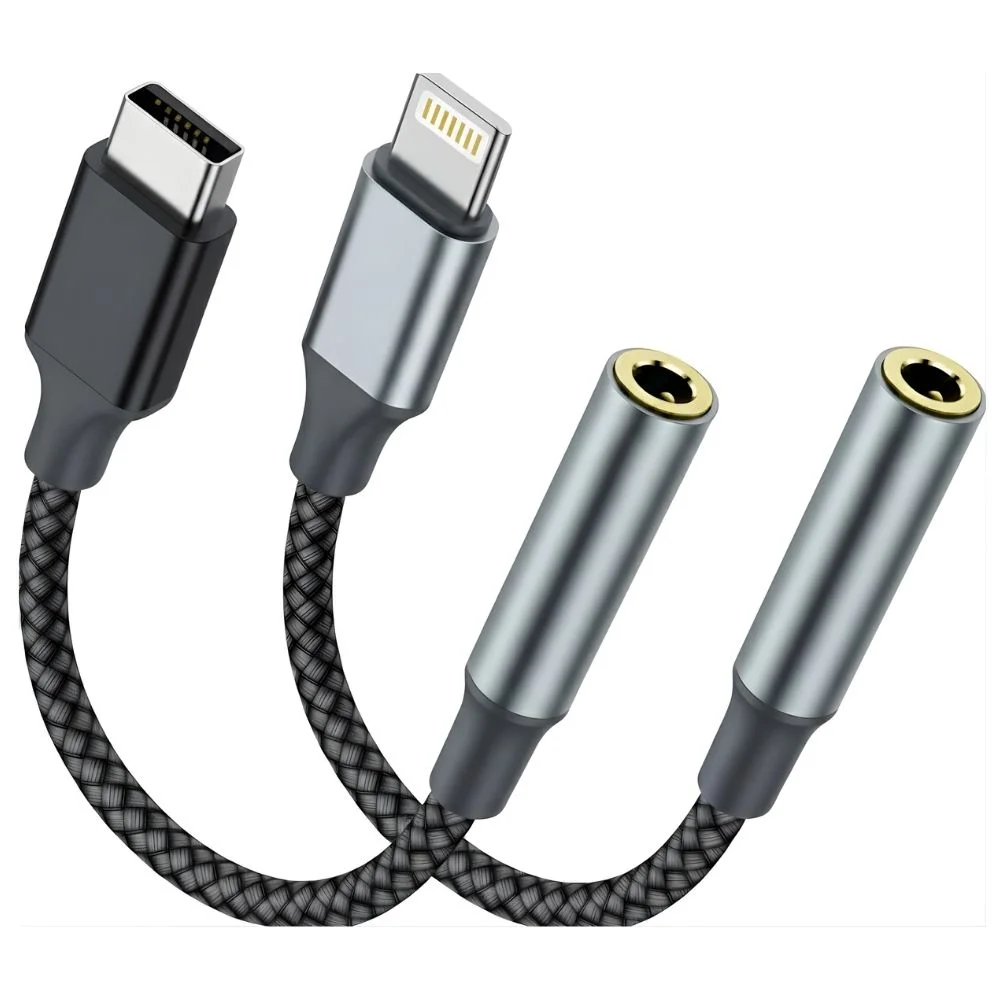
Apple and BlackBerry phones decided to use a 3.5mm headset jack, which is a classic round hole on the phones. They delivered the normal sounds right, but there is much more interesting in them. That sounds normal, right? But there are a few problems. Most pro headsets don't plug directly into your iPhone or BlackBerry phones. That means:
- You have fewer headset options
- You're stuck with basic earbuds
So that is not great. If you're on a call all day, that is frustrating for you.
The Fix: A Smart Move by Plantronics / Poly
So to fix this problem, Plantronics and Poly headsets introduced their special kind of headsets. They are known as a special iPhone/BlackBerry cable. They are basically made for iPhone and BlackBerry. They came with special cables that were 3.5mm jacks. So what these cables are used for, you could plug them straight into your phones. Like they have a 3.5mm jack. You can connect them to any Plantronics H series headset that was basically made for iPhone or BlackBerry. Then the phone auto-detects it.
Why This Is a Big Upgrade?
Now, when Plantronics and Poly headsets introduced this special iPhone or BlackBerry cable, this is a big upgrade because it allows you to use your iPhones and BlackBerry phones to use commercial-grade and business headsets. And their headsets are more durable than normal phone headsets, which are introduced by the companies. So you can avail of many advantages like:
- You can use commercial-grade and business headsets
- They are way more durable than normal phone headsets
- Better mic = clearer voice. Now you don't have to say "Can you repeat that?"
- You get more wearing styles, more comfort
- They are built for long calls and not just for quick chats
Wireless Bluetooth Headsets
What Is a Bluetooth Headset?
Wireless Bluetooth headsets do not need any wires or cords to connect to the phones. So they are simply no wires, no plugging in. You just need to connect to your phone, and you are good to go. It connects to your phone using Bluetooth technology.
What Is Bluetooth?
Bluetooth is basically a way of connecting two devices wirelessly over a short distance. So it basically works up to about 33 feet and is used for phones, headsets, tablets, printers, and many other devices. They create a personal connection that is also known as Personal Area Network (PAN). So basically, you can say Bluetooth lets your phone and headset talk to each other, and they also involve you.
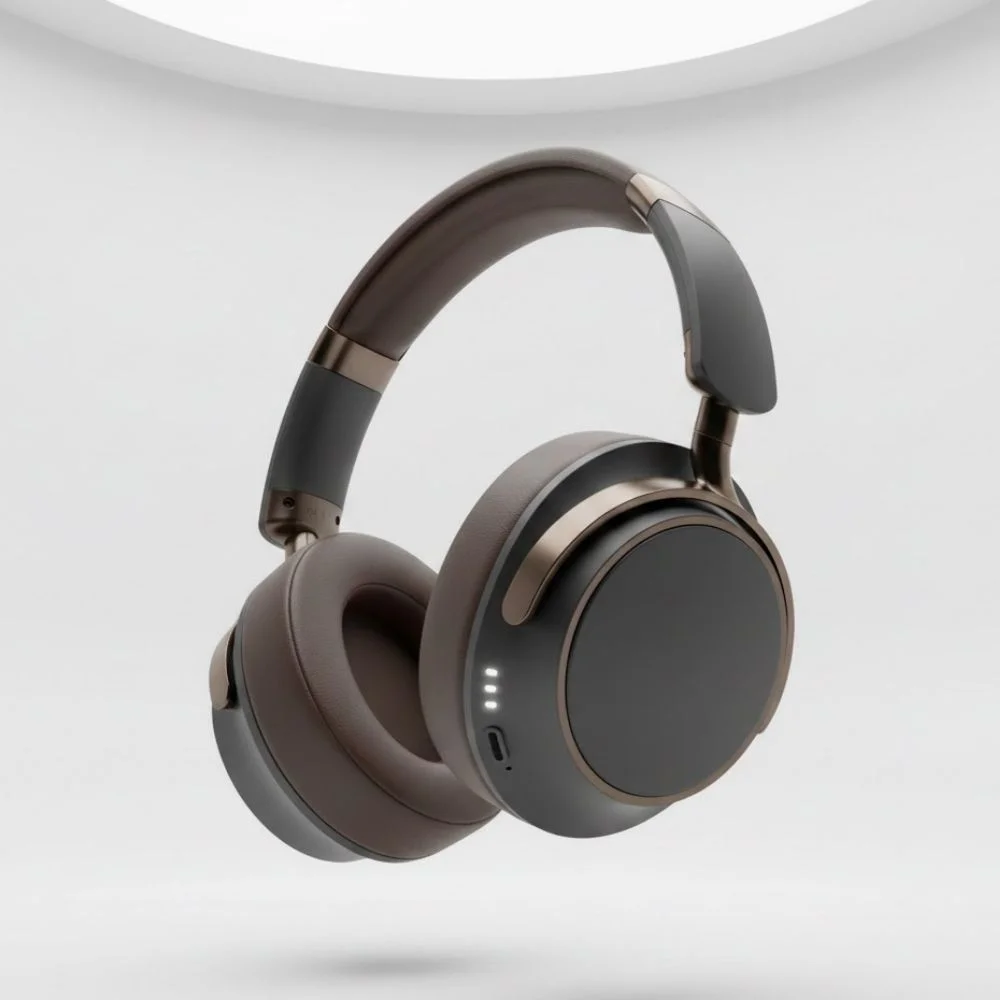
How to Connect (Pair) a Bluetooth Headset
You can connect or pair a Bluetooth headset to your phone very easily. You don't need to panic or get stressed. It sounds technical, but it's quite easy.
- You just need to go to your phone settings, turn on Bluetooth.
- Then you need to tap scan, or you can even search for the devices. That's very easy.
- After this, your headset will be visible on your phone. Then put your headset into the pairing mode. This can take a minute or two.
- Then you just need to tap the headset name whenever it appears, and connect to the phone.
- If it asks for a code, then you need to enter 0000.
And then boom! Your headset is now connected, and you are ready to use it. And you can use it for whatever purpose or reason you want.
Bluetooth Headset Styles
There are different types of Bluetooth headset designs. You need to decide which one is your vibe. We know that this is the time of Gen Z, and you have your own vibes and preferences. You go for this style, and for this, you've got two options:
- The first one is over the ear
- The second one is in the ear
So, over the ear it fits more securely. It is slightly bigger, so you can easily wear it or take it off. It won't give you a headache or an earache. Over-the-ear headphones have longer battery life, and they are very much great for longer calls.
Whereas in the ears, though they are very small and lightweight, they look clean and compact and very discreet. They are very much easy to carry, but their battery life as compared to the on-ear is shorter.
So if you want to choose comfort over luxury, then you need to go for the over-the-ear. A table is given below with different headsets to offer you a wide range to choose from.
| Feature | Shokz OpenComm2 UC | Poly Voyager 5200 UC | Poly Voyager Free 60+ | Jabra Evolve2 Wireless Buds | Yealink BH71 Pro |
|---|---|---|---|---|---|
| Talk Time | 16 hrs | 7 hrs | 16.5 hrs | 5 hrs | 10 hrs |
| Standby Time | - | 9 days | 30 days | 292 days | 11 days |
| Charge Time | 1 hr | 1.5 hrs | 2 hrs | 2 hrs | 1.5 hrs |
| Weight | 35 g | 20 g | 5.8 g | 5.4 g | 18 g |
| USB Dongle | ✓ | BT700 | BT700 | LINK 380 | BT51 |
| 6 Microphones | - | - | - | ✓ | - |
| 4 Microphones | - | ✓ | - | - | ✓ |
| 3 Microphones | - | - | ✓ per earbud | - | - |
| Bone Conduction | ✓ | - | - | - | ✓ |
| Multipoint Technology | ✓ | ✓ | ✓ | ✓ | ✓ |
| Noise Canceling | ✓ | ✓ | ANC | ANC | ✓ |
| Smart Sensor | - | - | ✓ | ✓ | - |
| Bluetooth Version | 5.1 | 5.0 | 5.3 | 5.2 | - |
| Roaming Distance | 98 feet | 98 feet | 98 feet | 65 feet | - |
| Warranty | 2-Year | 2-Year | 2-Year | 2-Year | 2-Year |
| Price | $199.95 | $180.11 | $264.14 | $242.00 | $159.00 |
Technical Terms Explained
Acoustic Fence:
Special microphones to focus only on your voice and block out background noise, so callers hear you clearly.
A2DP (Advanced Audio Distribution Profile):
Lets you listen to music, podcasts, or audio through your Bluetooth headset from your phone or music player.
AVRCP (Audio/Video Remote Control Profile):
Allows you to control music (play, pause, skip) directly from your headset.
HFP (Hands-Free Profile):
Enables hands-free calling features like answering calls, ending calls, redialing, voice dialing, and switching calls.
HSP (Headset Profile):
Provides basic calling functions between your phone and headset.
DSP (Digital Signal Processing):
Improves call quality by reducing noise and adjusting sound for clear conversations in any environment.
PBAP (Phone Book Access Profile):
Allows the headset to access your phone's contacts and call history.
SSP2 (Secure Simple Pairing):
Makes Bluetooth pairing easier and more secure.
Wideband Audio:
Delivers clearer, more natural-sounding voice quality.
NFC Pairing:
Allows fast and easy pairing by simply placing the headset close to your phone.
Caller Announce:
The headset speaks the caller's name from your contact list.
Voice Alerts (Whispers):
The headset provides spoken alerts such as power on/off, battery level, and talk time.
Voice Commands:
Let you control the headset using your voice, such as answering or rejecting calls.
Ear Gels: Small but Important
These are small but important. Bluetooth headsets use very soft ear gels that rest against your ear or sit inside it. So you don't feel any pain, and the device components won't hurt you. And it also keeps the headset comfortable and very much stable.
And there is one important tip. You need to choose a headset that has replaceable ear gels available. Because if you will lose them at some point, you need to buy a new one. Without ear gels, the headset may be uncomfortable or unusable for you.
Battery Life & Charging
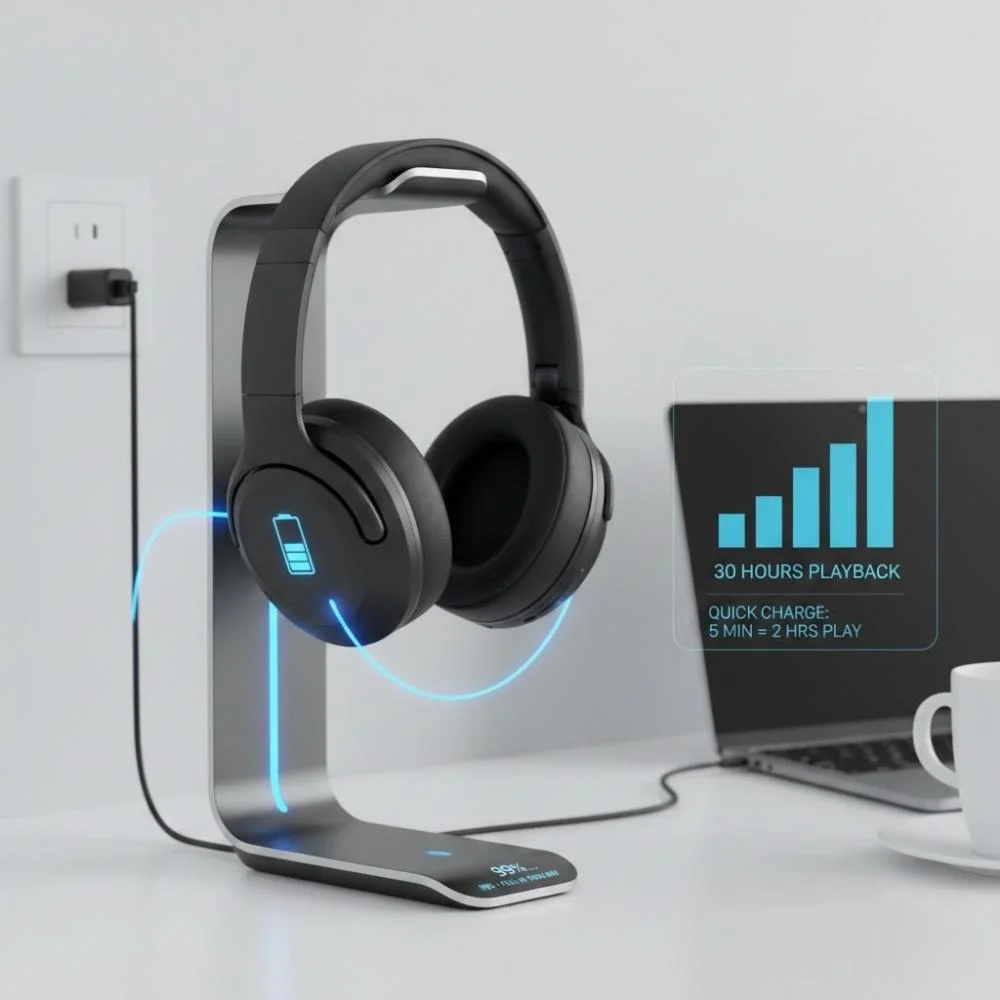
As phones are getting updates, so are the headsets. So now headsets are getting better and better. With new models, battery health is improving. You'll need to charge regularly, and it depends on usage. Now the talk time usually ranges from 5 to 15 hours.
There are some charging tips that you need to remember:
- Check the models of chargers to see if the charger is for a Wall outlet (AC) or a Car charger
- Some headsets include only one option, so you may need an extra charger for convenience
Precautions to Remember
- Keep your headset charged
- Don't forget to turn Bluetooth off when not in use. It will save battery
- Stay within a range of about 33 feet
- Store ear gels safely because they love disappearing
Computer Headsets
Computer headsets are specifically built to work with desktops and laptops. They are mostly used for virtual meetings, online training, video conferencing, remote work, and voice over IP (VoIP).
Computer headsets have two further types. Each one is designed for a different function and activity. Both are discussed for better understanding.
USB Computer Headsets
USB headsets are the most common type for computer use. They are very famous for their plug-and-play setup. They offer digital audio processing and offer much better compatibility with conferencing software. They work seamlessly with platforms like:
- Zoom
- Microsoft Teams
- Google Meet
- Skype
Bluetooth Computer Headsets
Bluetooth headsets can connect wirelessly to laptops and computers. They do not need any cables for connection. They are portable and can be used anywhere. They offer a connection with multiple devices.
They have some limitations that need to be considered for long-term users. They need to be charged because they are dependent on the charging, and they have a slight latency in some cases.
These headsets are ideal for professionals who switch between phone calls and computer meetings.
Where Do Computer Headsets Plug In?
We have discussed that office telephones, home phones, and mobiles have ports where you can plug your respective headset cords. The same is the case with computers. They come with ports where you can plug in your headsets to enjoy music, attend meetings, calls, and much more.
When you use a headset with a computer or PC, there are three common ways to plug it in. Each plug type has its own features to provide you.
USB Type-A
USB stands for the Universal Serial Bus. It is more commonly known as a USB, but technically it is called an A port. It is the modern connector between computers and headsets. If you think it would look different, then no. It's the same type of port used for keyboards, mice, and chargers. It has become the standard for all computers. You just need to plug the headset in, and the computer will set it up automatically. You do not need to install anything extra for this.
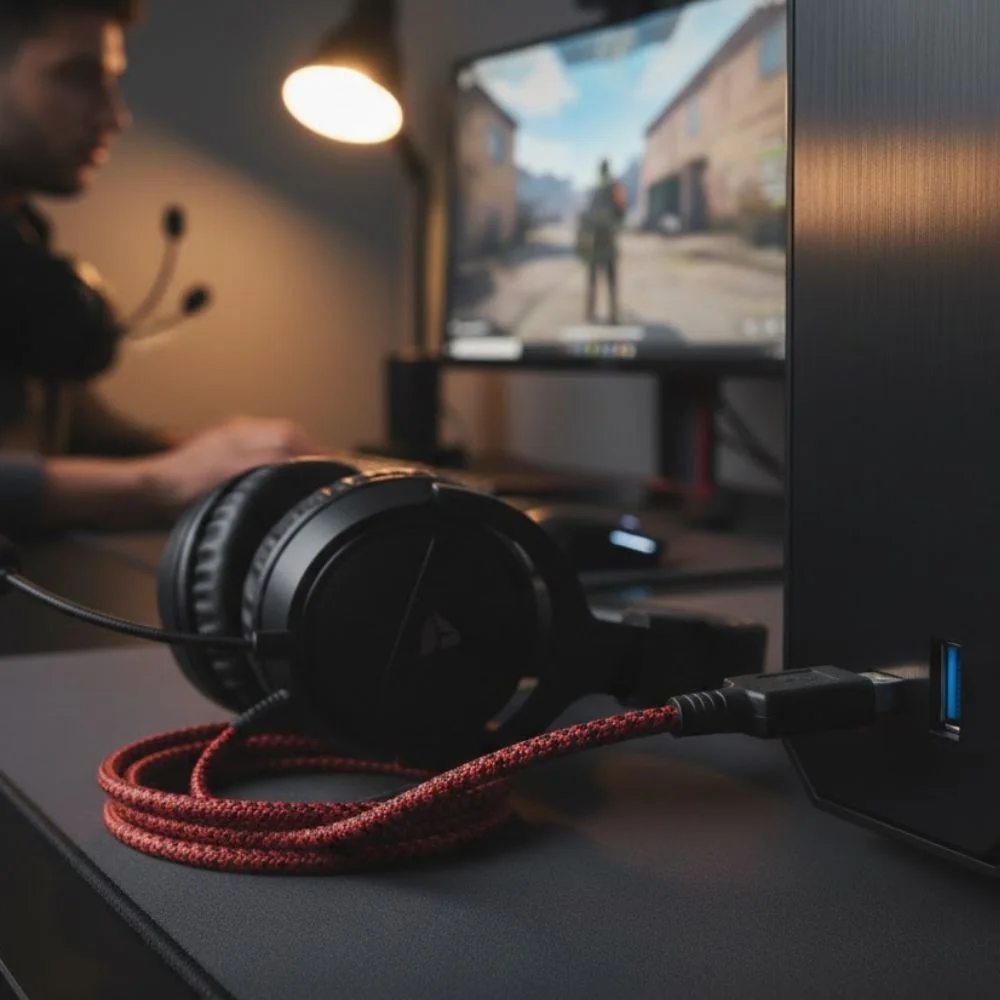
USB Type C
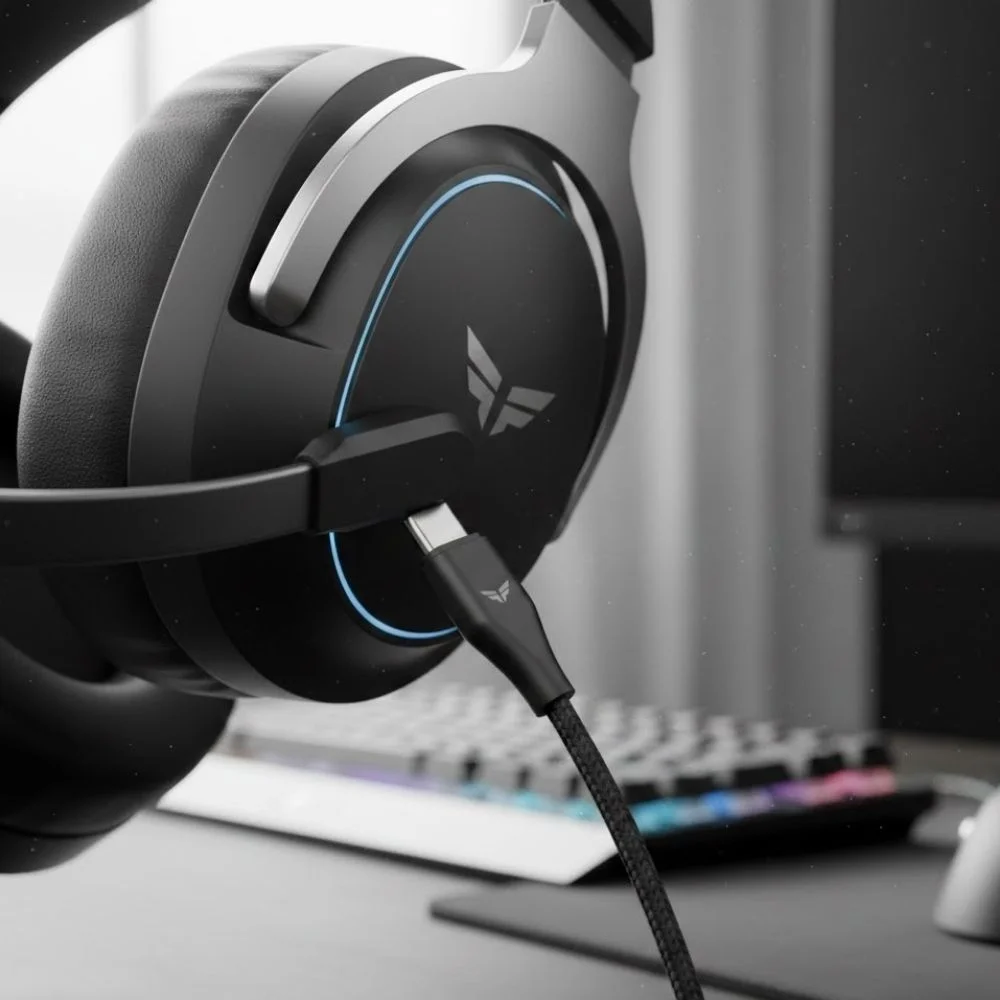
The latest and newest connection is USB-C. This is particularly used for low-profile or slim laptop computers. This is a smaller port found on laptops. These are typically plug-and-play. And your computer will install all the important drivers when you initially plug connect your device. Same as type A, you do not need to install anything extra by yourself.
3.5mm Headset Jack
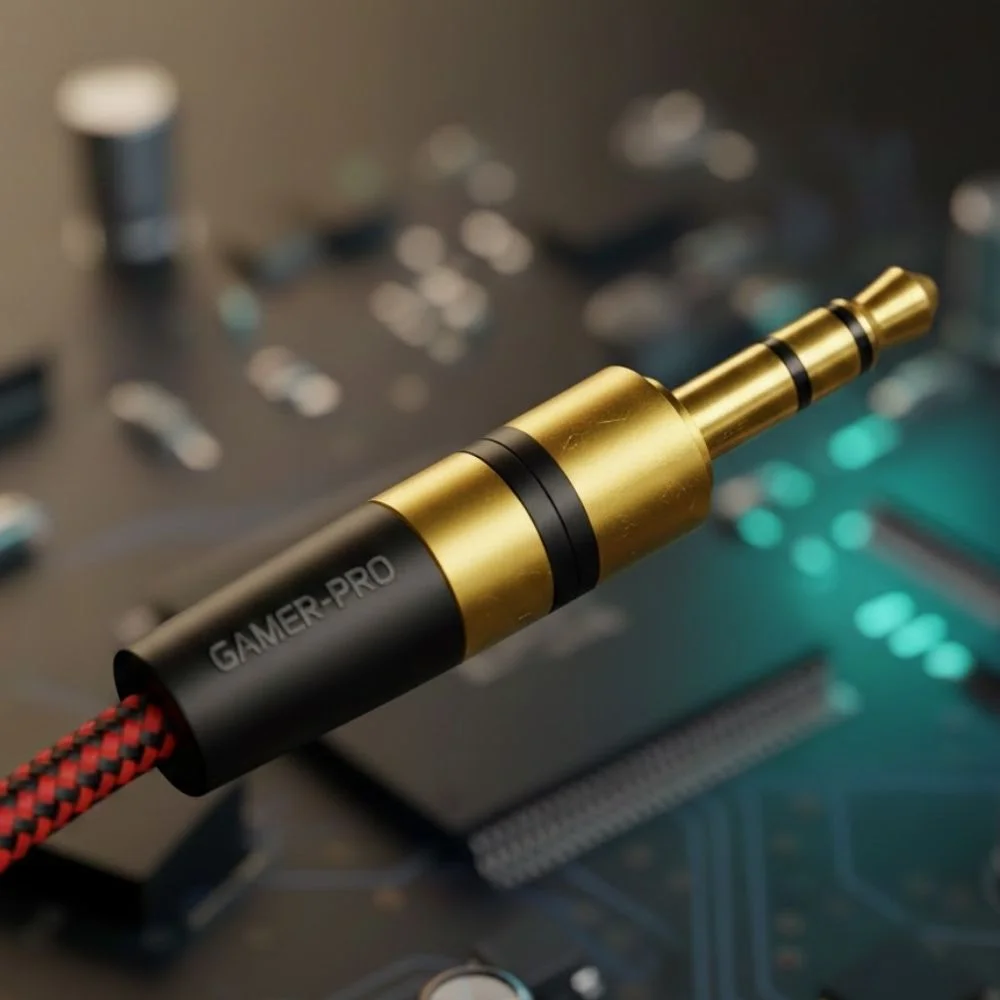
The old computers used to use Sound Board/Headset Jack connections that typically have one or more 3.5mm jacks. This is the oldest and most basic option. Some headsets use two plugs, in which one plug is for the microphone, and the other for the sound.
Some use one plug that handles sound and may support a microphone as well. When you plug this in, the headset replaces your computer speakers automatically. You do not need any software setup.
There are some headsets that have volume and mute buttons on the cable. But if you like, you can also control the volume manually from your computer's sound settings.
Which Headset Suits You Better?
Most of the time, when people select their headsets, they get stuck at a point where they do not understand which headset they want for their computer. So when you choose a computer headset, the first choice you need to make is whether you want a corded or a wireless headset.
Corded Headsets:
They are very easy to use. You just need to plug them into your computer, and the rest they will do by themselves. All the required software will be installed automatically. The most amazing thing is that once you connect them to your computer, they do not need charging, and they need very little maintenance.
Wireless Headsets:
They are also easy to set up. You need to plug in the wireless USB adapter. It is also known as a dongle. And your computer will install all the required drivers by itself. And that's it. After that, you'll be operational in a minute or two, and your headset is ready to use.
How Can You Benefit Yourself from Wireless Headsets?
The main benefit of wireless headsets is freedom. You can move around your home or office while talking or listening to music. You can enjoy and stay productive at one time.
The only downside of wireless headsets is that they need to be charged. You can avoid battery runout by placing the headset on its charging base or connecting the charging cable after use.
Wireless headsets communicate with your computer through a USB adapter. The first time you plug it in, its setup takes just a minute or two. There is one more limitation that even if computers have many USB ports, you can only use one headset at a time. And even if you plug in multiple headsets, your computer will only allow one audio device to be active for calls or sound.
What Is VoIP?
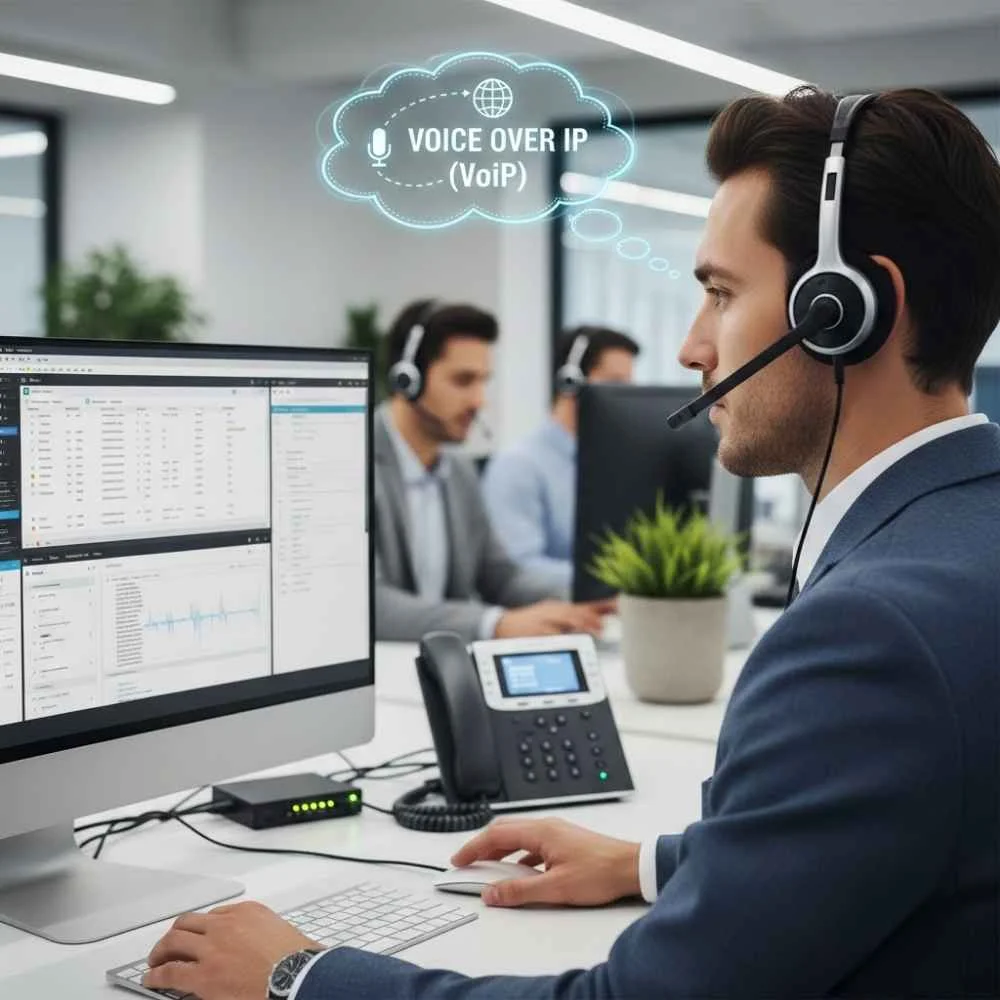
VoIP stands for Voice over Internet Protocol. It allows you to make phone calls by using the internet instead of old phone lines. VoIP is the latest technology, and to use VoIP properly, you will need a fast and stable internet connection. If your internet is slow, then your voice will be broken, delayed, or unclear to the other person.
Why You Need VoIP For You?
VoIP can be your best partner in your work and personal calls. It has many advantages for its new Gen Z:
- One of the biggest advantages of VoIP is cost savings
- It reduces or removes long-distance charges
- It allows businesses in different locations to work together as if they were in the same office
- You can easily talk to coworkers around the world like they're right next to you
Computer headsets are very important for VoIP. A headset gives you hands-free calling and much better sound quality. Without a headset, you would rely on your computer's built-in speakers and microphone, which usually provide poor audio.
Gaming Headsets
When players game, they communicate with each other. For that purpose, they need something that can deliver them accurate voice with clarity. Gaming headsets are designed for high-quality sound and communication. Gaming headsets are compatible with PCs, consoles, and mobile devices.
They focus on stereo or surround sound and have high-quality microphones. They offer comfortable ear cups.
Key Gaming Headset Features
Gaming headsets are designed keeping the player's needs in mind. They offer their users enhanced bass, directional audio, adjustable microphone booms, and LED lighting.
Why Are Gaming Headsets Important?
Sound is a major part of gaming. A good gaming headset helps you hear footsteps, gunfire, and movement direction. You can communicate clearly with teammates, and they block outside noise. You can stay focused and react faster to games and enjoy.
Using built-in speakers or laptop microphones usually results in poor sound and unclear voice chat, which can negatively affect gameplay.
For more options, check our guide on best gaming headsets under $150 and best gaming headsets under $400.
Where Do Gaming Headsets Plug In?
When we usually buy headsets for gaming, we do not think more about the plugs and how we have to connect them. But gaming headsets connect to your device in many different ways. You can use USB Type-A, USB Type-C, and a 3.5mm audio jack.
USB Types A & C:
USB Type-A and USB Type-C. USB gaming headsets are very popular because they can easily connect with PC and console gaming. You don't have to do anything extra to connect these gaming headsets to your computers. You simply need to plug the headset into the USB port, and everything will be done. You don't need to install any drivers because these USB ports will automatically install all the required drivers.
USB Type-C is a very common and modern port for connecting headsets to laptops and gaming systems. These are the most common and universal connections that are used nowadays.
3.5mm Audio Jack:
Gaming headsets come with a 3.5mm jack that can connect to several different devices. You can connect them to PCs and laptops. You can also connect them to the gaming consoles' controllers. They also get connected with mobile devices as well.
Some headsets use one jack for both sound and microphone. There are some headphones that have two separate jacks.
Wireless USB Dongle:
Gaming headsets come with a 3.5mm jack that can connect to several different devices. You can connect them to PCs and laptops. You can also connect them to the gaming consoles' controllers. They also get connected with mobile devices. Some headsets use one jack for both sound and microphone. There are some headphones that have two separate jacks.
Bluetooth:
Bluetooth gaming headsets are basically used for, if you are a mobile gamer or you play your games, then you need a Bluetooth headset. They are mainly used for gaming. And the best Bluetooth headsets give you a slight audio delay, but it is ideal or perfect for gaming competitions.
Which Headset Is The Best Choice?
When you select a gaming headset, you need to understand that the headset is your basic requirement. Do you need a wired or a wireless headset?
Wired Gaming Headsets:
Wired gaming headsets connect directly to your device via cable. You can connect them with USB Type-A, USB Type-C, or 3.5mm cables.
These are very convenient because you do not need a battery or charging for this. They do not give you any kind of delay in audio. They are a very reliable source of sound, and you can easily afford them because they are budget-friendly. They are perfect for competition games.
While there are some limitations as well. Because of the cord, you cannot move much, and sometimes you need to change the cables because they can get worn out. But wired headsets are perfect for gamers who want a very simple setup with high performance. And with wired cables, you do not have to worry about the battery life as well.
Wireless Gaming Headsets:
Wireless gaming headsets basically connect to your computer via a USB dongle or Bluetooth. And like wired headsets, wireless headsets also have many benefits.
They give you the freedom to move while playing. You get a much cleaner gaming setup, which is wire-free. And they are very comfortable for long sessions because you can lie down while playing the games, and you are still wearing your headsets. They are very good for home and console gaming.
Like wired headsets, there are some limitations to wireless headsets as well. You need to regularly charge them because they need batteries or charging to work properly. And they are on the slightly expensive side of headsets. So it depends on you which headset suits you.
Surround Sound Headsets
Surround sound is background noises that come from the game, like footsteps behind you or gunfire to your side. These features are especially used in competitive games like shooters. There are two types of surround sound: virtual 7.1 surround sound and spatial audio. And surround sound increases your awareness and reaction time when you play competitive games.
Microphone
The microphone is a very important part of any gaming headset. Because of this microphone, you can play multiplayer and competitive games in a better way. They give you a clear path to communicate with your teammates. A good gaming headset microphone makes sure that your teammates can hear your voice very clearly.
Noise-cancelling headphones are used in gaming headsets to block background sounds and noises so they cannot disturb you and give you a better playing form. These microphones come with flexible or detachable microphone arms so that you can play your games wherever you are. Like lying down, they allow you to talk to your fellow players. Then they have mute buttons to give you very quick control over your games. And with a good microphone, your voice chat becomes very easy and frustration-free.
Noise Isolation
Noise isolation is blocking the ear cup physically. NI headsets have ear cups that seal around your ears. It does not use any electric process and reduces everyday environmental sounds.
Noise Cancelation
Noise cancellation reduces background noise that comes from microphones. These microphones cancel the external sounds before they reach your ears. In gaming headsets, noise cancellation is mainly used for the microphone to make sure that your voice is clear and free from surrounding noise.
Gaming Platforms Compatibility
When you buy a headset, you need to make sure that the headset is compatible with the gaming platform you are using. At Findheadsets.com, we offer headsets that are compatible with common platforms like PC and laptops, PlayStation, Xbox, Nintendo Switch, and mobile devices.
Call Center Headsets
In a call center, communication is everything. Communication is very important in call centers because agents spend hours talking to customers and convincing them to satisfy their queries. So they need a headset that can give the customers their clear voice quality. And they should also be comfortable that they are speaking and talking, and these headsets should be reliable.
Call center headsets are designed for professional environments where the agents have to make calls continuously. And their performance also matters in the delivery of the voice. So these headsets focus on providing clear audio, and they also control noise.
These headsets are durable and can be used all day. Call center headsets are compatible with desk phones, computers, softphones, and other communication platforms. Call center headsets are made to support long work hours because call center agents face high call volumes.
So they need professional-grade microphones. There should be a noise-cancelling technology in these headsets. They should have comfortable ear cushions so that the agents do not get headaches or ear pain. These headphones are very lightweight.
They come in two options, wired and wireless, and they're compatible with phones and computers, etc. So if you want your agents to stay productive and comfortable, then you need to focus on the call center headset features.
Why Are Call Center Headsets Important?
So call center agents basically talk to thousands of customers all day on the basis of these headsets. A good quality call center headset can make your agent provide all the information to the customer in clear and professional sound. It reduces the background noise, and it helps to keep them physically and mentally fresh.
These headsets prevent neck and shoulder pains. They allow them to talk to the customers hand-freely and do other tasks on the computers as well. It also improves the call quality and your customer satisfaction. So, using speakerphones or basic computer microphones gives you poor sound quality. They also echo and do not block the background noises.
These simple frustrations can reduce the productivity of your agent and also frustrate the customer. So, for a proper call center headset, you need to have these features. Then where do call center headsets plug in?
Plug In the Call Center Headsets
Call center headsets connect in different ways. And it depends upon your setup, which computer, PC, or laptop you are using in the call center. There are three basic types of connections. First is USB Type-A, USB Type-C, and then the RJ-9 headset that is for the desk phones and wireless base stations as well.
USB Headsets
USB headsets plug directly into your computer or laptop. And they are a very modern type of connection in call centers, which are used for softphones or VoIP systems. They provide an easy plug-and-play setup for your work. And they do not need any extra equipment. They work with most call center software.
USB Type-A:
USB Type-A is the most common type of connection for computers and plug-in stations. You just need to plug it in, and it's ready to use. You do not need to install any drivers. They install it by themselves.
USB Type-C:
USB Type-C is the most modern and newest on laptops. It gives you a fast and stable connection. And it works the same as USB-A. You do not need to install any drivers. It installs all the drivers by itself.
RJ9 / Headset Port:
Many desk phones have an RJ9 headset. These headsets connect directly to the phone and are commonly used in traditional call centers. They are very reliable. They offer a very reliable connection. You just need to use it with the corded headset.
Wireless Base Stations
Wireless call center headsets connect through the base station. The base connects to the desk phone and computer. Or if you want, you can connect to both of them. They allow you the freedom to move. And these are best for the managers and team leads. They have a long wireless range. So you can go to all teammates for checks and balances. And you can charge the headsets when you are not using them.
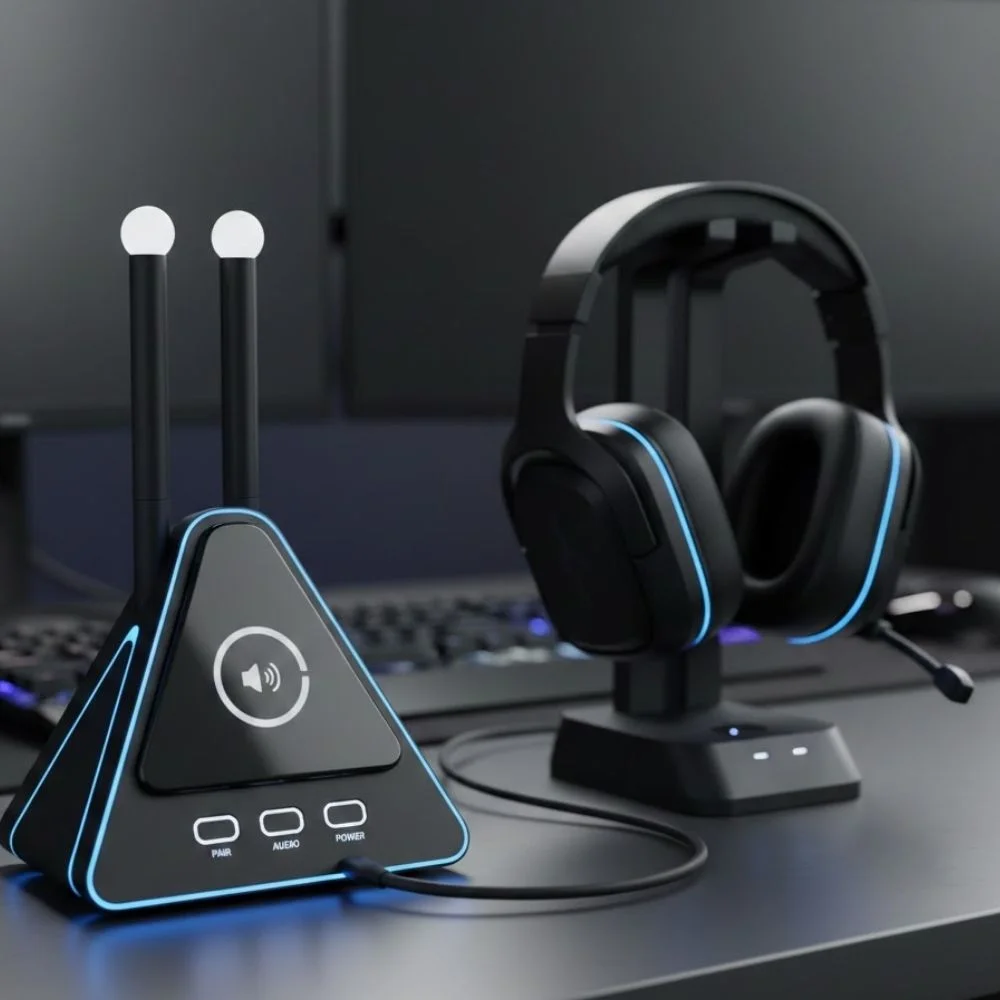
Wired and Wireless Call Center Headsets
Wired Call Center Headsets:
You can connect your wired headsets using a USB or phone cable. They have several advantages. You do not need any charge. They provide good quality audio, and they are very affordable and budget-friendly. They are ideal for desk-based agents.
But there are some limitations as well. You do not move much, and you have to wear the cable all the time. So, wired headsets are perfect for those agents who stay at their desk and want a simple and reliable setup.
Wireless Call Center Headsets:
Wireless call center headsets connect using a base station or a USB dongle. But they provide several benefits to you. Like, you can move around; they give you freedom of movement. You have a cleaner desk setup. These are great for multitasking and perfect for supervisors and agents.
But, they also have some limitations. They need a proper charging time, and they are a little bit expensive compared to the wired headsets.
Monaural and Binaural Headsets
Monaural headsets are those that cover one ear, and the other ear is left open for coworkers. If you are a trainer or a person who has to keep a check balance of other agents as well, then this is a perfect choice for you.
Binaural headsets are headsets that cover both ears. They properly block the background noises, and they are best for noisy call centers.
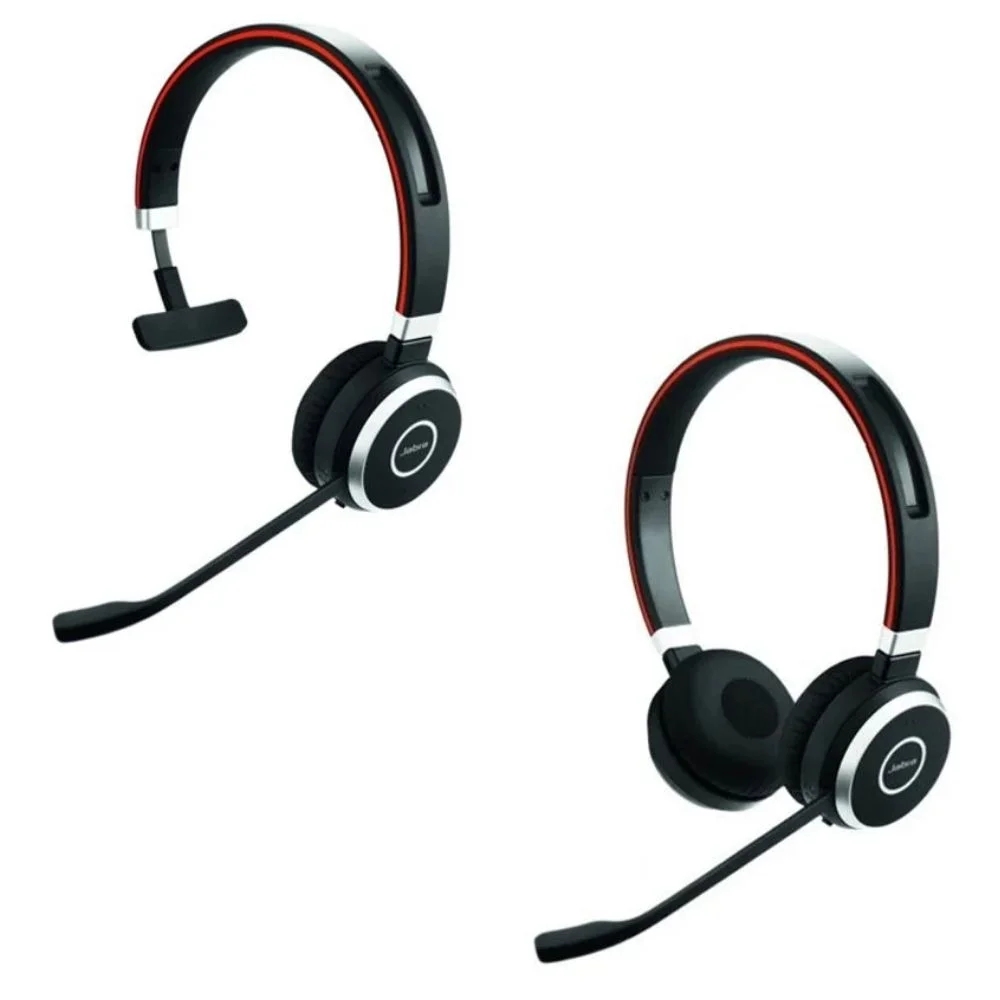
Microphone Quality
The microphone is very important in the call center industry. You need a headset that has a noise-cancelling feature to reduce your background office noises. It provides your customers with a very clear voice and delivers proper information. These good-quality microphones also prevent distraction during the calls.
Noise Isolation and Noise Cancelation
Noise Isolation headsets are those that block the noise physically with the help of ear cushions. They help your customer hear better, and they do not need any kind of electronic process.
Whereas cancellation is mainly done by the microphones. These microphones are designed to reduce the background noise so that your caller can hear the accurate information. They make conversations more clear and more professional.
Comfort for All-Day Use
Call center agents basically wear headsets all day like straight for 8 hours, so their comfort also matters. Call center headsets are designed with lightweight frames and they offer soft ear cushions. They have adjustable headbands, and you can opt for multiple wearing styles. This can reduce your agent's fatigue and it also improves their focus.
Call Center Platform Compatibility
At Find Headsets, you can find very compatible headsets according to your work. Our call center headsets are compatible with desk phones, PCs and laptops, softphones, web systems, and other communication platforms.
Ready to Find Your Perfect Headset?
Browse our complete selection of headsets for office, home, mobile, computer, gaming, and call center use. Find the perfect headset that matches your needs.
Browse Best Selling Headsets