Headsets Compatibility Guide
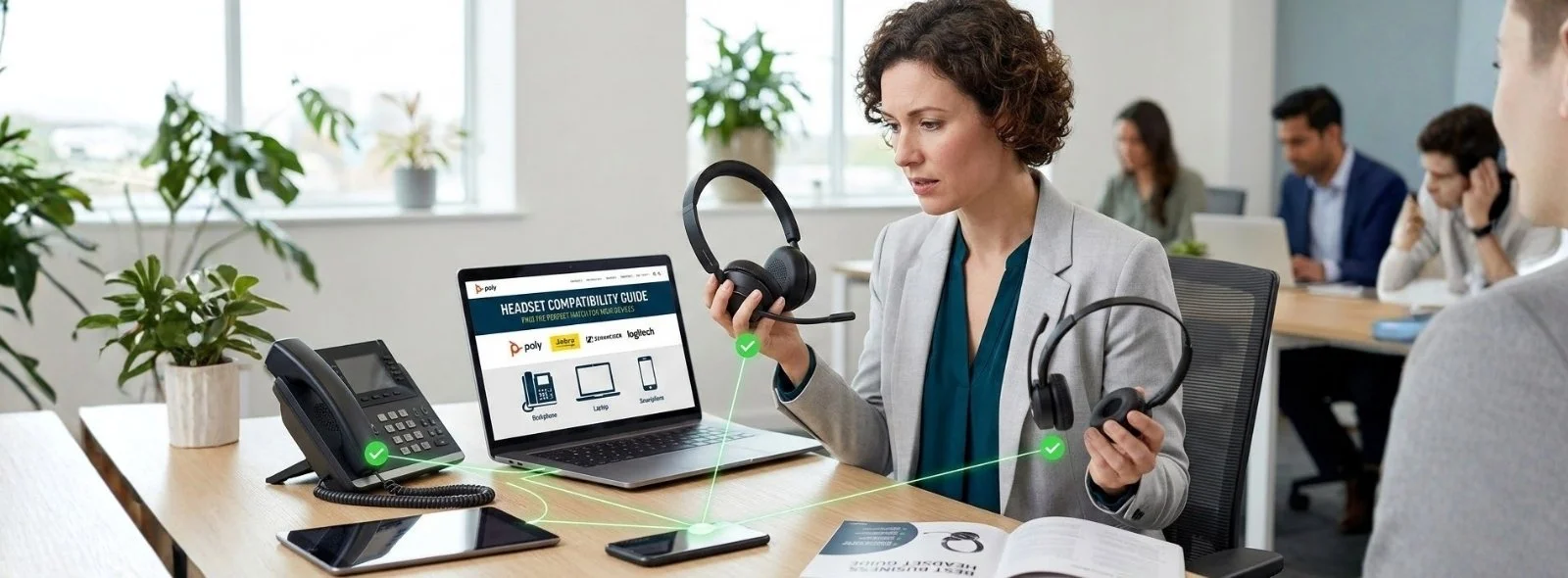
It's never easy to decide which headset to purchase when it comes to compatibility with devices. Not every headset is built to be compatible with every device, deskphone, or computer. No need to worry, as we provide a headset compatibility guide from major headset manufacturers. We understand the consumer concerns and problems when choosing a headset. For those looking for recommendations, check out our guides on the best business headset options available.
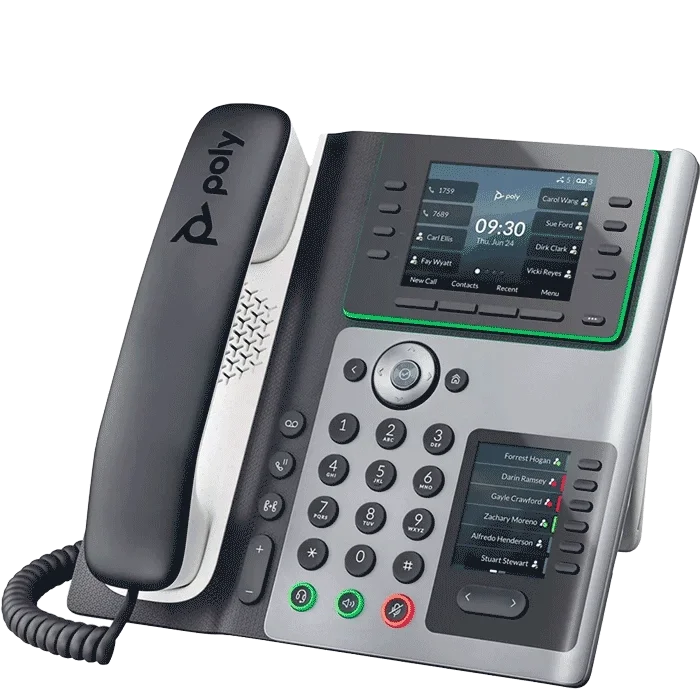
Therefore, we've also created our own compatibility guides for the most popular and famous telephone manufacturers (i.e., Cisco, Avaya, Astra, NEC, and others). Read our compatibility guides to learn about the headset compatibility, needed cables, adapters, EHS cables, and general terminologies about the headsets.
To Which Devices are the Headsets Connected?
Before diving into the compatibility guide, keep in mind the devices to which the headset will be connected. Usually, three types of devices are used:
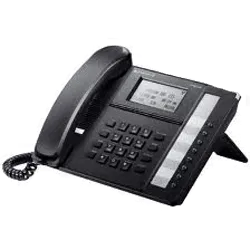
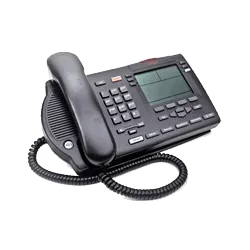
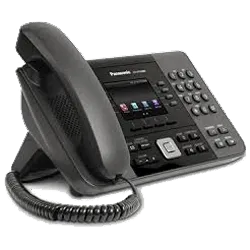
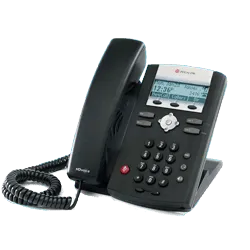
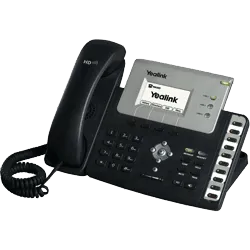
Desk Phones
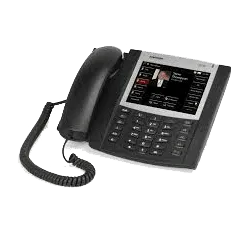
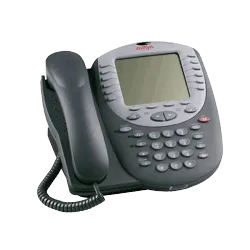
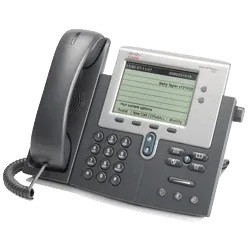
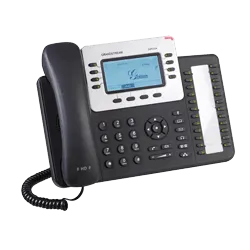
Desk phones are physical telephones with VoIP devices that facilitate communication over the internet. The headsets are connected to the deskphones in two ways:
Wired Connection
For the corded connections, the desk phones need a bottom cable or amplifier that matches the headset and the brand.
Wireless Connection
For wireless connections, the desk phones need an EHS (Electronic Hook Switch) or Handset Lifter. These items add convenience for remote call alerts and call answering/hanging up.
Besides this, modern phones have built-in USB ports that eliminate the need for extra EHS accessories. For call centers and BPO agents, we have a comprehensive guide on the guides that can help you make the right choice.
Computers
Computers are fixed workstations that connect to the headsets via a wired connection or a wireless connection.
For Wired Connection
For a wired or corded connection, the computer has built-in USB ports, either a traditional USB-A port or a newer USB-C port.
For Wireless Connection
The computers are connected to the headset wirelessly with a wireless USB dongle or Bluetooth. For tips on achieving better call quality, read our article on how to improve voice quality in office calls.
Mobile Devices
The mobile devices are connected to either Bluetooth headsets or plugged into using a 2.5mm/3.5mm jack for corded headsets. For gaming enthusiasts, explore our guide on headphones that gamers prefer these days.
To dive deeper into the compatibility guide, we are providing two choices:
Option 1: Visit the Manufacturer Headset Compatibility Guide of Your Choice
Click on a manufacturer below to visit their official compatibility guide.






Option 2: Visit the Headset Compatibility Guide by Phone Manufacturer
This is the easier and more informative way — find your phone brand and get the exact headset guide for it.