×
![Poly Voyager 4300 (Stereo/Mono)]()
1 / 1
Poly Voyager 4300 (Stereo/Mono)
14+ bought in past month
Price:
$141.25
Stock:
Out of Stock
24/7 Support
Same Day Dispatch
Easy Returns
Warranty 2-Years
Discover What Poly Voyager 4300 Headsets Have To Offer
The main thing that defines the Poly Voyager 4300 series is that it features Bluetooth wireless headsets. It comes in two distinct wearing designs, that is, mono as well as stereo. All the models and variants can connect to up to two devices at once. So no worries about switching models. Added to that, the noise-cancelling mic blocks out any unwanted nearby sound. So, because of all these features, it proves to be a perfect Plantronics headset for remote and hybrid workers.
True Bluetooth Headsets: No Limits To Freedom
Say goodbye to messy wires and corded headsets. This Poly Voyager 4300 series comes with a headset model that connects through Bluetooth. It features a 5.2 technology. This advanced wireless connection provides stable audio and mic sound even at the 50 meters away distance. Due to this, you can walk around, sip tea, and do multitasking, all while going through with your professional communications. But it also comes with a USB adapter, so you can also plug and play for instant setup.

Multiple Wearing Style: Choose What You Like
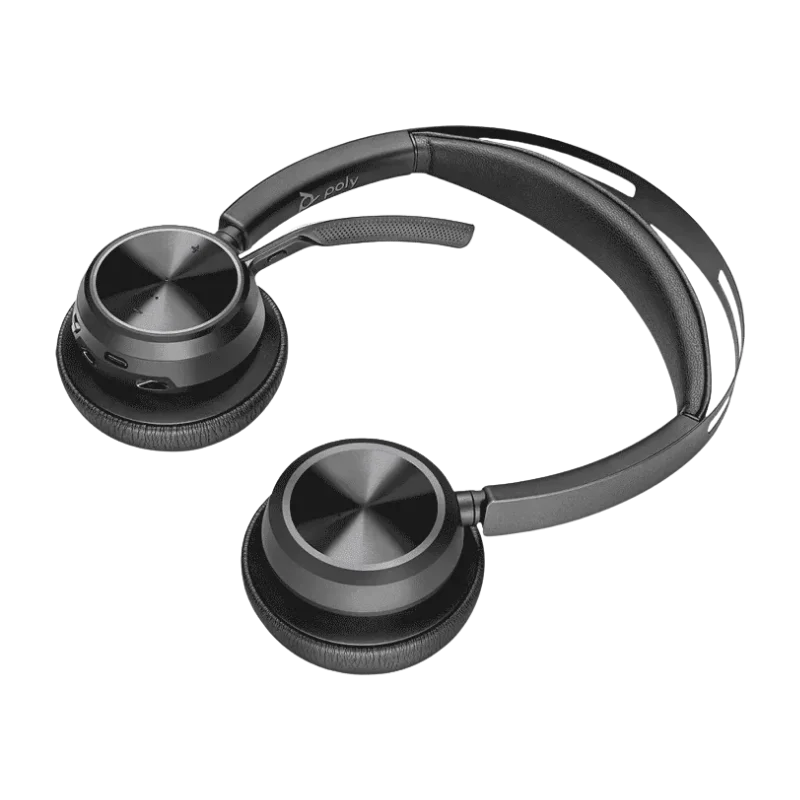
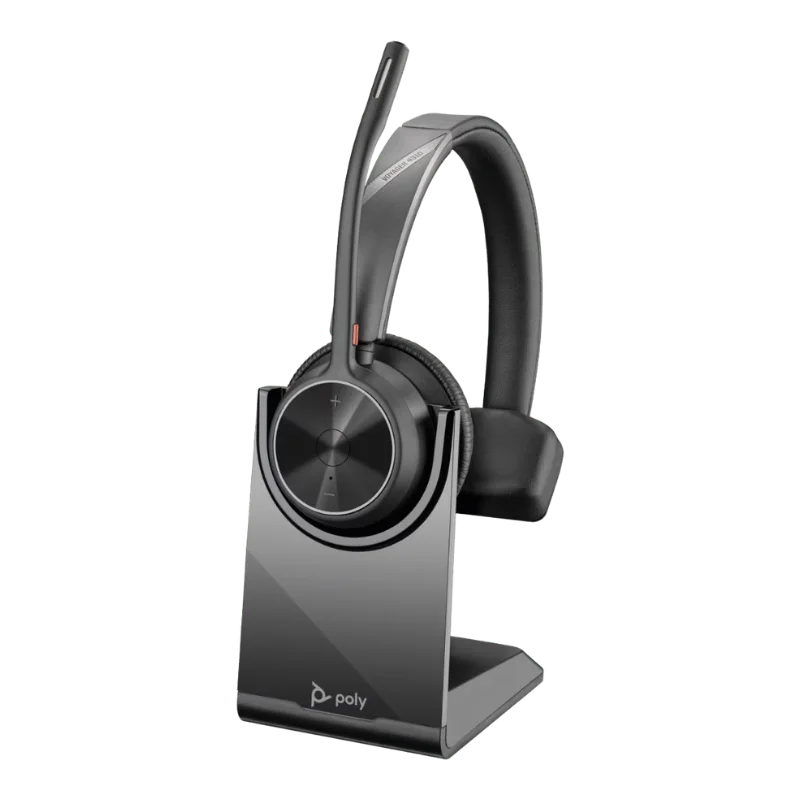
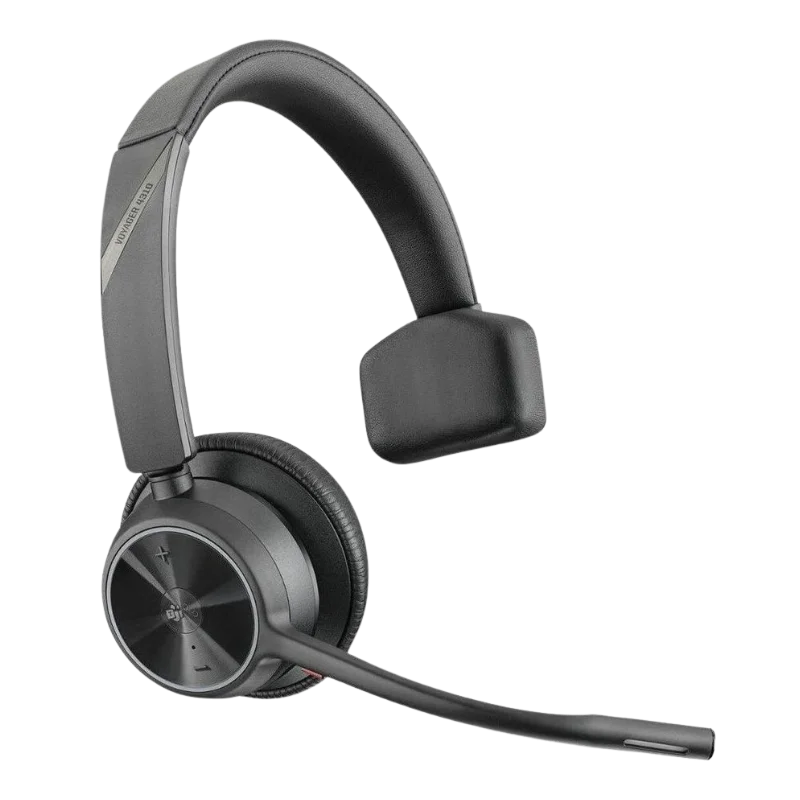
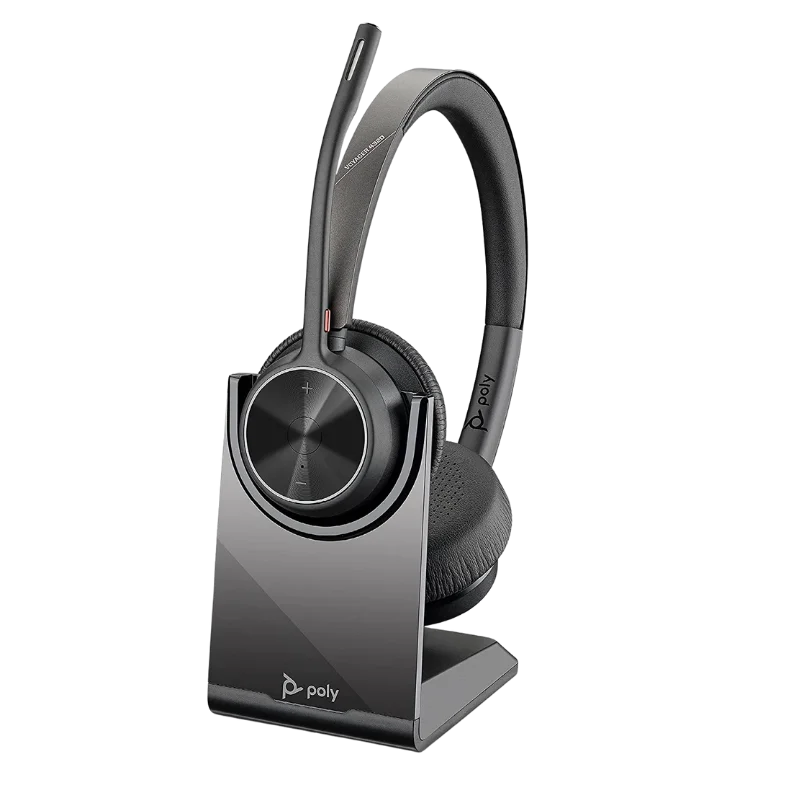
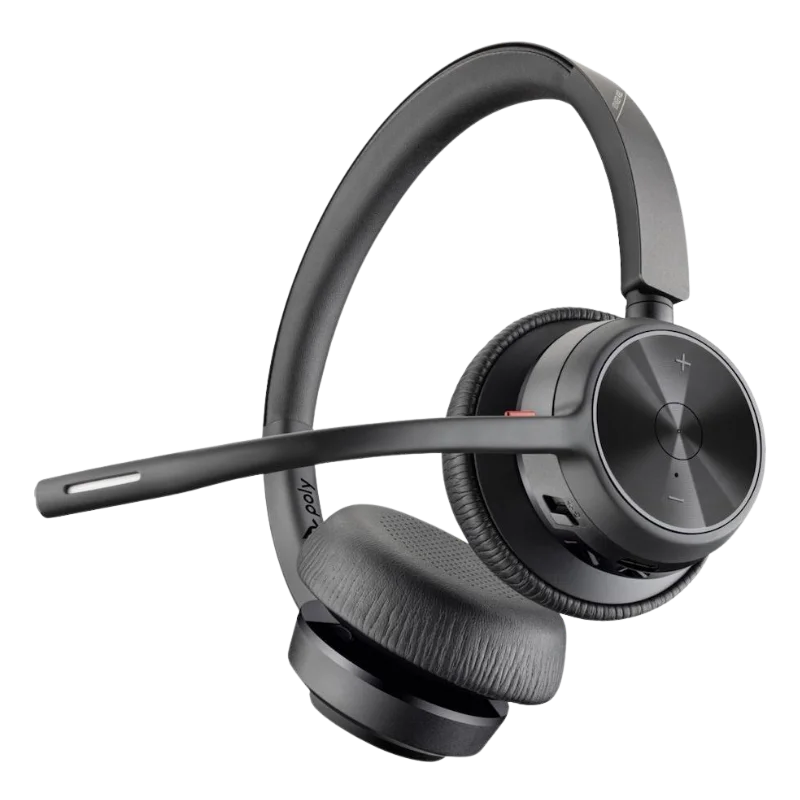
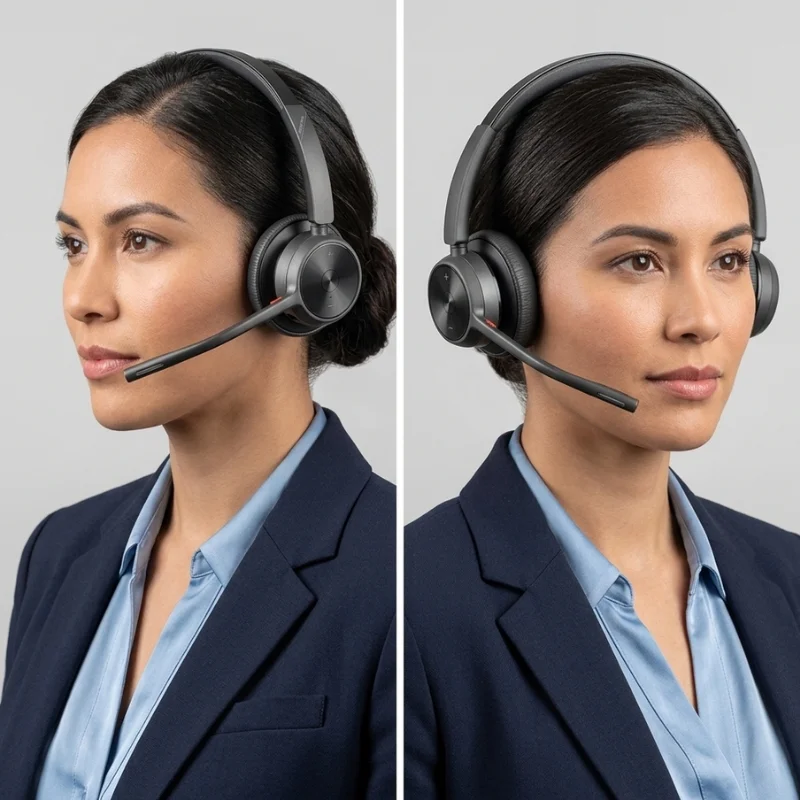
The great thing about the Poly Voyager 4300 headset is that it comes with single ear and double ear styles. The Poly Voyager 4310 is a model that is mono. On the other hand, if you need a stereo style, then for that model is the Poly Voyager 4320. The mono design is ideal if you want a lightweight option and also need to stay focused on your surroundings. In contrast, if you truly want to stay indulged in your work and do not want a distraction, then stereo option suits better.
Battery Duration: Go All Day Long
The battery life of Poly Voyager 4300 is much incredibly impressive. It offers a talk time of up to 24 hrs. This means you can go 2-3 working days and have no single worry about charging your Poly Headset model. But there is another great thing. It takes only 1.5 hours for the headset to get fully charged. And if you’re in a hurry, then you can power your model for just 10 minutes, which will give you about 10 hours of usage. This makes it a great Plantronics headset to own
Noise-Cancelling Mic: Block Distractions
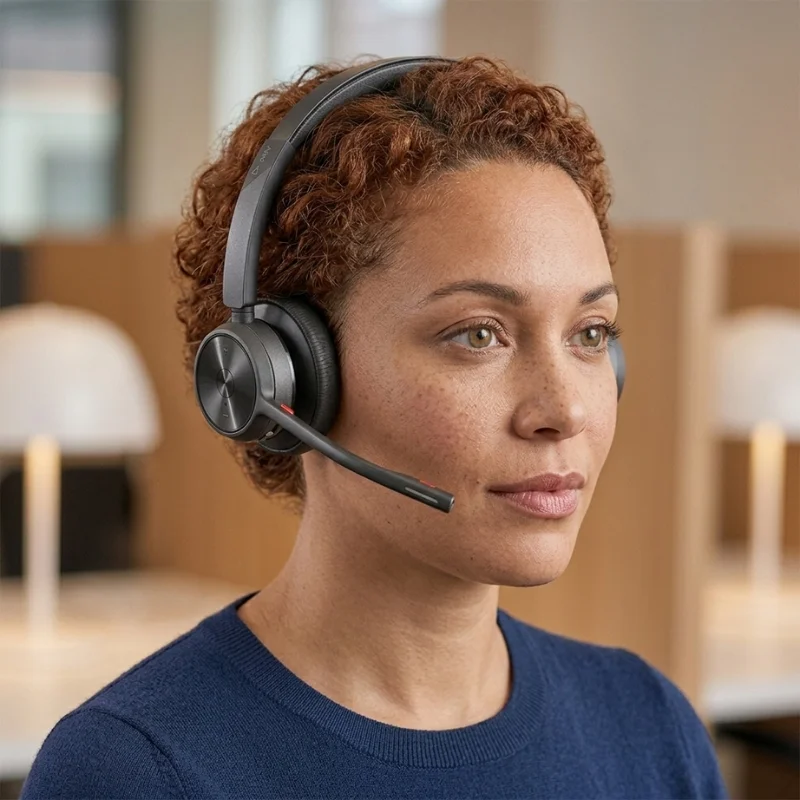
Just imagine having a remote meeting and a family member saying something that could put your entire reputation on the line. But the Poly Voyager 4300 series got your back. It comes with noise cancelling mic. So it blocks out any nearby sound and only allows your clear sound to be transmitted. The acoustic fence technology does all this job. On top of that, it comes with Sound Guard Digital technology. This protects the users from sudden loud sounds and prevents any damage to the ears for hearing.

UC Compatibility: Attend Online Meetings With Confidence
The Poly Voyager 4300 headsets are compatible with multiple unified communication platforms like Zoom. Teams, Google Meet, Cisco, and other such applications. The special M variant provides a much smoother experience with Team meetings. It has a dedicated control button, and with that, you can manage Teams meetings much more easily. So the clear audio and instant control buttons allow you to conduct your meetings in a much more sophisticated way. In return, your confidence increases, and you get to stay professional.

Update Firmware With HP Poly Studio App
You can keep your Poly Voyager 4300 headsets up to date by downloading Plantronics firmware updates through the HP Poly. Studio App (prev. known as Poly Lens App). Plantronics/ Poly releases these updates periodically to improve the functions of your headset.
In addition to that, you can customize various features of your Voyager 4300 headsets. The app lets you adjust EQ levels and Noise Cancellation Mic sensitivity. Furthermore, you can adjust the sidetone control and also set custom alert sounds. Besides that, you can control the SoundGuard Digital technology as well. So with a simple app and easy management, you get to set up your Poly Voyager however you want for best results.
Poly Voyager 4300 Headsets Mono/Stereo UC and M Version
Variants
4310 UC (Mono)
4310 M (Mono)
4320 UC (Stereo)
4320 M (Stereo)
The Headset Models In Poly Voyager 4300 Series:
The Poly Voyager 4300 series features two different sorts of models. The Poly Voyager 4310 is a monaural headset. Whereas Poly Voyager 4320 is a two piece headset. They come with two variants of the UC version, which are compatible with all the major online meeting platforms. However, the special M version has a dedicated button for Microsoft Teams. Some packages come with USB-A and some with USB-C. Also, you can get headsets with a charging power station. So accessory options vary model to model. Here are the major options:
Poly Voyager 4310 UC: Mono headset compatible with many online meeting platforms
Poly Voyager 4320 UC: Stereo headset that is comfortable across various meeting platforms
Poly Voyager 4310 M: Single-piece headset specifically designed for Microsoft Teams
Poly Voyager 4320 M: Two-piece headset that offers a dedicated button for Microsoft Teams
Technical Specifications
| Feature | Specification |
|---|---|
| Models | 4310 Mono, 4320 Stereo |
| Connectivity | Bluetooth 5.2, USB |
| Wireless Range | Up to 50m |
| Talk Time | Up to 24 hours |
| Listen Time | Up to 47 hours |
| Full Charge | 1.6 hours |
| Battery Type | Lithium-ion (Li-ion) |
| Battery Capacity | 350 mAh |
| Driver Size | 32 mm |
| Mic Tech | Acoustic Fence, Dual-mic |
| Weight (Mono) | 122 grams |
| Weight (Stereo) | 162 grams |
| Multi-Device | 2 active, 8 saved |
| Protection | SoundGuard DIGITAL |
| Software | Poly Lens / HP Poly Studio |
| Warranty | 2 Years |
What Comes In the Box
When you decide to buy Poly Voyager 4300 series headsets from Find Headsets, you’ll get the following accessories in addition to the actual model:
Poly Voyager 4300 Headset
USB charging cable
BT700 USB-A/C Bluetooth adapter
Quick Start Guide
Warranty
The Poly Voyager 4300 headsets come with the standard warranty of about 2 years. This warranty covers mainly the manufacturer's default. It includes the replacement of the faulty parts, if any. If you need any further information about the warranty, you can visit the official link here.
Useful Resources
If you need any further information about how the Poly Voyager 4300 works or need other guidelines about its features, you can view this user guide here.
There are also complete resources available on how you can set up your headset. You can watch this YouTube video for full details.
Make Your Online Meetings Successful Today!
Ready to make your professional meetings successful? Want freedom of movement while taking office calls? If that is what you need, then just press the Add to Cart button. In less than a week, you’ll get the quality Bluetooth headset at your doorstep.
Bluetooth Wireless Connectivity: No wires required. Get a stable connection with Bluetooth 5.2. Move freely up to 50 meters while staying connected.
Noise-Cancelling Dual Mic: It comes along with two mics, one focuses on your voice. The other one blocks out the unwanted background noises.
Multi Connectivity: The headset models can connect to any device running from PCs, mobile phones, and desk phones. At the same time, it is able to stay connected to two devices.
Wearing Comfort: The series features two models, 4310, which is mono, and 4320, which is stereo. You can pick the one that suits your style and feel much more comfortable.
Excellent Battery: The battery lasts all day long. It has a 24hr talk time, which means you can go 2-3 working days without any worry about charging the gear.
UC Compatibility: It comes with two main versions. The UC version works fine on Zoom, Google Meets, and Cisco. The other M version is particularly designed for Microsoft Teams.
Customer Reviews
Write a Review