
×
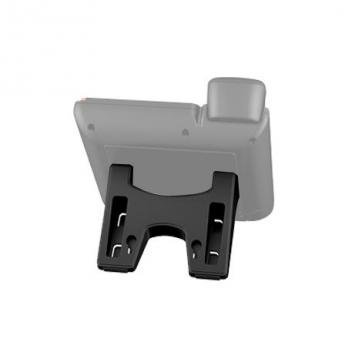
![GXP16xx Series Phone Stand]()
1 / 1
GXP16xx Series Phone Stand
34+ bought in past month
Price:
$35.00
Stock:
In Stock
24/7 Support
Same Day Dispatch
Easy Returns
Warranty 2-Years
Ergonomic Desktop Support for Basic IP Phones
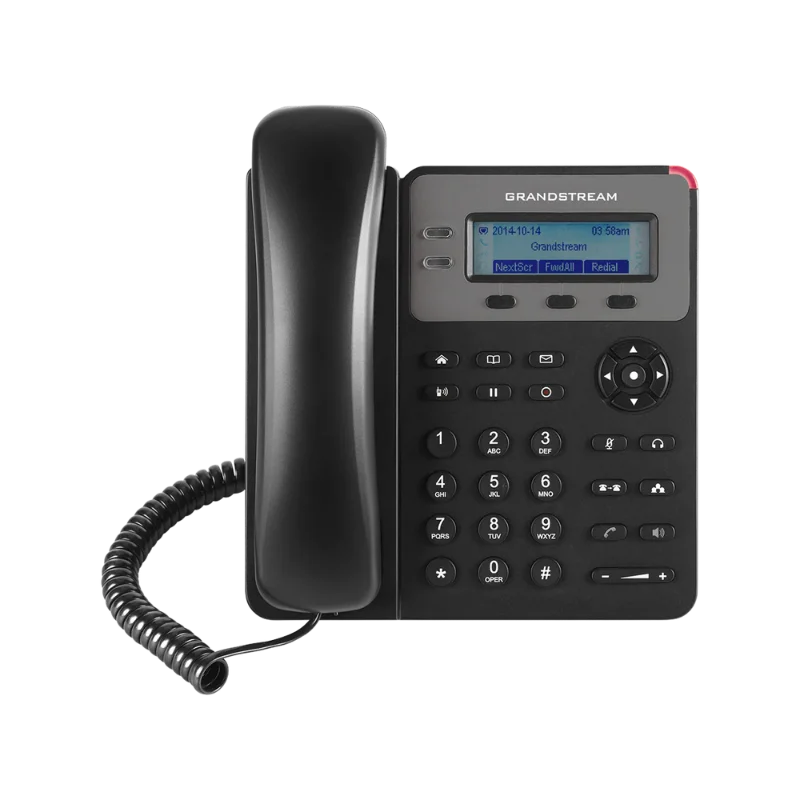
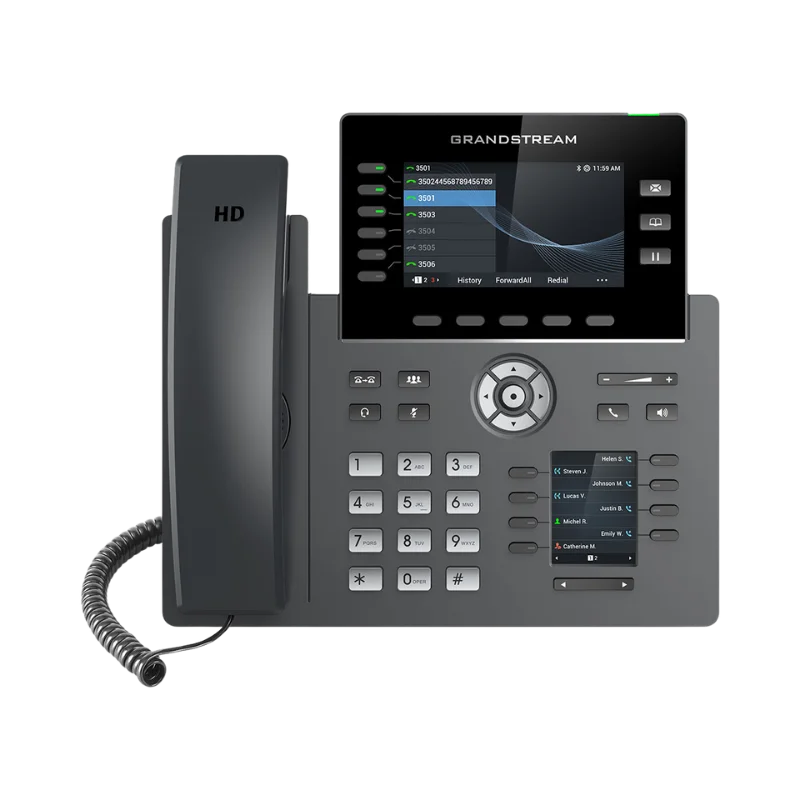
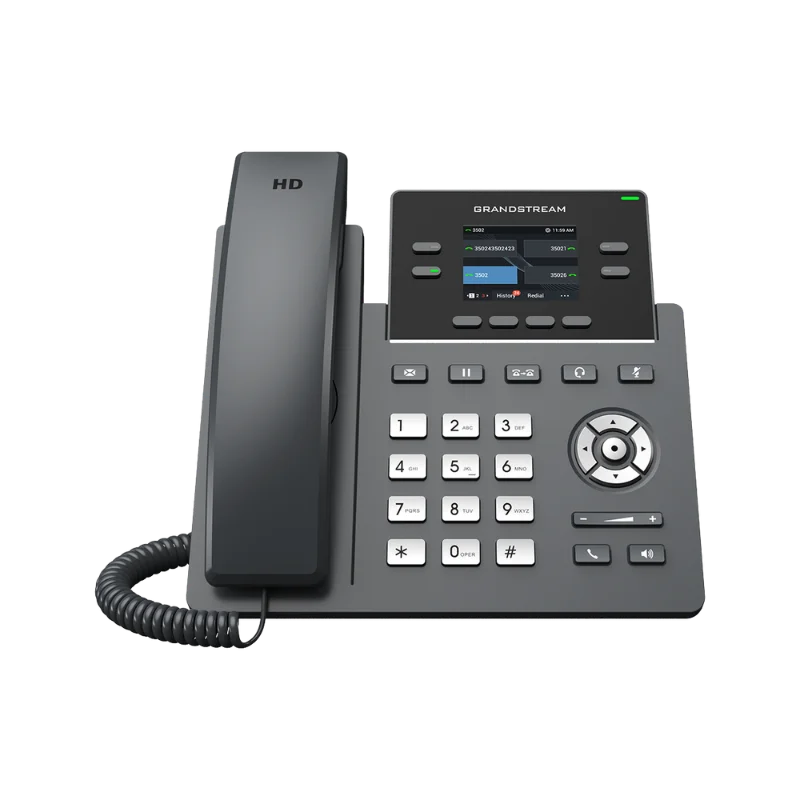
The Grandstream GXP16xx Phone Stand is a high-quality replacement base designed for the GXP1600 series of basic IP phones. This module features a dual-position adjustable design on the rear, allowing you to directly customize the viewing angle for optimal screen visibility and keypad accessibility. The professional all-black design matches modern office desks, corporate workstations, and reception areas, making this stand an essential ergonomic accessory for home theaters, conference rooms, classrooms, and commercial installations that support headsets, phones, and other office accessories.
Secure Snap-In Attachment and Stability
The attachment interface, also known as a mounting bracket, is the industry standard for securing professional communication terminals. This module provides a secure locking mechanism on the rear, typically used to ensure the phone remains stable during heavy handset use or button pressing. The unit features non-slip rubberized feet that provide a significant advantage over generic plastic bases: you simply snap the stand into the designated slots on the back of the phone and place it on your desk. No soldering, no crimping, and no special tools are required. This makes field installation fast, reliable, and professional.
Standard Form Factor and Durable Housing Construction
This stand is manufactured to standard enterprise specifications, ensuring compatibility with the GXP1610, GXP1615, GXP1620, GXP1625, GXP1628, and GXP1630 models. The rectangular shape provides a balanced center of gravity that snaps securely into place from the rear of the mounting device. The rugged black housing provides a clean, uniform appearance that matches the phone body, electrical devices, and office decor. Unlike stands with contrasting colors, this original design disappears behind the phone, putting the focus on your connected equipment rather than the infrastructure. This subtlety is appreciated in high-end residential installations, corporate boardrooms, and professional studios.
Common Applications and Usage
GXP16xx phone stands are used in a wide variety of business and administrative installations. They position handsets for standard call handling in home offices and distributed communication systems. They provide a stable platform for 1, 2, or 3-line IP phones used by remote workers or retail staff. They extend the life of your hardware by replacing worn or broken bases, eliminating unstable desktops and creating a clean installation. In conference rooms, they position the phone for easy access to speakerphone controls. In classrooms, they provide a secure mounting point for administrative contact points. The snap-in design is especially valuable for custom installers who need to set up many workstations quickly and consistently without carrying multiple types of mounting hardware.
Easy Snap-In Installation Process
Installing this module requires only basic manual pressure and takes about a minute per phone. Begin by identifying the mounting slots on the rear of your GXP1600 series phone, which correspond to the two available viewing angles. For a steeper angle, insert the top tabs of the stand into the upper slots and press down until the bottom tabs click into place. For a shallower angle, use the lower set of slots. The connection is vibration resistant and provides excellent physical support. After installation, place the phone on your desk and connect your network and handset cables. This makes field setup fast and ensures a professional result every time.
Why Choose Official Replacement Stands Over Generic Bases
Many offices use generic third-party stands or "prop" the phone up, but these have limitations. Generic stands often lack the precise dimensions to lock securely, leading to instability or phones that slide across the desk. Official Grandstream stand termination solves both problems: you get exactly the right fit for the GXP1600 series housing, cut to the perfect dimensions for the integrated locking tabs. This results in a cleaner installation with no wobble and no unsightly gaps between the phone and the base. Secure connections are also more reliable than loose stands, maintaining hardware integrity over years of use. For professional installers, stocking official stands reduces replacement costs and increases installation speed.
Best Practices for Installation
Follow these guidelines for optimal performance from your GXP16xx replacement stand. Use the angle that best suits the lighting in your facility to minimize glare on the LCD. Consistent angle settings across an office will make the workspace look more organized; use a uniform position rather than varied angles. For multi-phone deployments, verify that the tabs are fully clicked in to prevent the phone from detaching. Label the bottom of the stand with the phone's extension for future reference during office moves. Test the stability by pressing several dial keys before final desktop placement. Leave enough slack in the Ethernet and handset cables to allow for the phone's tilt. Use cable management accessories to support heavy cables and prevent stress on the phone's ports.
Dual-Position Adjustable: Choose between two distinct viewing angles for improved ergonomics.
Snap-In Mounting: Secure locking tabs require no screws; no tools are required for setup.
Non-Slip Stability: Designed for excellent grip on all desk surfaces; no sliding during use.
Durable Black Housing: Clean, uniform appearance matching the GXP1600 series phone body.
Official OEM Replacement: Guaranteed fit and performance for Grandstream GXP16xx models.
Field Replaceable: Fast on-site installation for damaged or lost phone bases.
Customer Reviews
Write a Review