×
![SteelSeries Professional Gaming Gear Apex Pro Gen 3 - Us Gaming Keyboard]()
1 / 1
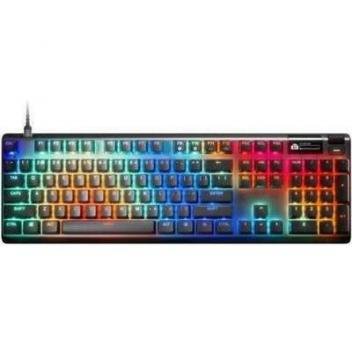
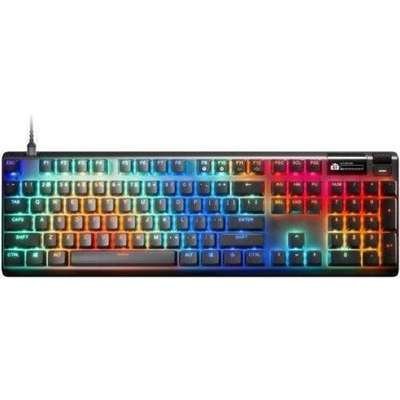
SteelSeries Professional Gaming Gear Apex Pro Gen 3 - Us Gaming Keyboard
32+ bought in past month
Price:
$256.00
Save $29.00
$285.00
Stock:
In Stock
24/7 Support
Same Day Dispatch
Easy Returns
Warranty 2-Years
Apex Pro Gen 3: The World's Fastest Keyboards
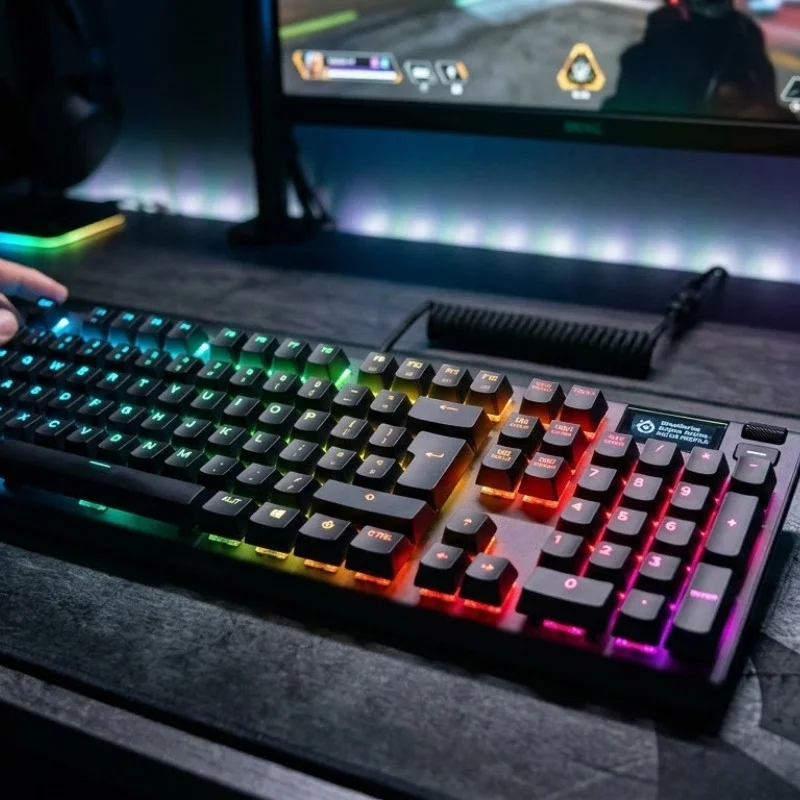
Apex Pro Gen 3 is a keyboard that is designed with quality precision for gamers. This keyboard provides instant response, which makes it able for you to win a battle in an effortless way. On top of that, the gear features RGB lighting. This can be customized according to your choice. Also, the gear has an OLED display that makes it easy to adjust settings in a quick way. It means you won’t have to go through detailed settings. Let’s explore what else this accessory offers:
RGB Customization Options
You can personalize the lighting on your keyboard. There are over 16.8 million color combinations available from the RGB palette. Also, the reactive typing feature is present. This lets you customize individual key color, which changes on each press. For an even more enhanced setting, you can use Prism, a software by SteelSeries, to sync your lighting settings across various devices.
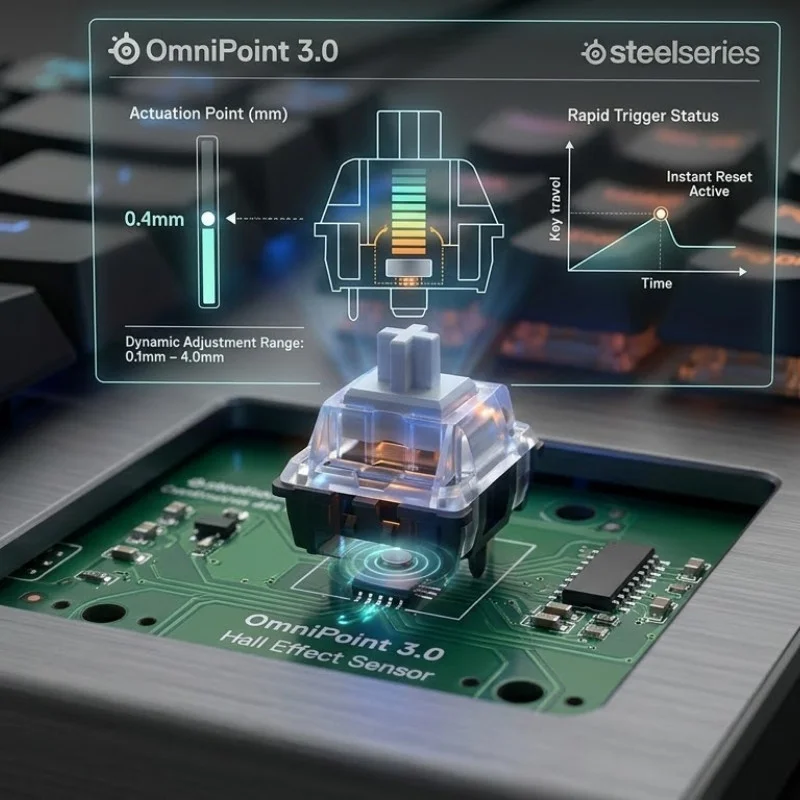
OmniPoint 3.0
The Apex Pro has OmniPoint 3.0 Hall Effect switches, which provide instant response. This technology enables a person to adjust keyboard sensitivity with up to 40 customizable actuation levels. Furthermore, you can use rapid triggers and also adjust sensitivity levels from 0.1 mm to 4.0 mm. So, by customizing keyboard presses, you can play games with precision and ease.
Upload Image×
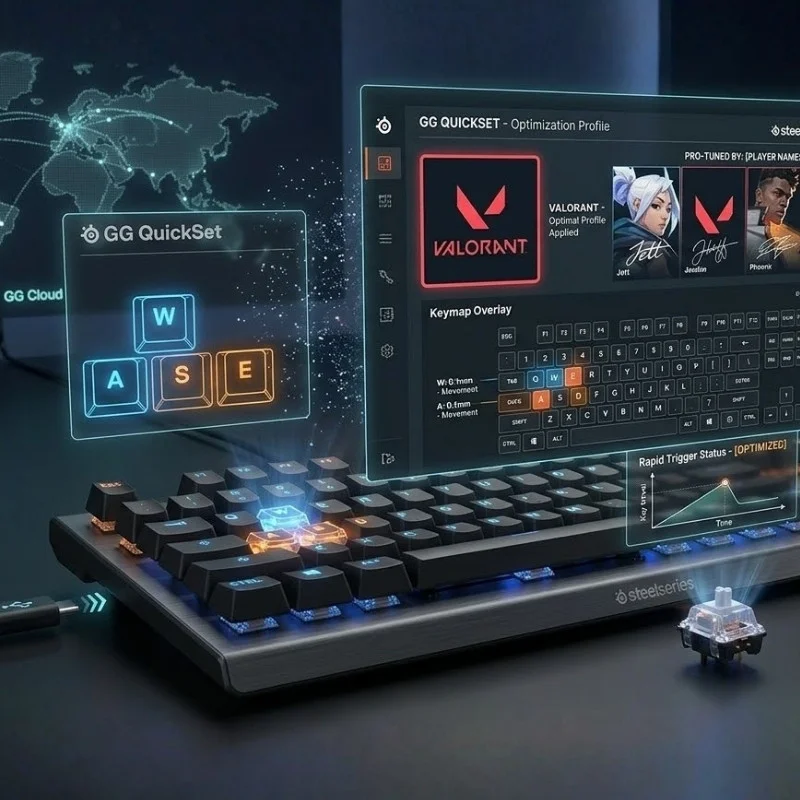
GG QuickSet
This software allows you to manage settings easily. You won't have to go through so many system settings. Simply, you can adjust key sensitivity levels or switch profiles in just a few taps. Adding to that, the RGB lighting can also be customized in an instant. Another standout feature is that you can create macros, a keyboard settings that allow different prompts. Also, the gear comes with a lot of presets that make it easy for you to manage settings in a smooth way.
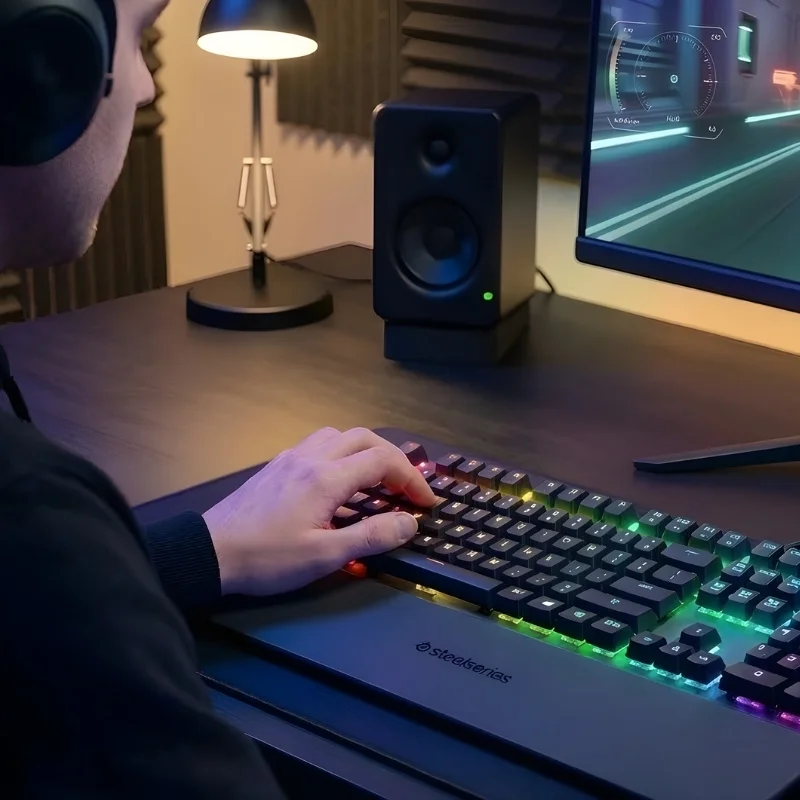
Key Input Response
You get a precise and rapid response with adjusted key settings. It features rapid tap, which provides quick input for improved aim. Furthermore, the rapid trigger has low latency, which allows you to play repeated action games without lagging. On top of that, you can program a single key to perform multiple actions. Another great thing is that you can save your custom settings across 5 on-board profiles
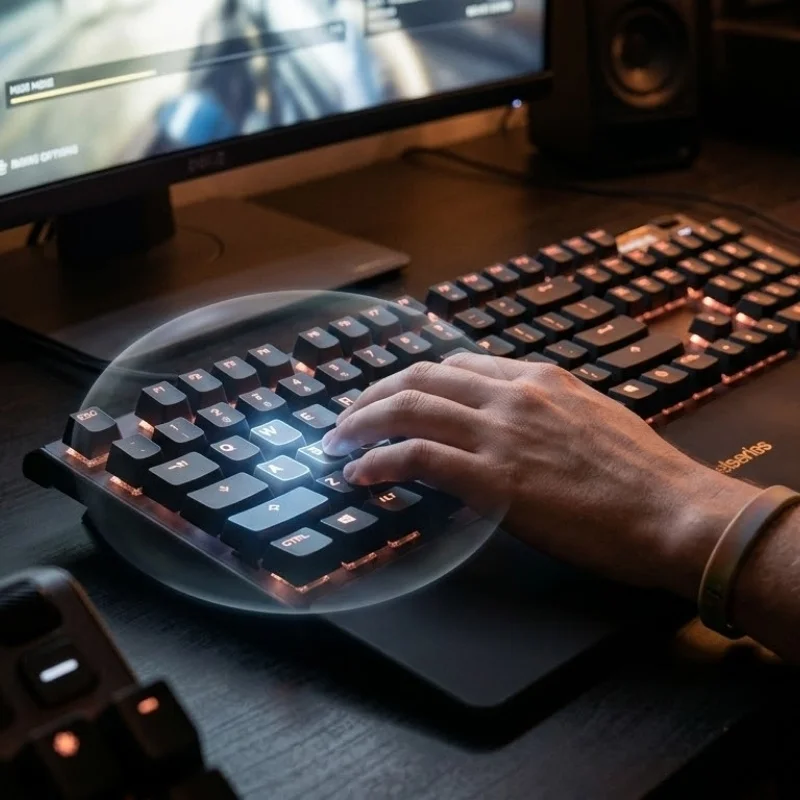
Protection Mode
The Apex Pro by SteelSeries has an exclusive Protection Mode. While pressing the key, the sensitivity of nearby keys is automatically reduced. This feature enables gamers to press the key as fast as they can without worrying about pressing any wrong keys.
Easy Settings
The OLED smart screen Apex PRO acts as a command center to improve keyboard functions. You can change settings quickly without going through so many complicated menus. A lot of presets are also available, so you don't have to figure out which settings to choose. It is also very accessible to change RGB lighting sensitivity for a quality look. The macros can be set immediately with just a few clicks.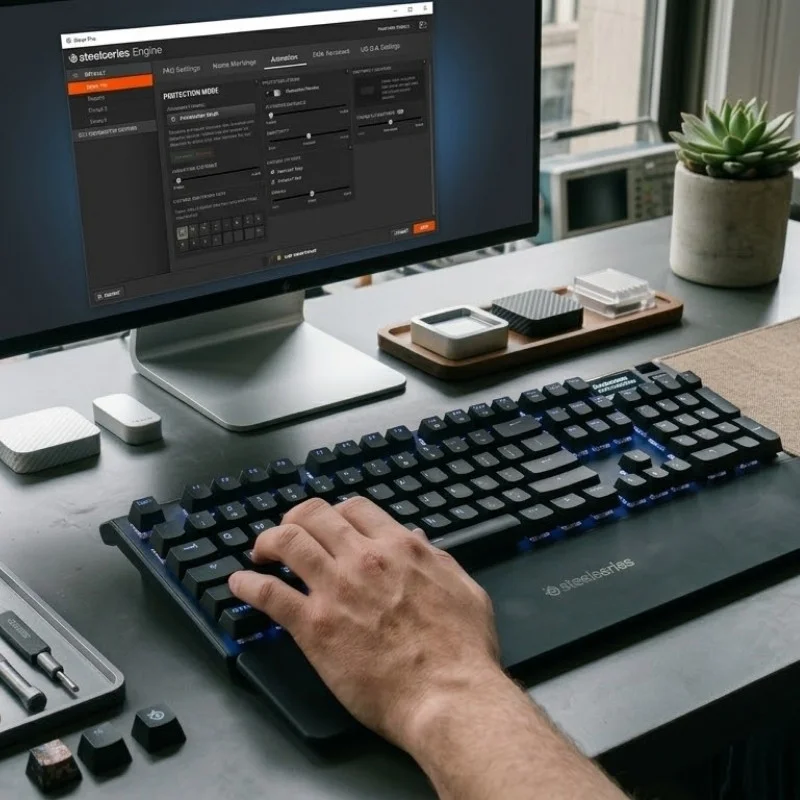
Enhanced Build
This keyboard provides a sleek and also a quick typing experience. Notably, each of the keys is lubricated, which makes the presses feel smooth. Another great thing is that the stabilizers are added to minimize wobbling. Furthermore, the triple-layer sound-dampening foam is baked in. In this way, each keystroke feels soft. The sound it produces is lighter, just like an ASMR experience.
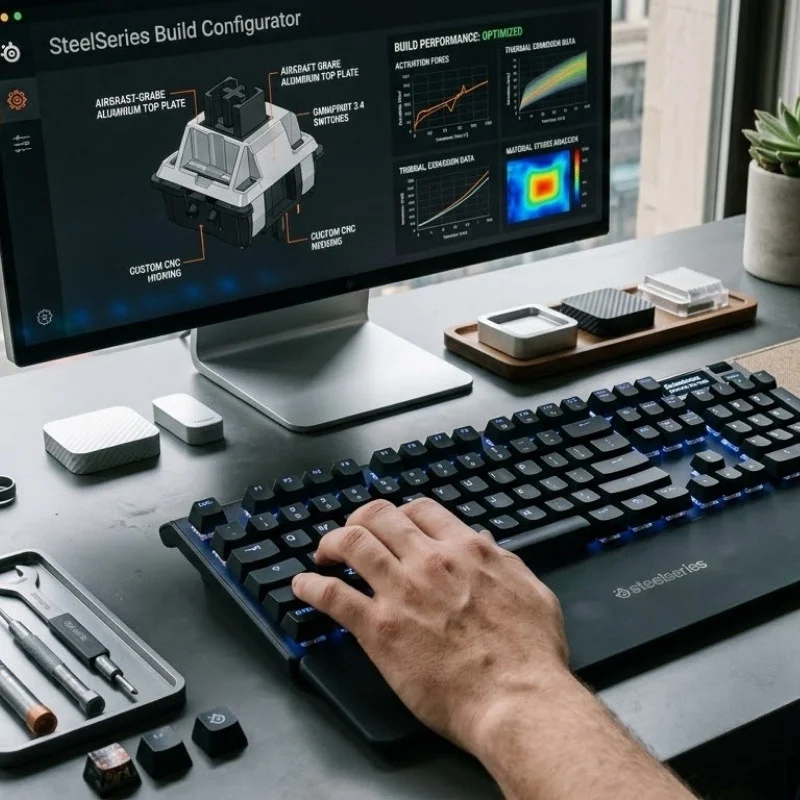
Sizes and Dimensions
The Apex Pro comes in three different sizes. You can find the style and dimension guide below.
| Dimension | TKL | Mini 60% | Full Size |
|---|---|---|---|
| Width | 355 mm / 14.0 in | 293 mm / 11.53 in | 437 mm / 17.2 in |
| Depth | 129 mm / 5.0 in | 103 mm / 4.02 in | 139 mm / 5.5 in |
| Height | 42 mm / 1.7 in | 40.3 mm / 1.59 in | 41 mm / 1.6 in |
| Weight | 974 g / 2.15 lbs. | 543 g / 1.2 lbs. | 1403 g / 3.1 lbs. |
Keyboard Compatibility
The Apex Pro is compatible with Windows. It works well on devices such as Xbox, PlayStation, and Mac OS X, though the USB port is still required. You can customize keyboard features and settings through SteelSeries Engine software. It works best on Windows 8.1 and above update as well as on Mac OS X. Keep in consideration that some of the software features may not be supported on Mac OS.
| Technical Features | |
|---|---|
| Feature | Specification |
| On-Board Memory | 5 Custom Profiles |
| Processor | 32-bit ARM |
| Key Switches | OmniPoint 3.0 Adjustable HyperMagnetic Switches (Analog Hall Effect Magnetic Sensor) |
| Switch Rating | Up to 100 million keystrokes |
| Adjustable Actuation Points | 0.1 mm – 4.0 mm |
| Connection | Wired |
| Response Time | 0.54 ms |
| Lighting | Per-Key RGB Illumination |
| Key Rollover | N-Key Rollover |
| Anti-Ghosting | Yes |
| Media Controls | Dedicated Media Keys |
| USB Passthrough | Yes |
| Compatibility | Windows, macOS |
What's inside the Box?
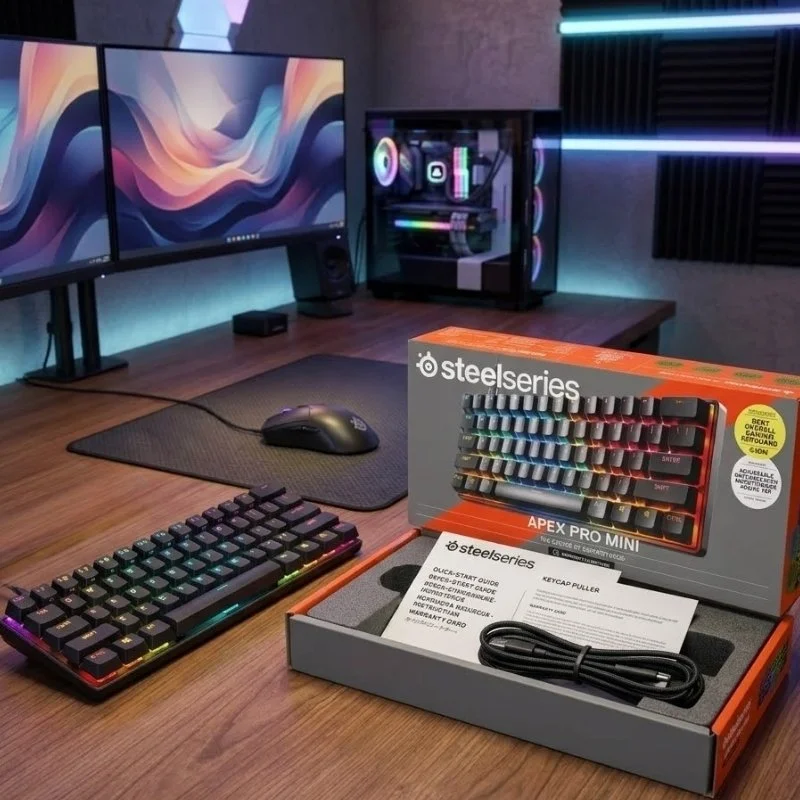
When you place an order for the Apex Pro Gen 3 keyboard from Find Headsets, this is what you will get in the package:
- Apex Pro Gen 3 Gaming Keyboard
- Detachable Braided USB-C to USB-A Cable
- Keycap Puller
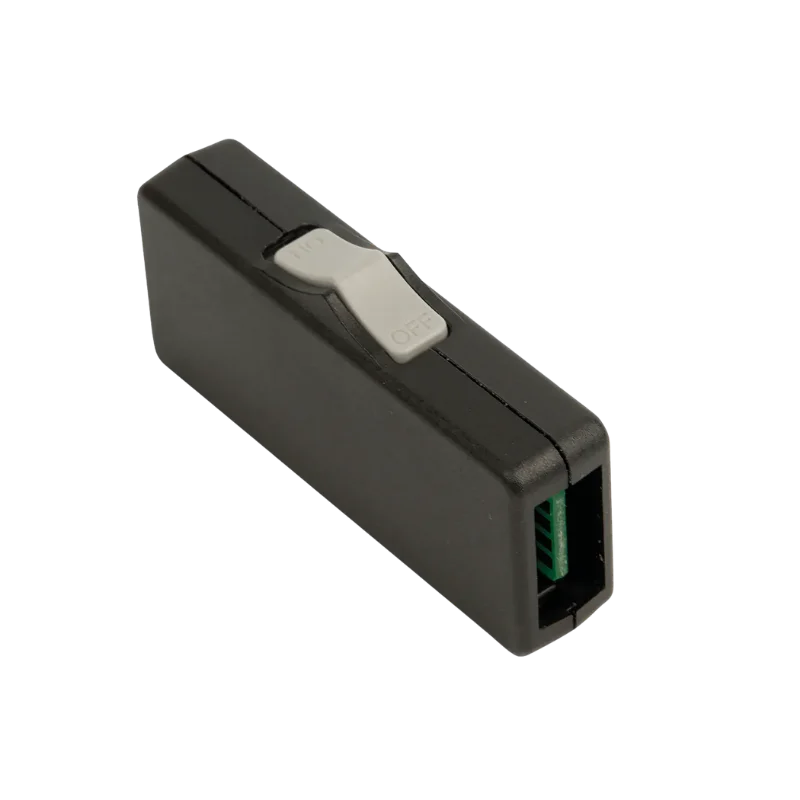
- Extension Adapter
- Wrist Rest
- Product Information Guide
Useful Resources
If you have any information or confusion about Apex Pro Gen 3 features or working conditions, then you can refer to this information guide.
For more info, you can contact Find Headsets. We’re here to answer your questions.
Get the Fastest and Stylish Keyboard Today!
Don’t let the keyboard control get out of your hands. Consider a gear that prevents strain on fingers and provides fast reflexes. For a precise gaming experience with quick responses, order the Apex Pro Gen 3 by SteelSeries today.
FAQs
Adjustable Hyper Magnetic Switches: Improve speed by adjusting key sensitivity
OMNIPOINT 3.0: High-precision key control and fast response
GG Quick Set: Quick setup with optimized gaming presets
Low Latency: Uninterrupted gameplay with quick actions
OLED Smart Display: Change settings in an instant without system configuration
Protection Mode: Prevent accidental key presses by reducing nearby key sensitivity
Rapid Trigger: Get instant actions by repeatedly pressing keys
Dynamic RGB: Vibrant lighting effects that can be customized for appeal
Customer Reviews
Write a Review