
×
![Logitech H340 USB Headset]()
1 / 1
Logitech H340 USB Headset
184+ bought in past month
Price:
$31.00
Stock:
In Stock
24/7 Support
Same Day Dispatch
Easy Returns
Warranty 2-Years
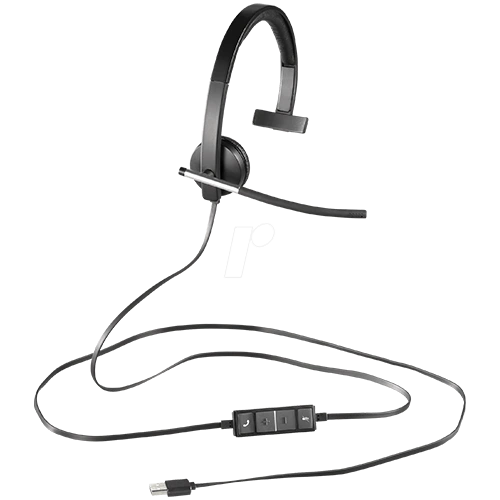
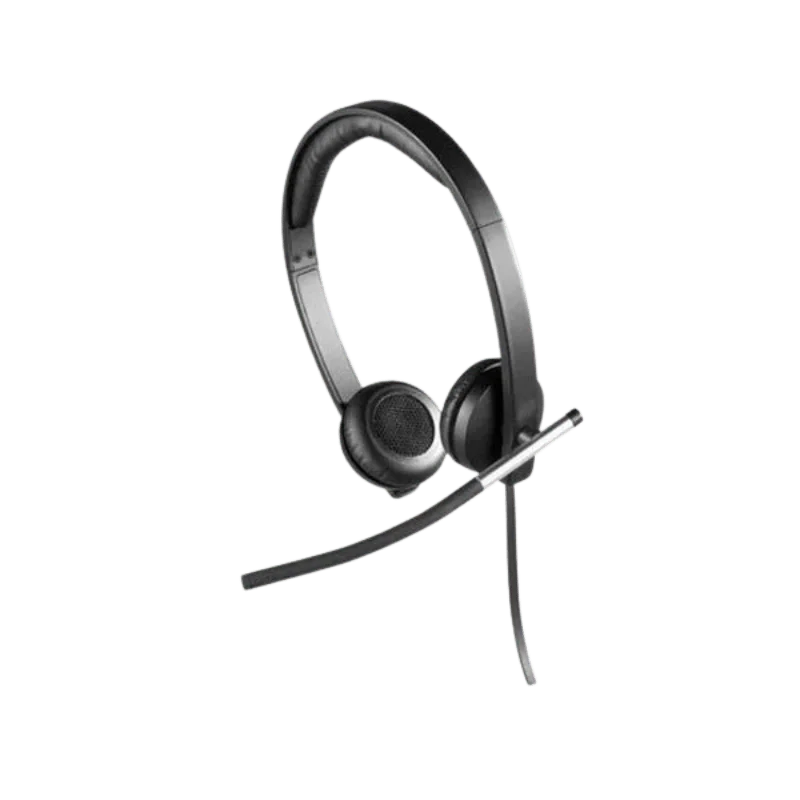
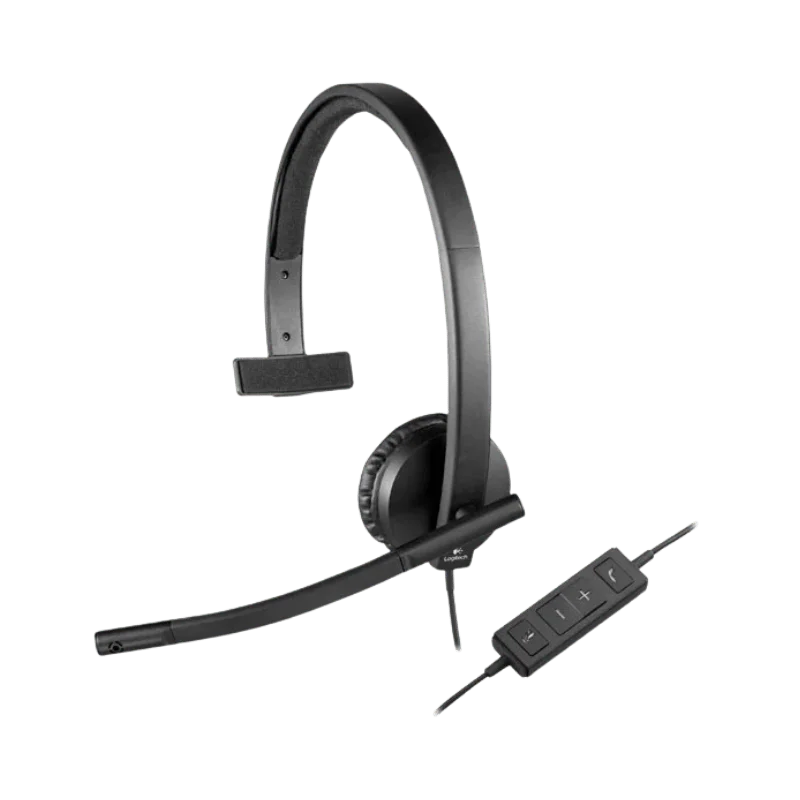
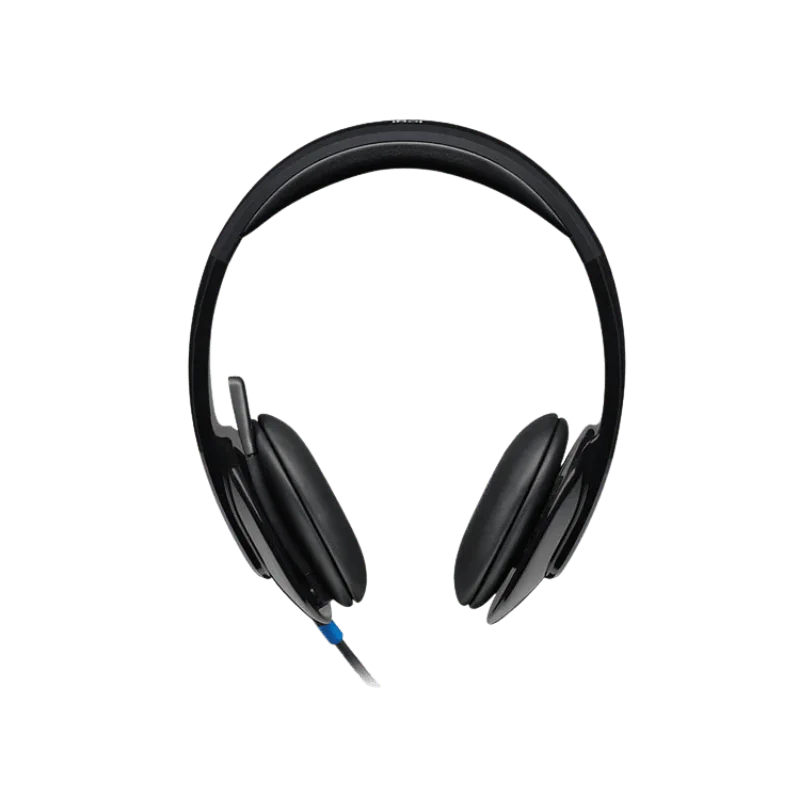
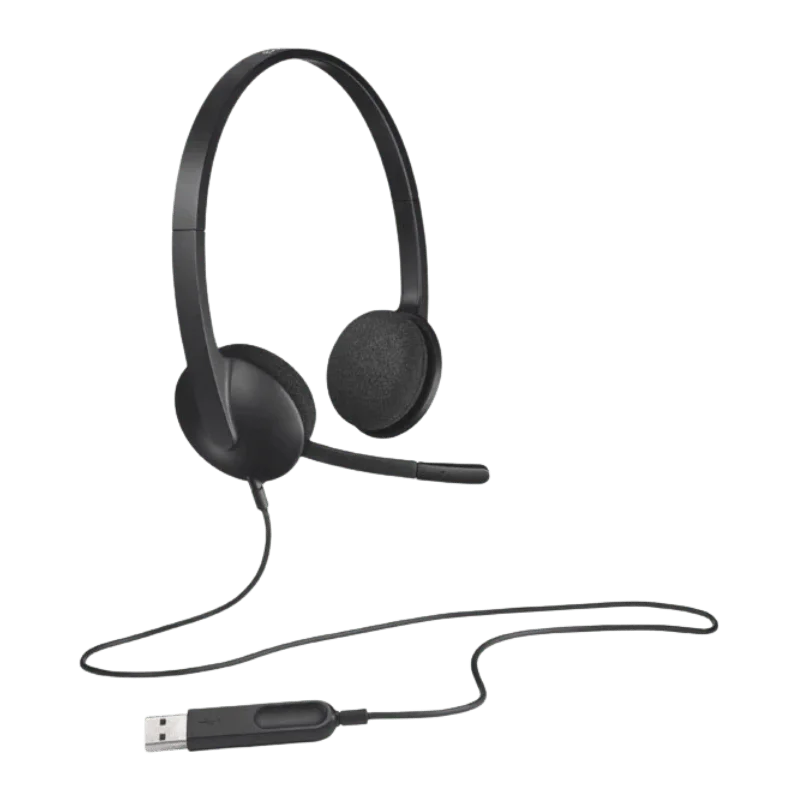
Logitech H340 is an easy to use Logitech mic for everyday use with a computer. It is simple to use, and features a single USB-A port. The earphones are stereo and have a noise canceling mic. Perfect for calling, online meeting sessions, webinars, music and any type of everyday activities. Featuring swivel mounted foam ear cushions and adjusting headband for a comfortable fit. The 1.8 m cable enables the operator to move freely during working.
This H340 headphone is compatible with computers that have a compatible USB port, and support the Windows, macOS and ChromeOS operating systems. Logitech's installation manual states that it can be directly attached to a computer's USB port and be used right away.
Real World Digital Stereo Sound
The headset is able to deliver digital stereo sound via USB. Enables to enjoy clear sound in a voice call, online meeting, music, video, webinar or for simple gaming. Things in everyday life can be heard within the frequency range of 20Hz to 20kHz. If you need one headset for business use and one for personal use, then this will be your best bet.
Improved Voice Quality Mic
The right microphone is noise canceling, which will reduce any unnecessary background noise. It can be helpful sharing an office or a hectic household. The microphone boom can be adjusted to move in closer to you during voice calls. It's also possible to slide it out of the way when you wish to listen but not talk.
Seamless Boom
The microphone is small with a small boom, and doesn't encircle the face. Depending on the wearer's preference of using the headset, it can be adjusted. Also the boom can be folded up and stowed in the head band when the microphone is not in use. This will stop it getting in the way when on a call.
Simple USB-A Connection
Simple installation - USB-A port. Headset could be used immediately after being plugged into a computing system to which it is attached. No need to pair with a Bluetooth device or to configure Bluetooth. Also, there isn't any battery that requires charging. This may come in handy for various work stations or as a daily use in an office.
Comfortable Adjustable Headband
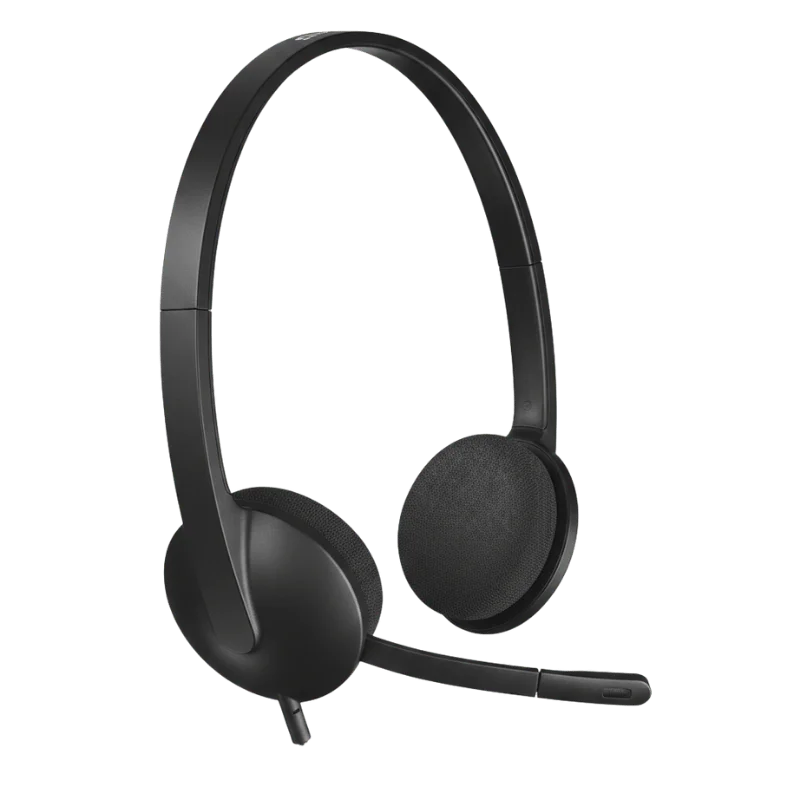
There's an adjustable headband to adjust the fit on the head. If you're going to be working or having meetings, you have to look for a proper headset that would permit you to have a stable headset. The light weight also tends to decrease discomfort while wearing for lengthy durations in the front of the computer.
Swivel Foam Ear Cushions
Ears rotate along with the movement of the headset with cushions. This will allow pillows to retain their form on your ears. The foam filling is soft, has low friction to the eye when wearing the appliance and allows it to mold to the eye shape. It also adds to additional comfort when using the computer, on calls and in meetings on the headset.
To Obtain Greater Freedom, the Cable is 1.8 m
They possess a 1.8 m cable and have enough workspace to move. Cable is suitable for standing or sitting and is long enough to reach the end. The wired connection will be a secure signal, however, without being limited by range or battery life.
Operates in Simple Computer Systems that are Familiar to the Individual
The headset works with Windows, macOS and ChromeOS. If your computer's USB port is of type A. On other PCs there may be other types of USB port, however, if you have a USB port, an adaptor will accommodate that port. That way, you'll have several options for utilizing the headset when you want to use it with more modern computers.
For Calls and Online Meetings
Headsets can be used on a day to day basis. The microphone allows you to concentrate on your voice while the stereo speakers enable you to listen clearly. Ideal for remote work, customer phone calls, online, webinars, video conferencing and any other tool or needed to talk to you and your computer.
Suitable for Music and Video
It's not only a voice call only service. It also features stereo speakers that can come in handy when listening to music and watching videos. Use a headset and headphones.
For Everyday Computer Use!
The weight of the headset should be about 100 g. Is lightweight and comfortable to wear for the day-to-day work/school environment. This is awesome for anybody that works at their desk for a lot of the day and doesn't want to invest in a huge headset.
No Complex Controls or Configurations
The H340 makes things easy. No Auto pairing and charging. Insert into your computer and follow its directions. A straightforward design that is quite beneficial for the office, classroom, home office, etc.
The Perfect Solution for Collaborative Spaces
The headset can be easily moved to other compatible computers, due to the simple and easy-to-move USB connection. This can be very convenient if you're using several desks or desks that are shared. Another excellent benefit of its wired use is that it won't run out of power during a significant phone call.
Package Contents
- Logitech H340 USB Headset.
- User documentation
Designed for Everyday Computer Use
The H340 headphone is just a basic headset. No wireless pairing/battery management. Simply plug the USB-A into the computer, insert, and go! Is capable of voice communications, Internet conferencing, webinars, telework and listening. Additionally, this stereo-type design is beneficial to other applications apart from voice communication. Play light games, watch videos and listen to music during non-work calls.
Easy to Work on for Long Periods
If using a headset for long periods of time, there should be no discomfort. H340 features swivel-mounted foam ear cushions that are attached to a removable headband. Headband can be adjusted for the appropriate head size. The foam cushions offer a ‘soft contact point' in the ear area. It is also light which allows it to be worn during normal working hours.
Easy Setup With USB
Among the advantages of this headset is its basic connectivity. Plug the USB-A cable into the computer. No need for a long set up time it should work out of the box. This direct wiring method is outlined in Logitech's reference guide. Easy to connect, for the user in an office, home office, class or communal work environment, looking to get an efficient headset.
Who is the Logitech H340 For?
If you're a heavy computer user, then Logitech H340 would be an ideal choice. Can be used every day for meetings, team calls even for remote working. Not to mention its USB connectivity makes it hassle-free to pair up at home. This can be a great choice for office staff or customer support operators that require the simplest wired headset to communicate in their day-to-day lives. It can also be used by students for online classes, for webinars and study sessions.
If you are looking for a ‘real deal' headset, then you have the H340 for things like working on your computer or playing. Can be utilized for phone calls, conferences, or for music, video and other audio requirements without needing to pair or charge wireless devices.
Why Shop from FindHeadsets?
FindHeadsets has extensive knowledge about the communication solution, office, call center, remote worker's and general user's headsets. The company has a number of popular brand products, such as Logitech, Jabra, Poly, Yealink, and Sennheiser. It also provides compatibility suggestions to ensure you will choose a headset which may be appropriate for your computer, connection and job demands.
So much more than a headset comes with the Logitech H340. There, you'll find speedy shipment FindHeadsets providers, secure banking options, hassle-free return policy as well as customer service. According to the website, order deliveries are made within 3-4 business days. Same day service is available with major carriers like UPS, USPS, DHL and FedEx also, if the order is placed before 3:00PM PST by the customer.
FindHeadsets is also crucial after the customers buy their headsets. They are able to answer questions in relation to the products and compatibility with their crew. A 30 day money back guarantee. This will surely give you additional confidence to purchase the right headset for your setup.
Technical Specifications
| Specification | Details |
|---|---|
| Product Type | Headset with computer USB cable. |
| Connection | USB-A |
| Connection Type | USB 1.1, 2.0, 3.0 compatible |
| Audio Type | Digital stereo sound |
| Microphone | Noise-canceling boom microphone |
| Microphone Position | Right-sided |
| Headset Frequency Response | 20 Hz – 20 kHz |
| Microphone Frequency Response | 100 Hz – 16 kHz |
| Headphone Sensitivity | 115 dB ±3 dB |
| Microphone Sensitivity | -42 dBV/Pa ±3 dB |
| Input Impedance | 20 Ohms |
| Cable Length | 1.8 m / 5.9 ft |
| Weight | Approx. 100 g / 3.52 oz |
| Headband | Adjustable |
| Ear Cushions | Swivel-mounted foam |
| Supported Platforms | Windows, macOS, ChromeOS |
| Computer Connection | A USB-A port and/or compatible adaptor. |
It is accompanied by a USB-A port. Simply connect it to a compatible computer, and it's all set to go. Bluetooth does not require pairing with another device.
It’s a wired headset. Does not need a battery to use with USB (including audio and microphone).
Yes. The boom mic has noise-canceling functions to aid in decreasing background noise. This can make it easier to listen to your voice while you're making calls and online video conferences.
The length of the cable is 1.8 m or approximately 5.9 ft. This will provide you with a little added space to get around at your desk.
Yes. Works with Windows and Mac computers. Also works with ChromeOS (Chromebook) with a compatible USB port.
Yes. The stereo speakers with a noise-canceling microphone are ideal for online meetings, video calls, webinars, and remote work, filtering out background noise.
Yes. Stereo audio for music, videos, games, and everyday use on the computer. It can be used both for work and play.
Yes. The SPL boom can be angled to assist in picking up the voice from the right side. In addition, you can put it aside if you don't require the microphone at the time.
Basic functions do not require any special software. Plug in the USB-A cable to any compatible computer and enjoy.
The swivel foam ear cushions and adjustable headband are all designed for everyday wear. It also doesn't feel like too heavy of an option for normal work sessions.
Customer Reviews
Write a Review