
 By
By It feels frustrating when you have invested in an expensive Jabra headset, but it does not connect. Are you having trouble connecting your Jabra headset to your PC and devices? Don’t worry! Because it’s not a big issue that can’t be resolved. There can be multiple reasons behind this issue.
In this short guide, we are going to discuss the common reasons behind your Jabra headset not connecting and the solutions for the problems. Let’s get started!
Common Reasons: Your Jabra Headset is not Connecting
Different users have different experiences with the headsets. Therefore, the problems they face can also be different, so there can be multiple reasons. Based on common user experiences, there are some common reasons your headset might not be connecting:
Outdated Firmware
Sometimes, the firmware of your headset becomes outdated according to the current needs. The solution is simple. This issue can be solved by updating the firmware through Jabra Direct or the Sound+ app.
Low Battery
For Jabra wireless headsets, when the battery is low or is almost dead, the headset may face issues while connecting to devices. You may hear a beep sound as a low battery indicator. You must recharge your Jabra headset and check if it’s connecting or not.
Bluetooth Interference or Range
Bluetooth connection may not be established due to two reasons. One reason can be the interference from other Bluetooth devices that prevents it from connecting to your device. The other reason could be that you have exceeded the permitted range by Bluetooth technology, i.e., 30 meters.
The Device is not in Pairing Mode
Your device is not always looking for available devices to connect. You have to prepare your device by turning on the pairing mode. Another reason can be that the pairing list you get is corrupted.
The Broken Cable or USB Port Might not be Working
Sometimes, your headset cable is not working, which makes the connection impossible. Similarly, the USB port might also not be working, which prevents the Jabra headset from connecting to your PC.
Compatibility Issues
Your Jabra headset might not be compatible with the device you are trying to connect to. Before connecting your headset to your PC or phone, check whether it’s compatible or not. If it’s not compatible, it will not connect.
USB Dongle Issues
The Jabra headsets equipped with a Link USB adapter may face issues if you are connecting via a USB dongle. Your device may fail to recognize the USB dongle at first. You will need to unplug or replug the dongle to make it connect.
In this section, we shortlisted the possible and common reasons why your Jabra headset is not connecting. Now, let’s move forward to troubleshooting steps that can make your Jabra headset connect with your PC or other devices.
Disclaimer: The information given below is for guidance purposes only. These are the general steps suitable for most Jabra headset models. The troubleshooting steps may vary from Jabra headset model to model.
Troubleshooting Steps to Solve the Connection Problems
We have understood why our Jabra headset is not connecting. The above-discussed problems are generally solved by restarting your device or the headset. Try this first; if this does not work, we will have to move towards checking the pairing mode. Check if your device is in pairing mode. If not, turn on the pairing mode so that your device can search for available devices and connect with your device. If the problem persists, follow these steps:
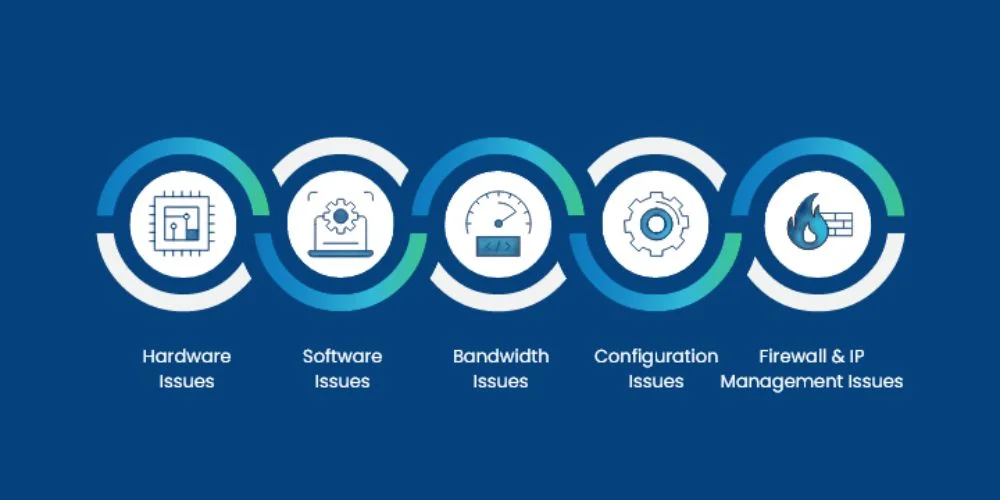
Troubleshooting Steps when Pairing Steps are not Successful
Before you start troubleshooting, restart your device and Jabra headset by turning it on or off. Also, ensure your device is in pairing mode and turn the Bluetooth on. Now you can perform the following steps:
- Try to pair your Jabra device with a different mobile device or PC. This will confirm whether your Jabra device is found by another device or is paired or not.
- Please make sure the firmware for your Jabra headset is updated to the latest version.
- Reset your Jabra device; this usually works.
When you have done all these steps, and your Jabra headset still fails to connect with your mobile device, it’s time to contact support.
Troubleshooting Steps to Solve USB Dongle Problem
Having trouble with the continuously flashing USB dongle when using it with a Jabra headset? You need to reset the Link USB adapter using the Jabra Direct software to solve this problem. Follow these steps to reset the Link USB Adapter:
- Go to the Jabra Direct interface, where you select your device.
- Click Device => Device Settings =>Click Reset to open the Restore device settings dialog.
- Click Apply.
Your Jabra headset will be reset. But you will need to re-pair it again with the devices you have been using previously.
Bottom Line
When you have invested in an expensive headset, especially from Jabra, you may get frustrated when it’s not connected to your device. But generally, this problem is solved when you reset the Jabra headset or your device. If the problem persists, you can follow the troubleshooting steps we have discussed in the above guide.
No comments yet. Be the first to comment!
Leave a ReplyYour email address will not be published. Required fields are marked *