
 By
By You don’t need an expensive headset to get great sound. SteelSeries Sonar is a sound enhancement software designed to match your gaming experience. It helps gamers and streamers improve their audio while playing games. A common question is whether you'll need a SteelSeries headset to use this software.
The short answer is no. This guide explains everything you need to know about what Sonar can do for you. This will also let you know which headsets it works on.
What is SteelSeries Sonar?
SteelSeries Sonar is a free audio software. Any Windows PC can download it.
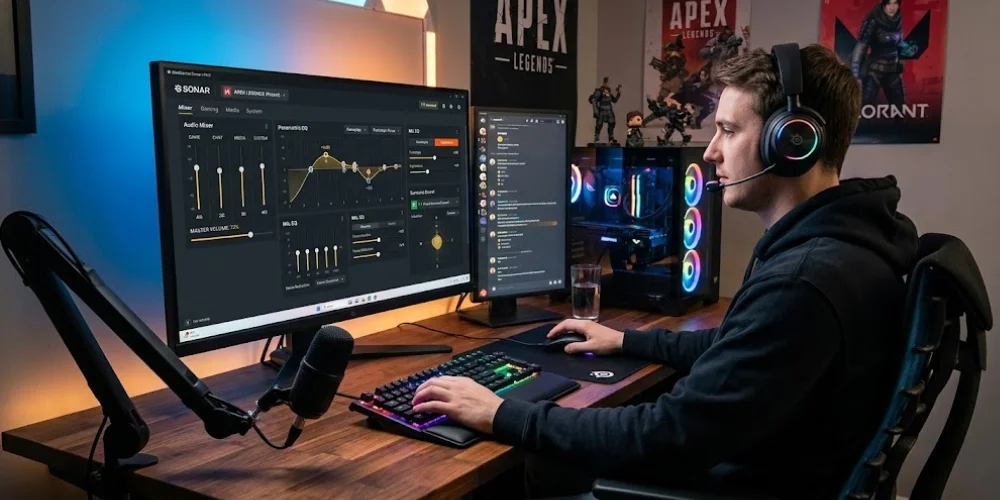
Sonar is not your average volume tool. It's a full audio suite. It's basically a control room for all the sound from your computer. You can control the audio levels of your game and your chat. It also allows you to manage the microphone.
Some of the key features that Sonar offers include:
Parametric EQ: It is designed to boost or cut some frequencies of sound. This enables one to hear the footsteps distinctly or dampen down an explosion.
Audio Mixer: This lets you regulate the volume of your game and voice.
Mic EQ: Helps clean up how your voice will sound on the other person's end when talking to teammates.
7.1 Virtual Surround Sound: This one gives an illusion that sound is coming from all angles of the room.
Game Presets: It comes with pre-made settings of all games that are well-known and tuned by sound engineers.
All of this is free. There is no charge to use it.
Does Sonar Work with Any Headset?
The answer is yes. Sonar works with most headsets connected to a Windows PC. It is compatible with any audio device connected to your Windows computer. As long as your Windows detects your device, Sonar will also recognize it.
That means you can use Sonar with headsets made by most major brands. It is compatible with HyperX, Razer, Logitech, Corsair, Sony, Jabra, Audio-Technica, and Sennheiser. This version will also support any other headset connected to a Windows PC.
SteelSeries Sonar has been built to be device-agnostic; you don't even need a SteelSeries peripheral for it to function. You can download it and begin using it without having to purchase any SteelSeries hardware. These make it one of the most accessible and customisable audio solutions available. Companies tend to keep the best software they write constrained within hardware. SteelSeries doesn't do that with Sonar.
One Important Limitation: Bluetooth Headsets
There is one catch you should be aware of. Sonar will not recognize devices that are connected through Bluetooth.
Sonar Audio will not be able to route audio properly if you use a wireless Bluetooth headset. The software operates via a virtual audio device on Windows. Bluetooth audio can be a little fussy when interacting with that system.
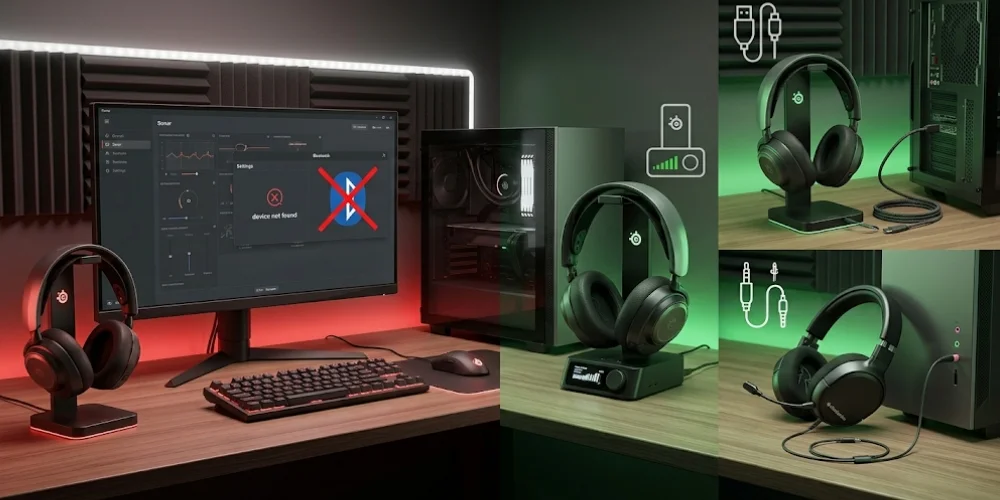
These different methods you can use to connect your headset for improved compatibility. Ideal options are USB-connected, a 35 mm audio jack, or a USB wireless dongle. This enables Sonar to function correctly via your headset when connected to a Windows PC.
Does Sonar Work on Consoles?
No. Sonar is only available on PC. Consoles are excluded. This includes PlayStation, Xbox, and Nintendo Switch. It runs at the system level on your computer, which means that you need to be running Windows for it to work.
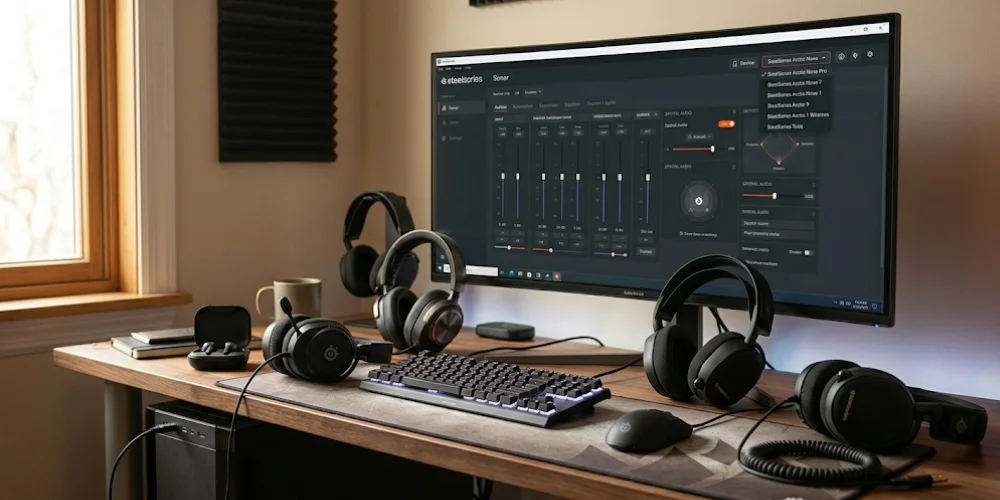
If you're a gamer on console and want better audio, you'll have to explore alternatives such as your console's EQ settings or a proper DAC/amp of your own.
What are the PC Requirements for Sonar?
Below are the system requirements to run Sonar:
- Windows 10 RS4 or later (64-bit)
- Intel Core i5-2xxx or AMD FX-4xxx CPU (or better)
- Broadband internet connection
We expect modern gaming PCs to power through these specs. Sonar should run without issue on basically any PC able to run modern games.
You also have to sign up for a free SteelSeries GG account. Since this is cloud software, you will need to register to sign in and be connected to the internet. This is a small downside, but it's only something you have to set up once.
Do You Get Extra Features with a SteelSeries Headset?
Yes, you do. Sonar can work with any headset. But Sonar works best with SteelSeries devices and gives you more setup options. This means deeper hardware-level integration with compatible headsets such as SteelSeries Arctis Nova Pro paired to the GameDAC Gen 2. Sonar's game and chat mixer is used even more effectively with the Nova Pro with the GameDAC Gen 2.
It includes a ChatMix dial to help balance game and chat audio. Firmware updates are also available on the same app for better control. It also provides EQ presets optimized for your type of headset to enhance the audio. And it also opens the door to better integration between the software and headset drivers for having that smoother experience.
That means if you have a SteelSeries headset, you'll get the most out of Sonar. The majority of the core features will also work with other brands. You simply won't be getting the hardware extras.
How Does Sonar Actually Work?
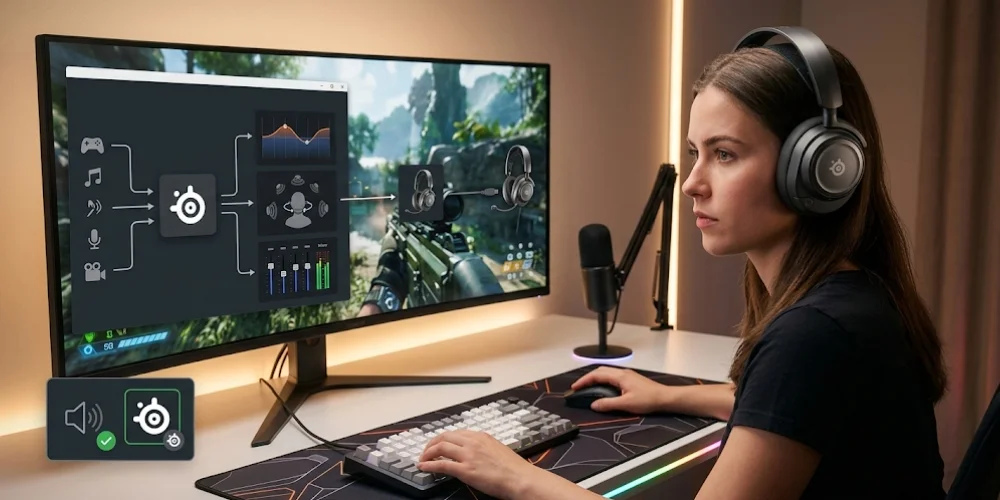
Sonar creates a virtual audio device on your PC. So all your system audio is routed through this virtual device first. Sonar then acts on it by applying EQ, spatial audio, or mixing – before routing it into your actual headset.
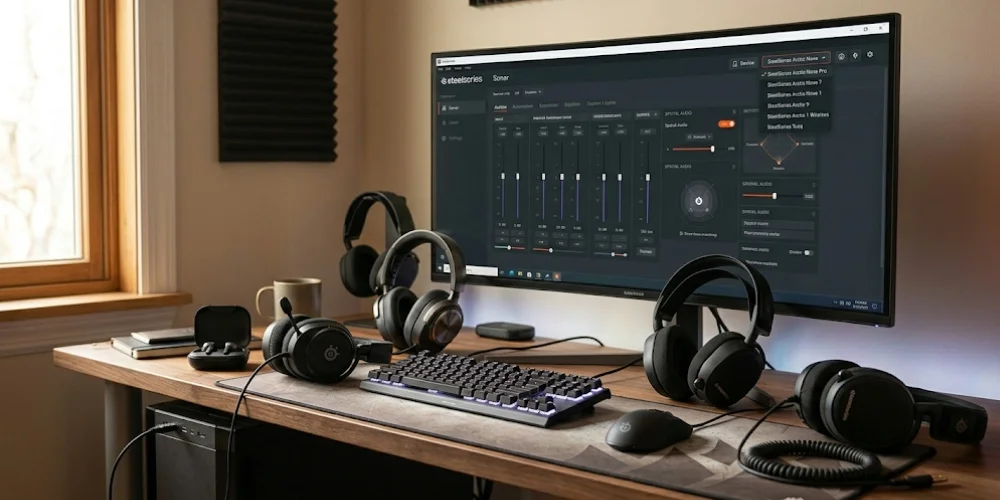
That is why it works with any headset. The processing takes place in the software while the audio hasn't even reached your headphones yet. The only thing that comes out of your headset is the final product.
This will only work if the SteelSeries Sonar Gaming is selected as the Windows Default Device. Make sure that your audio is set to be routed through Sonar, or you won't get any of the effects.
Is SteelSeries Sonar Worth Using?
Sonar is the best available option if you want to play better sound without paying a penny. It is compatible with any headset and microphone.
You can amplify or attenuate certain sounds in the game by using Sonar. This makes you hear footsteps and bomb plants more easily than ever.
Even if you are not an eSports player, the parametric EQ and audio mixer make dealing with everyday gaming or music a whole lot better. However, EQ tends to make the headset itself sound better. The majority of headsets do not sound good at first.
Final Verdict
SteelSeries Sonar is about as generous as it gets in the free audio software world. SteelSeries headsets are not specifically needed. It does not require you to spend anything on it. Nor do you have to be a sound engineer for it to work.
This is Compatible with any wired or dongle-based headset via a Windows PC. It is not compatible for use with Bluetooth-only headsets. It is not functional on consoles or mobile devices. You can also unlock some extra hardware features on SteelSeries headsets. You will require Windows 10 or higher and a free account
Consider SteelSeries Sonar if you need free and powerful audio enhancement for gaming on PC. You can also download it for free. Definitely, your existing headset most likely even works.
FAQs — SteelSeries Sonar
Everything you need to know about SteelSeries Sonar compatibility and features.
No comments yet. Be the first to comment!
Leave a ReplyYour email address will not be published. Required fields are marked *