
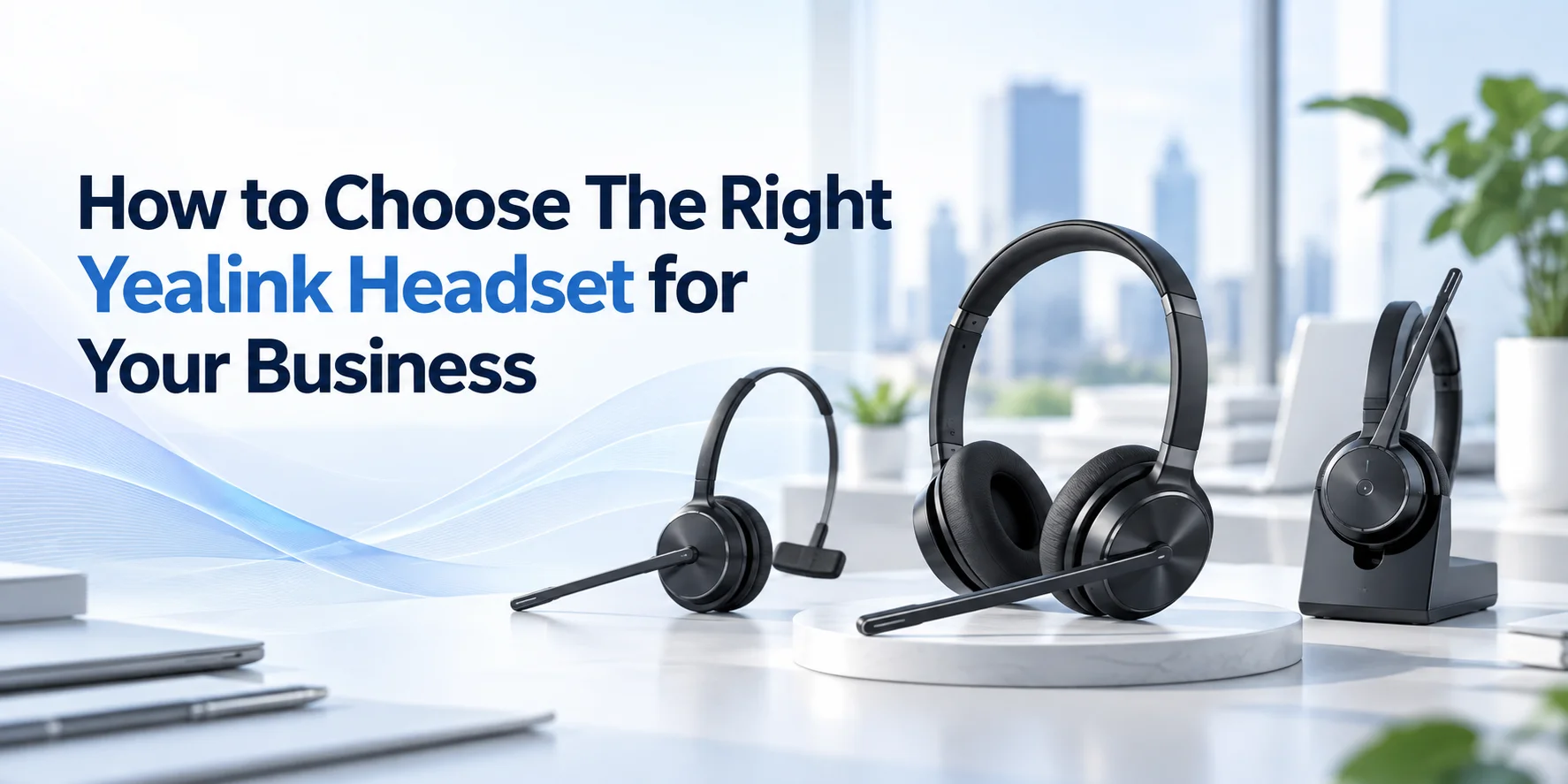
Yealink offers a wide range of wired and wireless headsets. Choosing the right audio gear is not just about the right audio quality. There are different aspects to take into account when you make the purchase. It should fit your daily workflow and provide comfortable wear for your employees.
This is a complete guide on how to compare the options and select a headset that suits your office environment and needs.
Know Your Business Communication Needs
First of all, consider how your employees spend their workday before you compare Yealink headset models. A customer service representative who handles calls for eight hours has different requirements from an employee who joins online meetings not on a daily basis.
Start by asking a few questions like;
- How many hours do employees spend on calls each day?
- Do they work in a quiet office, a busy contact center or from home?
- Do they need to move around while they are on a call?
- Is their use of desk phones or many devices?
- Do they handle customer support calls, sales conversations or online meetings?
- Is the headset for individual person or for sharing on shifts?
The answer will help you know which features are essential and which ones you do not need.
For Contact Centers and Customer Support Teams
Customer support representatives often spend much of their day speaking with customers. They need a headset that feels comfortable during long shifts, provides clear microphone audio and works with their calling system.
A wired headset may be suitable for employees who remain at their workstations. Wireless hardware may be a good choice for those who need to move around because it is flexible to use.
For Sales and Account Management Teams
Sales representatives switch between customer calls, internal meetings and follow–ups. Depending on their processes, the use of a wireless headset can make things easier for them as they will be able to walk around freely without disconnecting from the conversation.
Remote and Hybrid Employees
Remote workers may be based at their home or other locations during different days in a week. It is recommended that one should have a light headset that is comfortable to wear.
If employees on a regular basis switch between computers and phone desks then check whether the headset supports the devices they use.
Choose Between Wired and Wireless Yealink Headsets
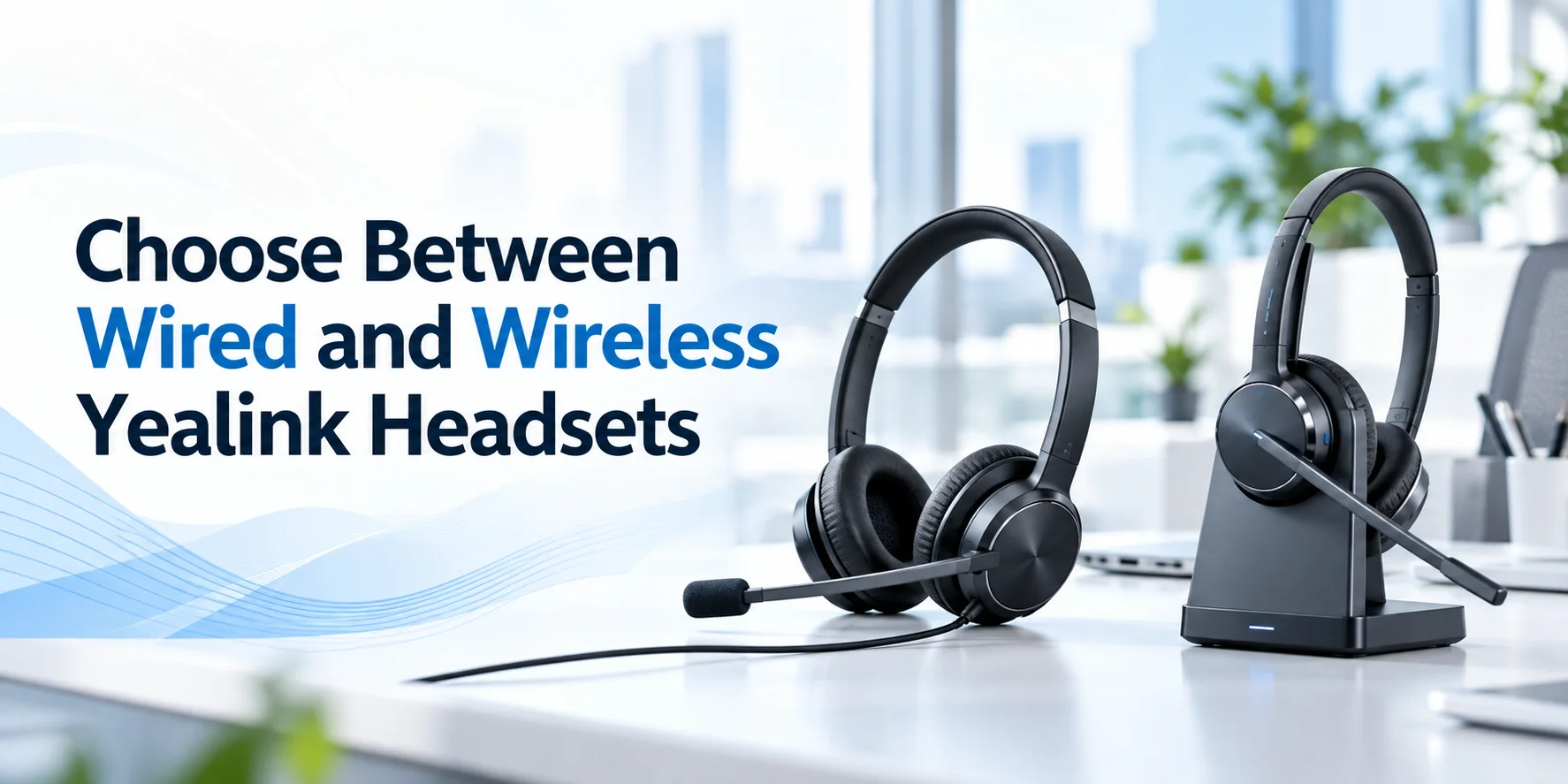
One of the first decisions you need to make is whether your business needs wired or wireless headsets. Both work well, but they suit different working environments.
Wired Yealink Headsets
Wired headsets connect directly to a compatible device with USB or another supported connection. They are a good investment where there is desk based work. The employees do not mind a basic and easy arrangement without the tension about the battery of the headset.
A support team that works on desktop machines may not need to walk around while on a phone call. This can be achieved through a compatible wired USB headset which will make things easier in the process.
Advantages of this Brand of Wired Headset
- No headset battery to charge.
- Easy connection to compatible devices.
- Good for fixed workstations.
- Wireless range is not a constraint.
A wired headset may restrict movement and you need to make sure the connector is compatible with your equipment.
Wireless Yealink Headsets
Wireless headsets give employees more freedom to move around while they are working. They are useful for people who frequently switch between tasks or need to step away from their desks when on a call. Yealink offers wireless headsets with Bluetooth and DECT technologies. These headsets offer different connectivity options and a range of workplace needs. It is important to compare the particular unit instead of thinking all wireless headsets work the same way.
Bluetooth can be a good choice for compatible computers and mobile devices while DECT headsets are designed for business communication environments and may use a dedicated base.
Benefits of this Brand of Wireless Headset
- More freedom of movement.
- Fewer cables around the workstation.
- Convenient for certain hybrid and multi device workflows.
- Useful for employees who move around during calls.
Remember, however, that wireless headsets need charging and their distance is based on the particular technology used.
Uncover Different Yealink Headset Families
Yealink offers several headset options, each one for specific communication needs. This will help you appreciate their functionality and make a selection prior to comparison of their characteristics.
Yealink UH Series: Wired USB Headsets
The UH series includes wired USB headsets that are made for compatible computers and communication devices. The Yealink UH34 is a wired headset family available in mono and dual ear versions. It is best for employees who need a straightforward headset for desk based communication. One of the other models of this family is Yealink UH48 with a dual ear USB. Some of these models have the ANC feature, which can be helpful for workers to block out surrounding noise while working.
Yealink WH Series: DECT Wireless Headsets
The WH series includes DECT wireless headsets that are best for business communication environments. Yealink WH62 is available in mono and dual ear versions. It gives connections to a PC and desk phone at the same time and can be worth it for users who use both a computer and a desk phone throughout the day. The Yealink WH64 family includes DECT and hybrid wireless options. A good fit for workers who use multiple communication devices.
Bluetooth Yealink BH Series
There is a series of Yealink Bluetooth headsets that can be used with compatible wireless devices. The Yealink BH70 series supports mono and dual-ear models and would be most suitable for workers who require Bluetooth headsets to be used with compatible devices. Yealink BH76 Plus falls under the category of headsets for Microsoft Teams. This can be considered as one of the options to look at for wireless communication.
Important: This information is only for general advice. Model variants can differ in connectivity, wearing style and platform certification.
Yealink Headset Series Comparison
| Series | Connection Type | Common Use Case | Models to Explore |
|---|---|---|---|
| UH | Wired USB | Fixed desk, computer calls | UH34, UH35, UH48 |
| WH | DECT wireless and selected hybrid options | Office phones, wireless business communication | WH62, WH64, WH66 |
| BH | Bluetooth wireless | Compatible computers and mobile devices | BH70, BH74, BH76 Plus |
Decide If Your Team Needs Mono or Dual Ear Headsets
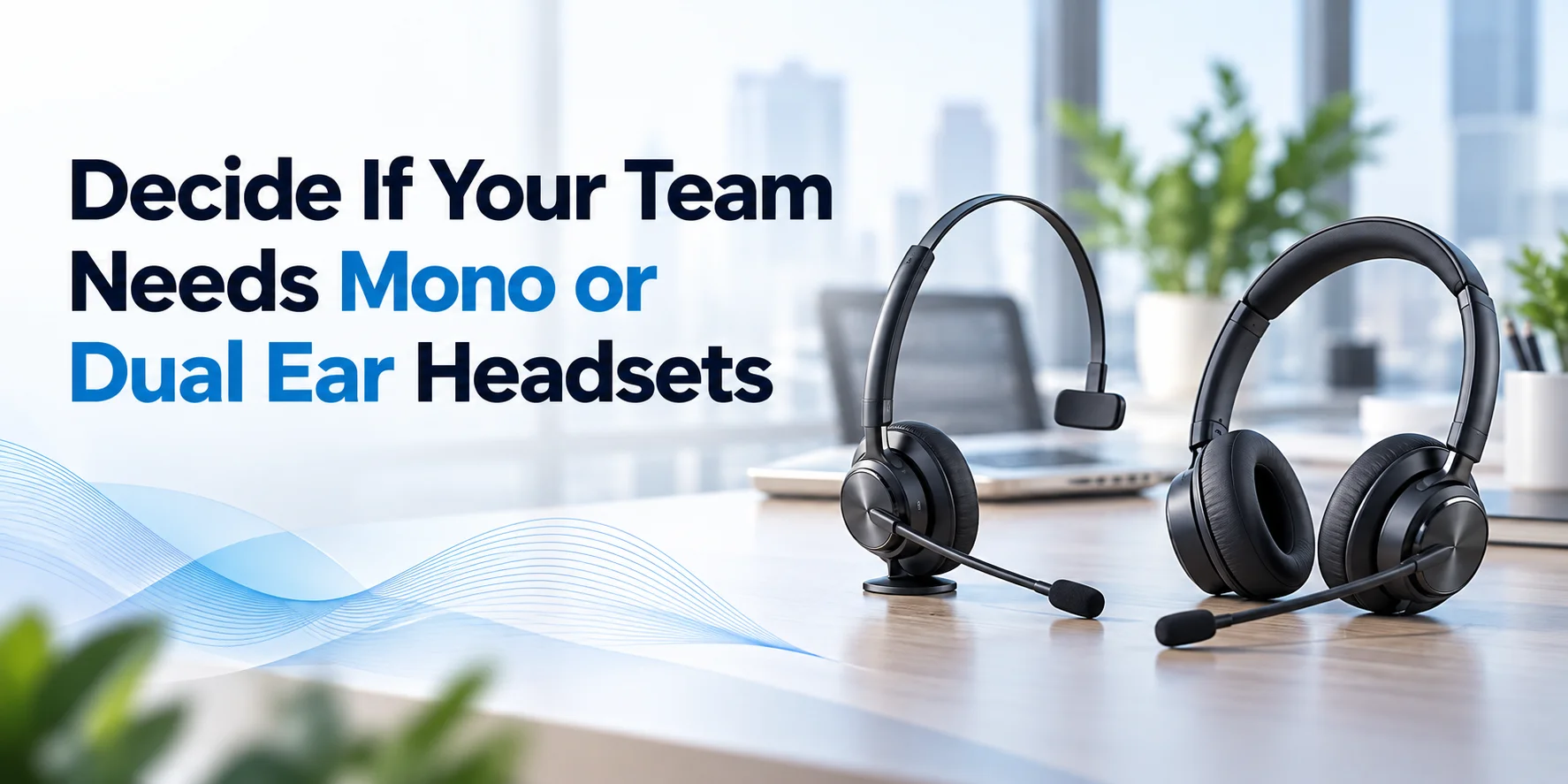
This is another important decision to make. Know if your employees need a mono or dual ear headset and then choose accordingly. A mono headset covers one ear and dual ear audio gear covers both.
When to Choose a Mono Headset
These headsets are best for receptionists, active office workers and multitaskers who need to keep one ear tuned to their physical surroundings. Single ear models allow employees to chat with walk in guests or hear colleagues without taking their headsets off over and over.
When to Choose a Dual Ear Headset
A good fit for call center agents, high volume support staff and remote workers in loud environments. It covers both ears, blocks out ambient room noise and makes it easier to focus completely on the caller on the other end.
Assess Noise Cancellation and Microphone Quality
You need to assess noise cancellation and microphone quality of a headset in relation to how good the device is in minimizing sounds near the user prior to comparing business audio equipment. These two features are related but not the same.
Microphone Noise Reduction
The person listening to you cares a lot more about your microphone than your speakers. Look for models with Yealink’s Acoustic Shield technology or multi microphone beamforming arrays. These features filter out keyboard clatter or background unnecessary noises.
Active Noise Cancellation (ANC)
Active Noise Cancellation (ANC) reduces ambient sounds and protects the listener. ANC uses inverted sound waves inside the ear cups to quiet down air conditioner hum or noisy office chatter so your team can concentrate.
What Should Businesses Look For
- Make sure the microphone is made for voice communication.
- If ANC is available when employees need it.
- How the headset performs in the team’s working environment.
- You are able to adjust the microphone position.
- Microphone noise reduction is available.
Check Compatibility with Your Business Communication Setup
Audio gear can have all features your team needs and still cause problems if it does not work with your devices or software. Before you place your order
Microsoft Teams
If your organization runs on Microsoft Teams then look for Teams-certified variants. These feature a dedicated physical button to pull up meetings, answer call or raise your hand.
VoIP Desk Phones
Many traditional office desks still use IP phones. Make sure that your selected headset allows for native hook switch support or connectivity through USB connections and RJ9 adaptors (Yealink UH and WH).
Computers and Mobile Devices
For remote workers, you should look for plug and play USB-A or USB-C cords or dual connectivity Bluetooth options. It lets you swap audio between a laptop and a smartphone.
Prioritize Comfort for Long Working Hours
A headsets my consists of excellent features but if an employee finds it uncomfortable to wear, it may not be suitable for daily work. Test a sample with your phone system before you buy in bulk.
Weight
A heavy headset becomes the reason for neck fatigue in the first four hours. Lightweight headsets like the Yealink UH34 or BH70 help to reduce physical discomfort.
Ear Cushion
The type of ear cushion also plays a role in overall comfort. Soft foam or breathable leatherette cushions provide a better fit. It helps to prevent heat and discomfort during long hours of use.
Headband and Fit
An adjustable and padded headband distributes weight evenly across the head without pinching sensitive spots. A headset that feels too tight can not be worn for a whole long day.
Wearing Style
Some versatile models allow users to switch between over-the-head, on-ear or even convertible styles that depend on personal preference.
Evaluate Battery Life and Wireless Range
If you are going for a wireless headset then battery life and range should be part of your decision. This will determine how employees function in their working hours.
Battery Life
Try to achieve a minimum of 14 hours of talk time in DECT headsets like the WH62 or 30+ hours of talk time in Bluetooth headsets like the BH70 or BH76. It helps you to get through multiple shifts without midday charging. Also check:
- Charging time.
- Fast charging ability.
- Whether there is a charging stand.
- The way battery life is indicated.
Wireless Range
Wireless range is how far a headset operates away from the connected device in certain situations. Ensure you select a unit that has a wide range when movement is need of workspace.
Bluetooth Versus DECT
DECT wireless WH series offers a massive range up to 160 meters / 300+ feet with less effect from common WiFi congestion, compared with Bluetooth in some environments. This is a good choice because it gives you a wide range and keeps you connected to your device.
Bluetooth wireless BH series is ideal for flexible movement around a laptop or mobile phone within the standard personal range.
Consider Desk Controls and Workstation Features
There are some headsets that offer more than audio and a microphone. These extra features make daily work easier.
Call Controls
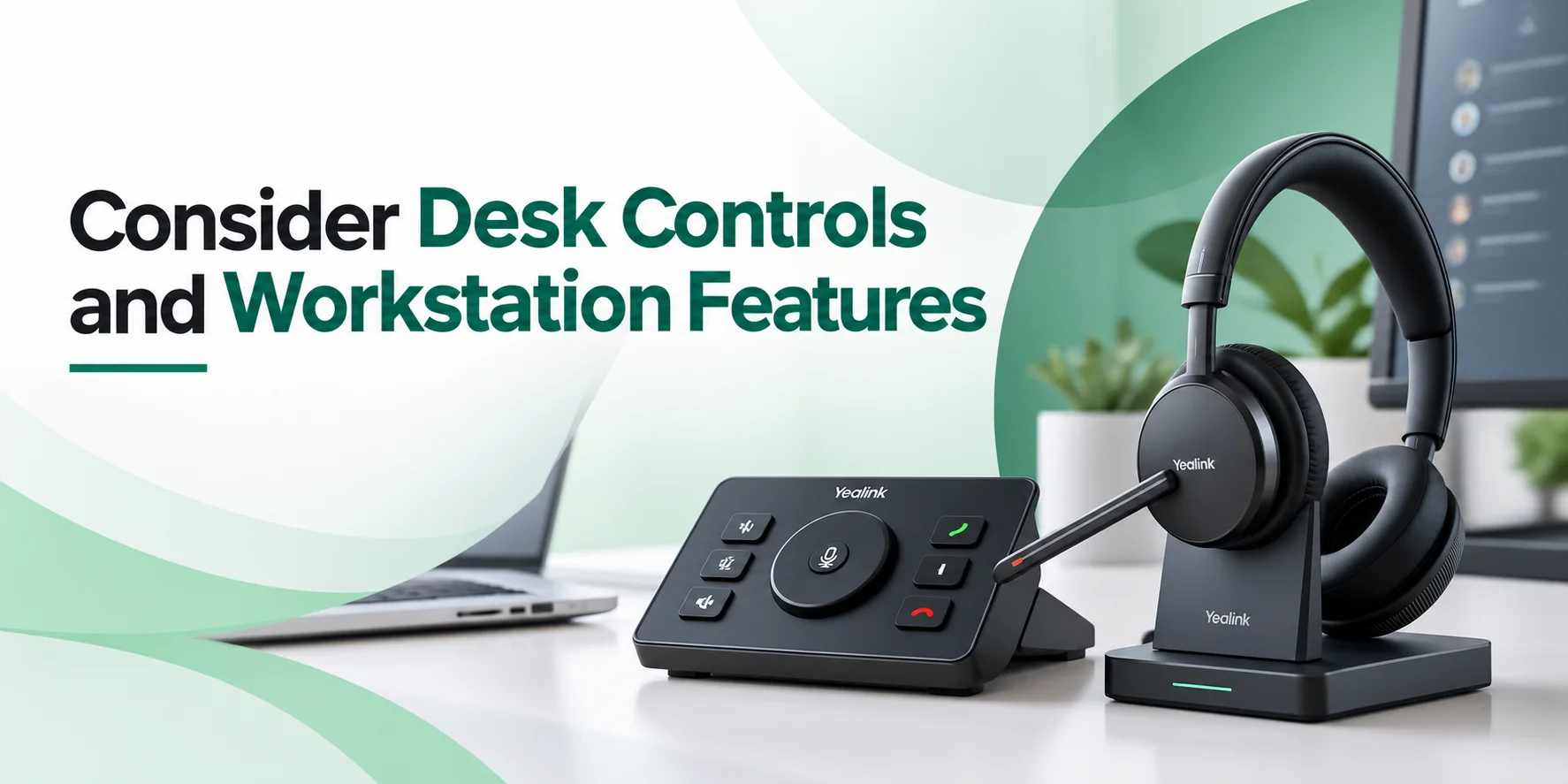
Inline or on-ear buttons for volume adjustment, call muting and answering save valuable seconds throughout a busy workday.
Busy Lights and Status Indicators
Many Yealink models feature built-in busy lights on the ear cup that glow red when a user is on a call giving a signal to coworkers not to interrupt.
One-Stop Solutions Workstation Configurations
There are advanced touchscreen base stations, such as the Yaalink WH66 or WH67, which will help you to control your desk phone, computer, and mobile phones at a single point.
Set a Budget and Compare the Total Cost of Ownership
Price is an important factor when you want to purchase for a large team. Always remember that a lower upfront price does not mean the lowest overall cost.
Begin With the Individual Employee Budget
Measure how necessary the headset is for earning money throughout the day. Those who have to deal with customers get the justification to spend on expensive ANC headsets, while minimal office workers require basic devices.
Factors in The Accessories
See whether you require some additional pieces of equipment in the form of EHS adapters for desk phones and spare ear pads for later usage.
Think About Future Durability
It would cost you less to buy a bit more durable commercial headset than to purchase cheaper consumer headphones, which will be unusable in just six months’ time.
Compare Actual Business Requirements
| Business Requirements | What to Prioritize |
|---|---|
| Small team, occasional calls | Essential connectivity and comfortable fit. |
| Contact center, full-day calls | Microphone performance, comfort, and reliability. |
| Hybrid employees | Wireless flexibility and device compatibility. |
| Large office deployment | Standardization, management, and support. |
| Multi-device workstations | Compatible connections and useful controls. |
The goal here is to invest in the features that solve the real workplace problems instead of paying for capabilities your employees won’t use.
Choose a Headset Based on Your Business Environment
Different workplaces have different requirements. Here is how they affect the selection of your Yealink headset.
Contact Centers
High density environments that benefit greatly from DECT wireless range or reliable and wired USB units without tangles. Look into the UH (wired) models or WH (wireless) models.
Office Workplaces
Open spaces inside offices, in which microphone sound isolation and busylight help you avoid any distractions inside.
Remote and Hybrid Teams
Bluetooth enabled, portable headsets that double as great music headphones and travel easily. BH Bluetooth or WH wireless may be a good choice.
Small Businesses
For small businesses or start-ups, look for a practical combination of price, comfort and compatibility. Versatile plug and play models that do not require complex IT development.
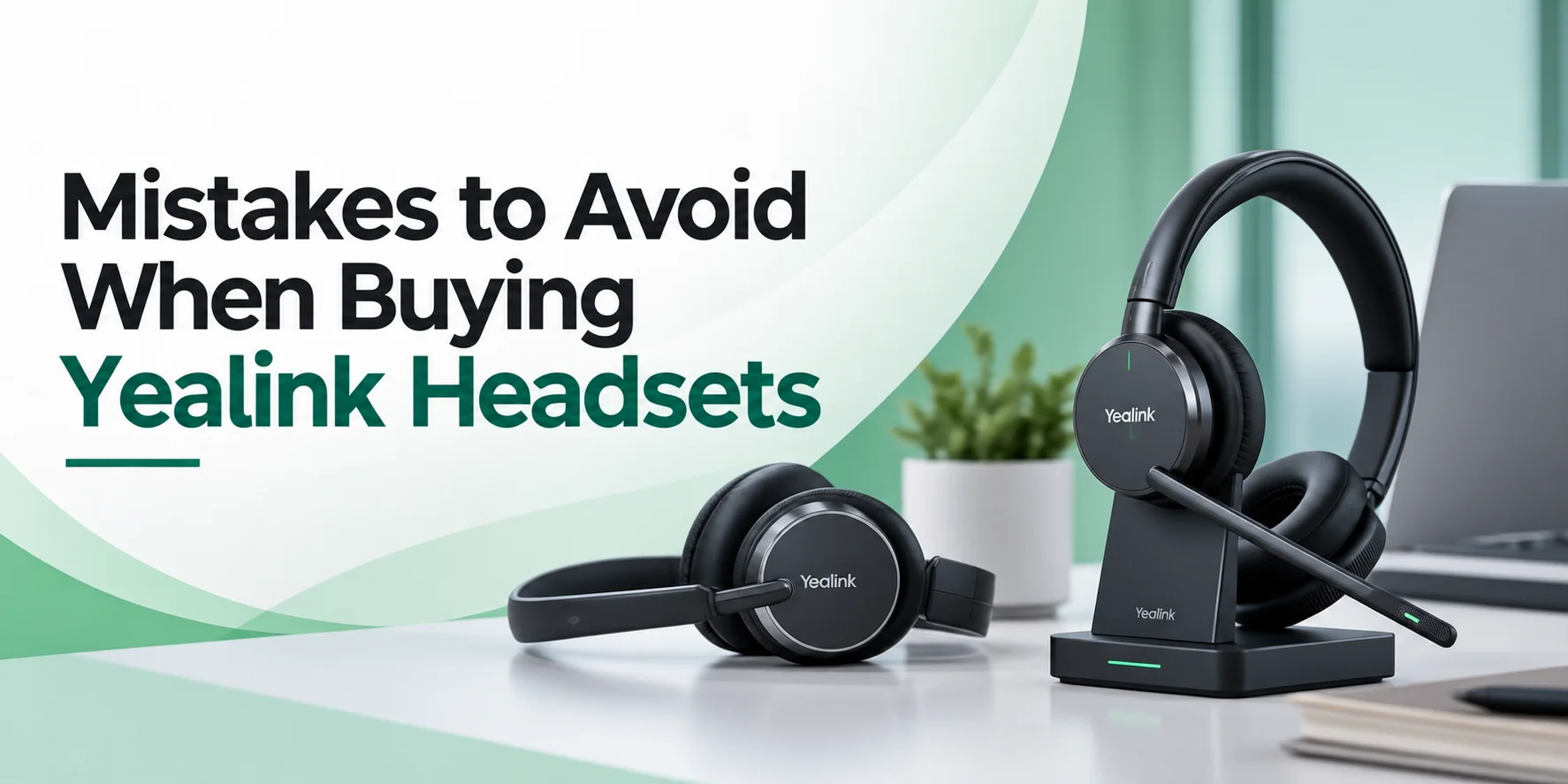
Mistakes to Avoid When Buying Yealink Headsets
Even if everything is clear but still a few common mistakes that can lead to unnecessary costs or equipment that is of no use.
Based on Price Alone
Headsets that are low cost may look attractive when you are buying dozens of units. But if it does not suit the call volume, work environment or device setup of your employee then it may not be the right purchase.
Assume Every Wireless Headset Works With Every Device
Always make sure to verify whether a model uses DECT, Bluetooth or specific USB connectors for your hardware.
Confusing ANC With Microphone Noise Reduction
Remember that ANC helps the wearer hear better on the other hand, environmental mic suppression helps the caller hear better.
Ignoring Employee Comfort
A headset that feels fine for five minutes can cause headaches after a full 8 hours long shift.
Test Before You Buy In Bulk
You should avoid placing a large order before testing the headsets to make sure they meet the needs of your team.
Overlooking Model Variants
Ensure that you are choosing the specific Microsoft Teams or UC-optimized version that matches your company software. Two headsets from the same family may differ in features.
A Simple Checklist Before You Purchase
Before you select a Yealink unit for your business, make sure you have examined the following.
- See how employees use headphones.
- Decide between wired and wireless connectivity.
- Pick mono or dual ear style.
- Analyze microphone noise cancellation and ANC.
- Check the compatibility with Teams, desk phones, computers and mobile devices.
- Review comfort, fit and weight of the headphone.
- Check wireless battery life and range where given.
- Test a sample headset before you buy it in bulk.
If you take the time to review these requirements so there may be very few chances that you end up with the wrong purchase.
Final Verdict
Matching your workspace layout to the right series results in selecting the right Yealink headphone. Stick with UH for cost-friendly desk setups, WH for high mobility call center roaming and BH for modern hybrid professionals.
Still confused about the purchase? Contact us at any hour at FindHeadset and we will help match you to the right fit.
Frequently Asked Questions
Do Yealink headsets work out of the box without special drivers?
Yes. Most Yealink USB and plug-and-play wired headsets require zero driver installation. Simply plug them into your PC or compatible IP phone and they are ready to use.
Can I connect a Bluetooth Yealink headset to both my laptop and phone at the same time?
Yes. Many modern models in the BH series support multi device pairing so you can transition between softphone calls on your computer and cellular calls on your mobile phones.
What is the main difference between the WH and BH series?
The WH series uses DECT technology built for long range office and call center mobility. Whereas the BH series uses Bluetooth technology built for hybrid workers, travel, and multi device pairing.
What should I do if the person on the other end of the line can not hear me?
First, check that the boom microphone is lowered and that the headset is not muted. Next, open your computer or phone sound settings to verify that your Yealink headset is selected as the default input microphone device.
How do I know whether my business needs a wired or wireless headset?
Choose a wired headset like the UH series if your employees stay seated at their desks all day and you want a budget friendly and maintenance-free setup with zero battery concerns. Go for wireless headsets like the WH and BH series if your team needs the mobility to walk around the office or handle calls on the move.
How many Yealink wireless headsets can be used in the same office without interference?
This depends on the wireless technology. Bluetooth headsets can experience crowding or audio stutter if dozens are used in a very compact and high density space. For large call centers or crowded offices where dozens of staff members need wireless connectivity at the same time, DECT models are superior because they use a dedicted interference free frequency band.
Can employees replace the ear cushions and batteries on Yealink headsets when they wear out over time?
Yes. Yealink designs their commercial grade headsets with longevity in mind. You can easily purchase replacement leatherette or foam ear cushions to maintain hygiene and comfort. It extends the overall lifespan of your hardware investment across the business.
No comments yet. Be the first to comment!
Leave a ReplyYour email address will not be published. Required fields are marked *