
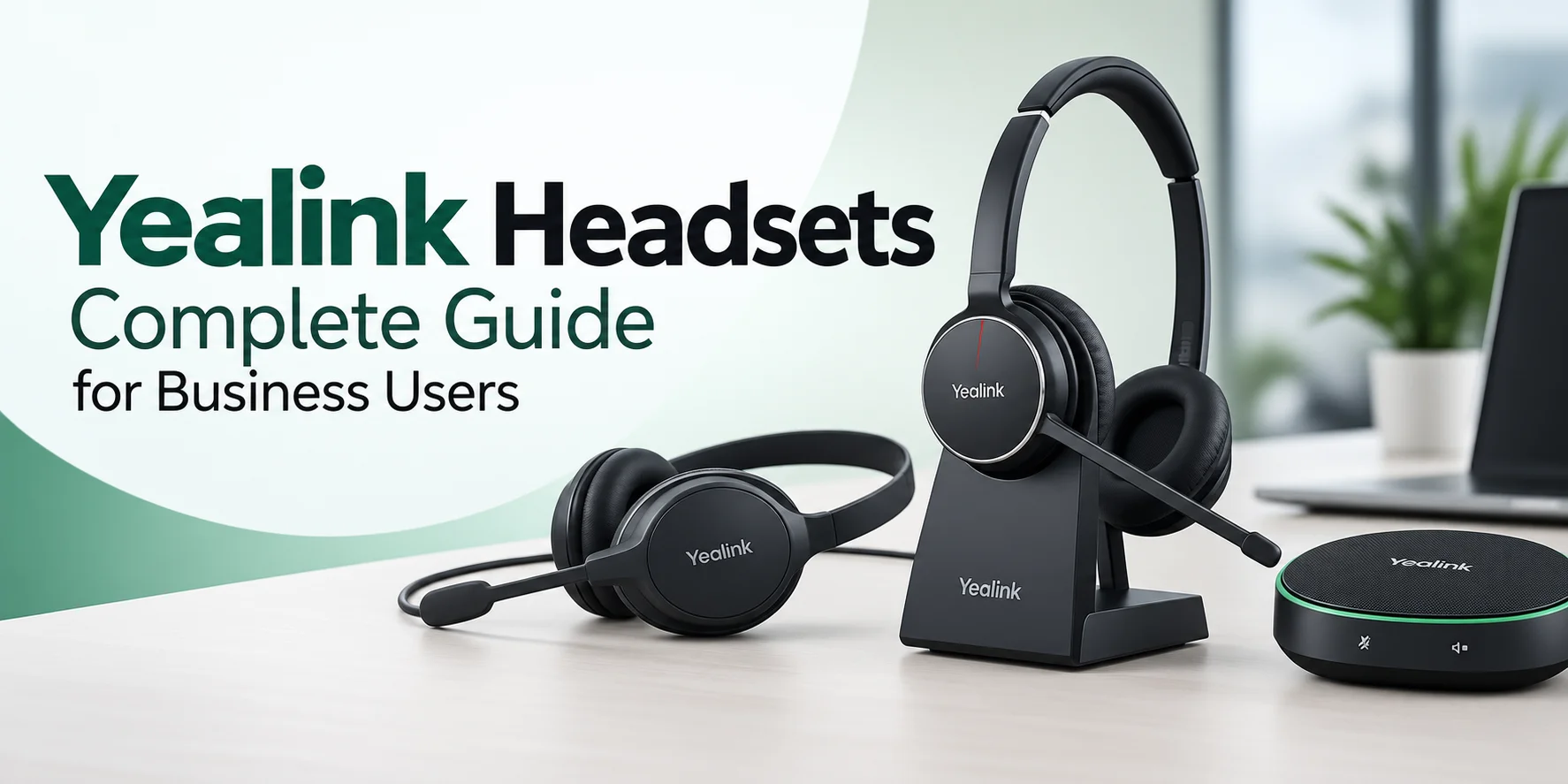
The list of Yealink headsets includes almost every kind of headset that caters to all kinds of business needs, which are quite apt for hybrid and mobile workspaces. The selection of a headset becomes an easy task until the time comes when you have to compare two models.
This article will help you find out how these products differ from each other, what technical specifications matter, and how you can select a proper model for your phone and PC.
If you have a single desk or if you are moving between office and home or even if you move around the office while talking on the phone, then you must be aware of different connection methods.
What Are Yealink Headsets?
Yealink manufactures hardware communication solutions, and their headsets are designed to be used together with Yealink desk phones, as well as with regular headsets for laptops or other softphone devices.
There are several types of wired and wireless headsets with noise cancellation, which would suit office, hybrid, and remote working conditions.
In case an organization uses both desk phones and computer systems to make calls, the majority of headsets can be directly connected to Yealink desk phones without additional devices and connected to a PC without any special software.
This reputation Yealink has acquired is due to its developments during the last 20 years. Yealink was established in 2001 as a manufacturer of business telephones and became one of the leading providers of USB and SIP desk phone solutions in the world.
In 2015, Yealink partnered with Microsoft to develop a range of Microsoft Teams certified products, including headsets.
Yealink Headset Series Explained
There are several series of Yealink headsets. Several models and variants of office phones, computers and UC platforms are available in every series. Normally, the model name would help you understand how it can be worn and what type of connection or platform it can support.
UH Series
Yealink UH48: USB Wired Headsets
Yealink UH48 is an ANC USB wired stereo headset that supports USB connectivity, Hybrid ANC, and UC and Microsoft Teams. In order to get the personalisation of EQ, adaptive call and music modes and also two busylights, the UH48 Dual UC USB-C/A version can be used. Push-button controls and memory foam ear cushions are included in the UH48 ANC USB Wired Headset for Microsoft Teams certification.
Features available in the Yealink UH48 are:
- Operating System: Windows 10 Enterprise LTSC 2021
- The wearing mechanism of this device is based on the two-ear stereo method.
- Microphones: 4-mic Acoustic Shield 3.0 Technology
- Audio: 30 mm speaker driver for clear sound
- Audio: Adaptive Call/Music Mode switching, EQ
- Noise Cancellation: Hybrid ANC
- Comfort: Memory foam ear cushions & Ergonomic Design
- Supported Configuration: Push-button Controls
- Busylights: Busylights in dual channels
- Platforms: UC and Microsoft Teams.
Ensures collaboration with Microsoft and UC. Technology ensures collaboration with Microsoft and UC.
Yealink UH37: USB Wired Headsets
Yealink UH37 is a range of Mono and Dual USB headsets that work with UC and Microsoft Teams. The product features USB-C/A connection, a noise-cancelling microphone and 35 mm speakers to allow making business calls easily while being lightweight.
Available UH37 variants are listed below:
- Wearing type: Mono and Dual
- Connection: USB-C and USB-A
- Microphone: noise-cancelling and Yealink Acoustic Shield technology.
- Speakers: 35 mm speakers
- Audio: Call/Music Mode Switch supported models; Dynamic EQ with supported models.
- Convenient carrying, memory foam ear pads: Comfort.
- Buttons/Controls: Call, mute, and volume buttons and controls; Teams models include a Teams button.
- Distributed learning is possible; platform options: UC and Microsoft Teams.
- Design options: Adjustable headband and rotatable ear cup on supported Mono models
YHS Series: Wired Desk Phone Headsets
Yealink YHS series consists of wired QD-to-RJ9 headsets designed primarily for compatible desk phones. PC or softphone connectivity may require a compatible adapter or interface. These headsets provide a convenient wired connection, noise-canceling microphones, and professional audio for regular calls.
Yealink YHS34 Mono Wideband Headset
Yealink YHS34 Mono Headset is a very light monaural wideband headset that has a noise-canceling mic. The form factor is over-the-head, which means that your ear is left open, making this type suitable for reception and busy office work.
Specifications
- Connection: QD to RJ9
- Form Factor: Single - On top of head
- Microphone: Noise-canceling, flexible boom
- Audio Quality: Wideband HD voice
- Weight: ~66 g
- Mute and control buttons for calls.
Yealink YHS36 Mono Wired Headset
The Yealink YHS36 Mono Wired Headset is an earpiece-type headset that has wideband audio technology along with a passive noise-isolation microphone. It is directly plugged into the QD-to-RJ9 connection and has inline controls for making calls.
Specifications
- Connection: QD to RJ9
- Earpiece type: Mono, Over-the-Head
- Microphone: 330-degree rotating noise-canceling boom
- Audio: Wideband HD Voice (WBHD)
- Weight: Approximately 62g
- Controls: Volume, mute, answer/end calls
- Display: Web, mobile
BH Series: Bluetooth and Wireless Headsets
The BH series is composed of wireless headsets that will be convenient for people who want to get rid of wires. The headsets are capable of connecting through Bluetooth to mobile and PC and some of them also support DECT for desk phones and longer distances in the office.
Yealink HA64 Pro Dual/Mono Wireless DECT & Bluetooth Headset
The Yealink HA64 Pro Dual/Mono Wireless DECT & Bluetooth Headset offers DECT and Bluetooth technologies for the computer, desk phone and mobile. This headset includes a charging station with a 3.5-inch color touchscreen in mono and dual-ear variants.
Specifications
- Communication technologies: DECT + Bluetooth
- Maximum range: up to 185 m / 607 ft DECT; up to 50 m / 164 ft Bluetooth
- Noise cancellation: 3-mic noise cancellation with Acoustic Shield 2.0
- Mono or dual-ear wear type. Wear type: mono/dual-ear.
- Battery life: Talk time (mono) up to 14 hours, Talk time (dual) up to 16 hours
- Availability for general use: Microsoft Teams and leading UC platforms.
Yealink BH71 Pro Bluetooth Wireless Headset
Yealink BH71 Pro Bluetooth Wireless Headset is an ultra-light mono wireless headset designed for mobile users who keep moving from computer to mobile devices. Both the ear hook and charger are adjustable, which makes it more suitable for on-the-move workers.
Specs
- Connectivity: Bluetooth 5.2 and BT51 USB dongle
- Range: 40 m/130 ft
- Microphone: 4-mic beamforming noise cancellation
- Max volume: 60 dB
- Weight: approx. 18 g
- Talk time: up to 10 hours (or up to 20 hours with charger)
- Connection: max of 8 devices with pairing and 2 devices simultaneously
- OS: PC and mobile devices
WH Series: DECT Wireless Headsets
WH series is built on DECT wireless technology with a dedicated base station. It offers an extended-range wireless connection when compared with conventional Bluetooth headsets and suits well for individuals who need to wander inside an office in order to answer calls.
Yealink WH63 Convertible DECT Wireless Office Headset
Being lightweight and versatile, it can be used as earbuds, an ear hook or with a headband. The Yealink WH63 is a convertible headset with a base station connected to a PC using a USB cable and a compatible desk phone. The headset can cover a distance of approximately 120m or 394 feet. This range suits well for individuals who need to stand up from their desks while talking, such as taking a cup of coffee, attending a meeting in a conference room, etc.
Specifications
- Wireless range: Up to 120 m / 394 ft
- Talk Time (On-Air): Up to 8 hours
- Wearing style: Convertible, headband, neckband, ear hook or eartip.
- Weight: Approximately 19 g (headset only)
- Security: Secure DECT, Step C authentication (DSAA2, 128-bit encryption)
Yealink WH68 Wireless Headset
Yealink WH68 takes it further by combining DECT and Bluetooth in one headset that can seamlessly operate from a desk phone, PC and mobile device. With its hybrid active noise cancellation technology with four microphones, longer DECT distance of about 150 meters (or 492 feet) and long battery life, it is perfect for people who are looking for mobility and the need to link to more than one device in a single day.
Specifications
Connection Type: DECT & Bluetooth 5.3 dual-mode
Wireless Range: Up to 185 m / 606 ft (DECT)
Headset Type: Active Noise Canceling, Acoustic Shield 3.0
Battery Life: Up to 16 hours talk time (DECT), up to 32 hours (Bluetooth)
Wearing Style: On-ear, stereo, weighs about 155 g
Others: Busylight built-in/optional external busylight
How to Choose the Right Yealink Headset
For Office Desk Users
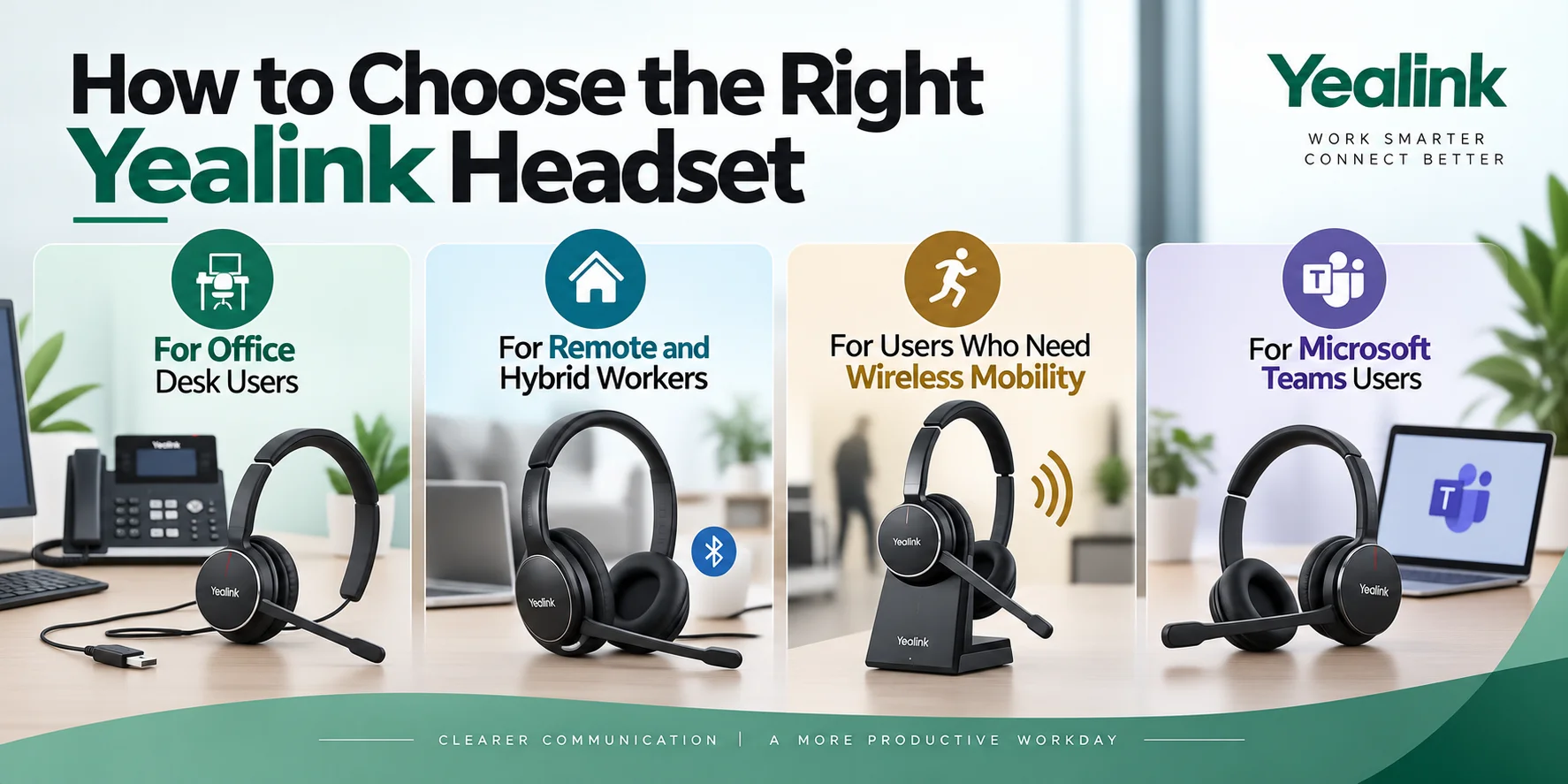
Using a cable headset, a person working at the same office desk for the majority of the time does not have to worry about batteries. A device like the UH48 or UH37 connects and works without any time delay. If you make calls using a Yealink desk phone (not your computer), the YHS36 works well with the desk phone's headset port.
For Remote and Hybrid Workers
A hybrid worker needs a compact headset that can be carried by him while he works at his office desk or home. A smaller Bluetooth headset would not require a base station.
For Users Who Need Wireless Mobility
The extra setup that DECT requires will be an advantage to those who move around while on the phone. DECT ensures better connectivity and better interference protection as opposed to normal Bluetooth headsets since there is already enough Wi-Fi and Bluetooth interference in the office. WH63 is suitable for regular office mobility, whereas WH68 also supports Bluetooth, allowing connection to compatible mobile devices.
For Microsoft Teams Users
There is a range of different Teams-certified Yealink headsets across the different lines, especially in the UH, BH, and WH series. These will have Teams call controls, which include the ability to answer or mute a call from the headset itself. If your calls are mostly done via Teams, then consider getting the Teams-certified headset.
What Features Should You Look For?
Microphone and Noise Cancellation
Noise cancellation can be done in various ways, depending on the model of the headset. Microphone noise cancellation reduces background noise picked up by the microphone, helping the other person hear your voice more clearly.
The mechanism of noise cancellation through active noise cancellation (ANC), on the contrary, will cancel all the noises that you will perceive via the headset, therefore making your communication more comfortable. Headsets such as UH48, BH74, and WH68 have ANC, but at the same time, their microphones can apply different noise cancellation techniques.
Noise Cancellation and Battery Life
Noise cancellation is more significant where there is noise or where people share an office rather than having a private one. The noise-cancelling feature of the YHS36 is a passive one and this is accomplished using the design of the ear cushion. Active Noise Cancellation (ANC), available on models such as the UH48, BH74, and WH68, uses microphones and electronic processing to detect and reduce surrounding sounds that the wearer hears. This is definitely significant for people with noisy homes or offices.
Wireless Range
This is where the differences between the DECT and the Bluetooth headsets become very clear, not only in theory but also in practical application. The range of Bluetooth headsets is limited and they may become unsteady if they are far from their paired device, especially when it is situated behind a wall. Take a walk within your office, warehouse, or shop premises while staying on the phone and the WH63 or WH68 will suit you perfectly well.
Mono/Dual Headsets
If you work in the reception department or have to communicate with customers, then mono headsets will allow you to keep one ear open in order to hear the surroundings. With the dual headsets, both ears are closed and they will suit you perfectly well if you work in quiet conditions or if you need to conduct a video conference with audio communication and even listen to music at the same time. The UH37 and YHS36 come in both mono and dual-ear variants.
USB-A, USB-C, and Other Connections
Headsets from the UH series usually feature a USB-C cable along with a USB-A adaptor and they would fit both old and new computers. In the case of YHS series headsets, the connection to Yealink desk phones is done using the QD-to-RJ9 cable and not a USB connection. Check beforehand whether your device has the proper port as USB-A and USB-C are incompatible without a converter.
Comfort and Wearing Style
As far as comfort goes, it’s not just about what it looks like in the product picture but about how long you are going to wear it. Memory foam headphones that fit over the ear, like the UH48 or BH74, are more likely to endure all day long than smaller in-ear or ear hooks. For companies where people have different preferences, convertible options, for example, the WH63, can serve both as earbuds, ear hooks and a headband.
Can Yealink Headsets Work With Yealink Phones?
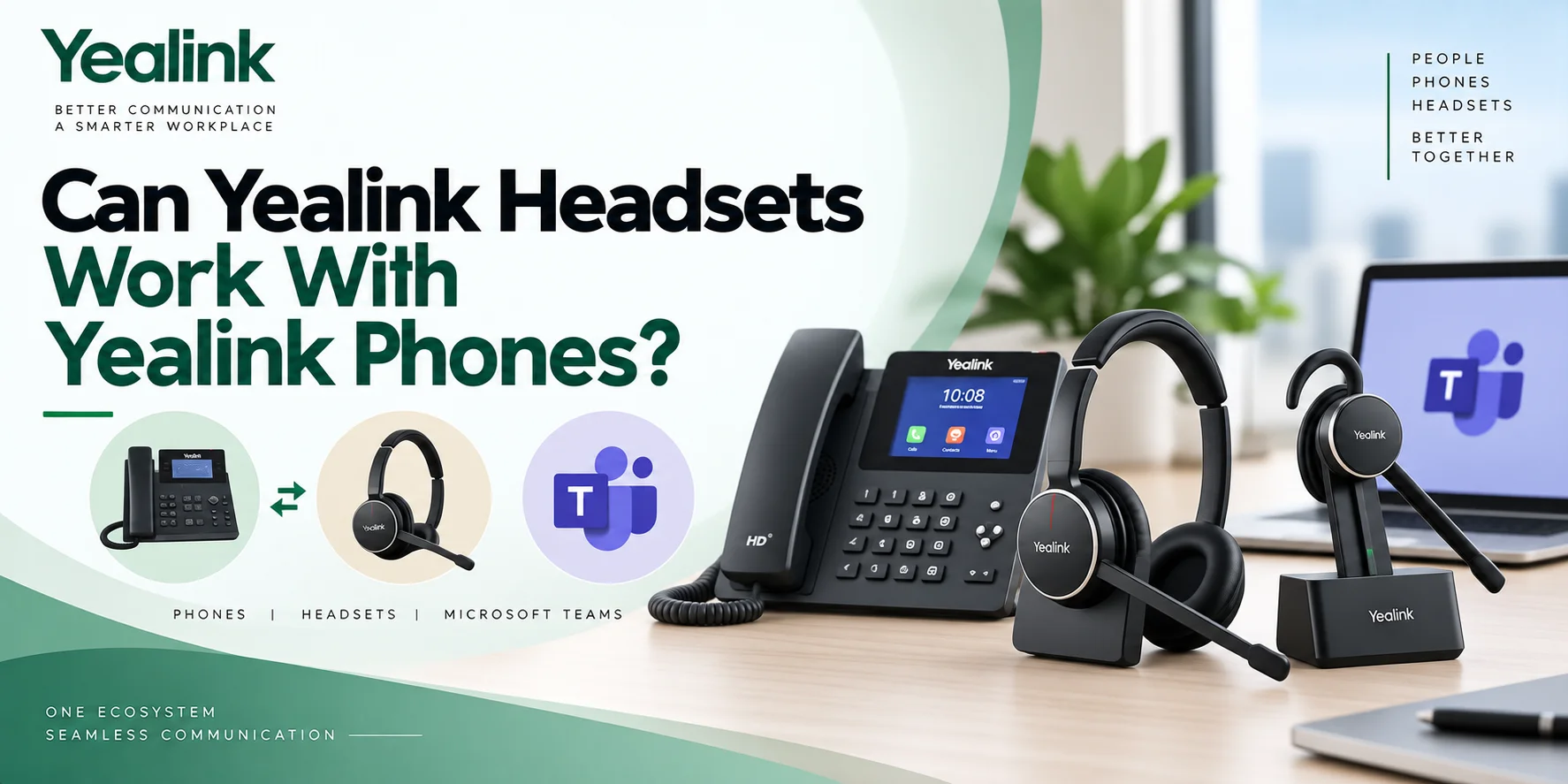
Desk Phone Compatibility
Most Yealink headsets are used in combination with Yealink desk phones, which can be done depending on the type of headset. YHS headsets are plugged in through a QD-to-RJ9 cable. DECT WH series headsets are connected through the USB base station and the desk phone that is compatible with Yealink's desk phone models. We recommend checking your phone model against Yealink's current compatibility list before purchase because some of the older phones have to be updated in terms of firmware to become compatible with wireless headsets.
EHS and Headset Cables
Generally, in order to use the remote answering and calling capabilities of Yealink wireless headsets with desk phones such as Cisco, Poly and Avaya, it is necessary to get EHS (Electronic Hook Switch) adapters. Without them, the headsets will still function properly in terms of audio quality, but you won't be able to remotely control calls through the headset.
Can Yealink Headsets Work With Microsoft Teams?
Yes, Yealink produces Teams-certified headsets among its wired, Bluetooth, and DECT lines. Certification is an indication that the headset has been checked for performance while working with Teams for functions such as answer, end, mute, and presence sync for some headsets.
Generally, the same headset comes in both UC and Teams variants but the latter is the only one which is platform-tested.
Those companies that are operating in the Teams platform do not have to guess about their compatibility because they get that certified headset right from the start.
Yealink Headset Series at a Glance
| Series | Connection Type | Best For | Main Advantage |
|---|---|---|---|
| UH Series | USB wired | PC-based calls, online meetings, and fixed workstations | Plug-in connection without charging or wireless pairing |
| YHS Series | Wired QD-to-RJ | Compatible Yealink desk phones and phone-based call centers | Direct desk phone connection with no headset battery |
| BH Series | Bluetooth wireless | Hybrid workers and people switching between a computer and mobile device | Wireless flexibility and easy device switching |
| WH Series | DECT wireless; some models also support Bluetooth | Office workers who need to move away from their desk during calls | Longer wireless range through a compatible base or workstation setup |
Wired vs. Bluetooth vs. DECT
| Connection Type | Best For | Desk Phone / PC / Mobile | Battery Requirement | Mobility / Range | Base or Dongle Required |
|---|---|---|---|---|---|
| USB Wired | Fixed computer desks and office calls | Mainly PC and Mac; depends on the model | No | Limited by the cable length | No |
| QD Wired | Yealink desk phone users and call centers | Compatible desk phones through QD-to-RJ9; not a direct PC/mobile connection | No | Limited by the cable length | No; connects through the compatible QD-to-RJ9 cable |
| Bluetooth | Remote and hybrid workers | PC, mobile phones, tablets, and other Bluetooth devices; some Yealink models also support desk-phone or workstation setups | Yes | Typically shorter wireless coverage; for example, BH71 supports up to 40 m / 130 ft in ideal conditions | Usually no; some configurations include a USB Bluetooth dongle for PC connectivity |
| DECT | Office mobility and users who move away from their desks | Desk phone and PC through the base or compatible setup; some hybrid models also add Bluetooth for mobile devices | Yes | Longer wireless coverage; Yealink DECT models can reach up to 150–185 m / 492–606 ft depending on the model | Yes for base-based models; some newer hybrid models use a DECT USB dongle instead |
Which Yealink Headset Fits Your Work?
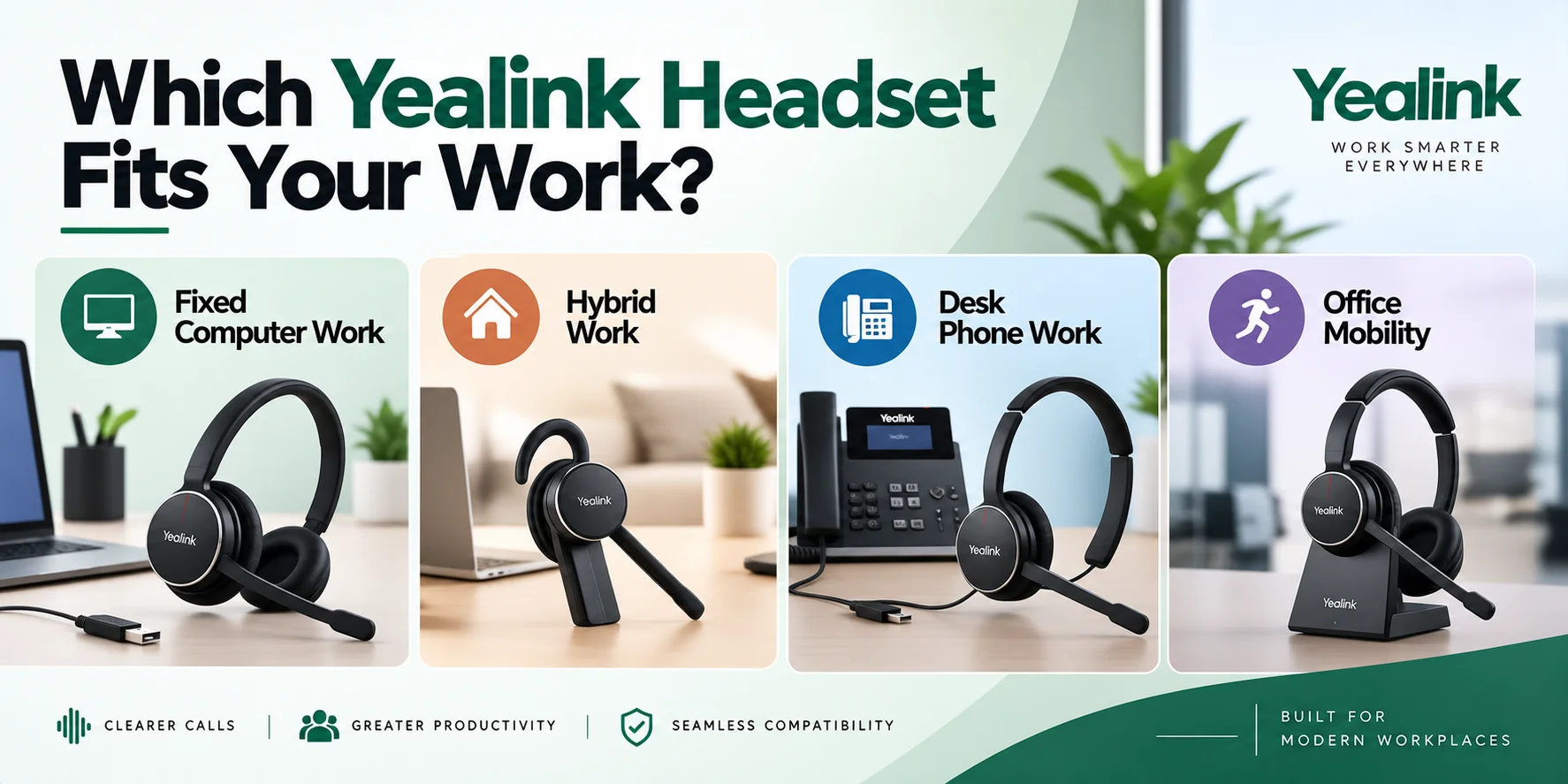
Fixed Computer Work
With a wired USB headset, there are no issues with charging and pairing in the course of a desk-based job. In particular, UH37 is equipped with regular sound, while UH48 can be useful with ANC in case of a noisy environment.
Hybrid Work
When moving from home to an office on a regular basis, it is better to use something which is compact and portable and which is not connected to the base station at all. In this respect, BH71 is suitable because it is very compact and portable, while BH74 is equipped with ANC and stereo sound.
Desk Phone Work
When making calls from a Yealink desk phone, YHS36 can be used and batteries and pairing are not required.
Office Mobility
In case you make calls to a meeting room or to a bigger area, anyone who leaves his or her desk during the process should have a more stable connection with DECT. Thus, WH63 is standard mobility, while WH68 also has Bluetooth technology for mobile device connection.
Common Mistakes When Buying a Yealink Headset
Choosing Bluetooth Range Over Actual Movement
The Bluetooth device might have been bought for someone who walks away from their desk a lot; however, upon use, it turns out that the Bluetooth does not provide enough range. In case one frequently gets up from their desk, they need to pay attention to the range of DECT headsets, rather than just relying on Bluetooth.
Assuming Every Desk Phone Works the Same Way
Some people believe that any headset will be compatible with their non-Yealink desk phone. However, there are some headsets that require a separate EHS cable.
Overlooking UC vs. Teams Certification
It is also easy to think that there is no difference between the UC and Teams certified headsets and find out later that their call controls do not work as smoothly with the platform you are using. Make sure you have the right edition for your platform.
Underweighting Comfort for a Full Shift
Comfort is prioritized too much at the very beginning. The lighter and cheaper option becomes heavy after a few hours of wearing it constantly, while the slightly heavier over-ear headset works better during the whole shift.
Final Thoughts
Yealink headsets can be classified into different types of headsets, including wired headsets that are employed in single offices and DECT headsets that are intended for a highly dynamic and mobile workplace environment.
This usually amounts to the following two simple questions: 1) how will you connect (desktop phone, computer, or both?), and 2) how far do you have to move around while using the phone? Once these questions are answered, it becomes a much simpler task to choose either a UH, YHS, BH, or WH headset.
Ready to choose? Compare the specifications of the Yealink UH48, BH71, or WH63 headsets for your desktop phone, computer, and lifestyle. Contact us if you need help selecting a proper model.
Where Can I Buy the Right Yealink Headset?
When it comes to purchasing a Yealink headset, there is much more involved than the headset itself. The Yealink headset needs to be compatible with the phone, the computer, and the communication medium in use. The Yealink headsets available at FindHeadsets include the UH48, UH37, YHS36, BH71, BH74, WH63, and WH68 headsets.
We provide product information and tips on how to select the appropriate products that will be compatible with the communication equipment you have. From USB Yealink headsets to Bluetooth headsets, or even DECT headsets, we have the best for you.
Need the correct Yealink headset? Explore our Yealink headsets or contact FindHeadsets.
Frequently Asked Questions
Are Yealink headsets good for business use?
Yes. Yealink headsets are specifically engineered for office and remote environments, featuring noise-cancelling microphones, busylights and compatibility with platforms like Microsoft Teams. It is not just the brand that determines the best model, but also the connection requirements and work schedule of the day.
Which Yealink headset should I choose?
The right headset depends on your work environment and connectivity needs. For fixed desk work, a wired USB headset such as the UH37 or UH48 can provide a straightforward connection. For desk phone use, a QD-to-RJ headset such as the YHS36 may be suitable. For hybrid work, Bluetooth models such as the BH71 or BH74 provide wireless connectivity, while DECT models such as the WH63 or WH68 may suit users who need greater freedom to move around the office.
Do Yealink headsets work with Microsoft Teams?
Yes. Many of Yealink's headsets are Teams-certified with call controls and integration features that have been independently validated for Teams. If the certification is important to your organization, order the Teams version of the product instead of the standard UC version.
Can Yealink headsets connect to a desk phone?
Yes. YHS models are connected directly via a QD-to-RJ9 cable, while WH series DECT headsets are connected via a USB base station and compatible desk phones. For complete call-control capabilities, third-party desk phone brands typically require an EHS adapter.
What is the difference between BH and WH headsets?
BH headsets primarily use Bluetooth for wireless connectivity, while WH headsets primarily use DECT technology for wireless communication. Some WH models also support Bluetooth, allowing them to connect to both DECT and Bluetooth devices.
What is the difference between UH and YHS headsets?
UH headsets are wired USB headsets designed to be plugged into a computer. YHS headsets are wired headsets that are designed to connect straight to the headset port of a Yealink desk phone on a QD-to-RJ9 cable, not a USB port.
Can Yealink headsets connect to multiple devices?
Some can. The BH71 allows for two simultaneous Bluetooth connections, while the WH68 alternates between DECT and Bluetooth to connect a desk phone, PC and mobile device. Wired headsets, on the other hand, can only be used with the device they are plugged into.
No comments yet. Be the first to comment!
Leave a ReplyYour email address will not be published. Required fields are marked *