
 By
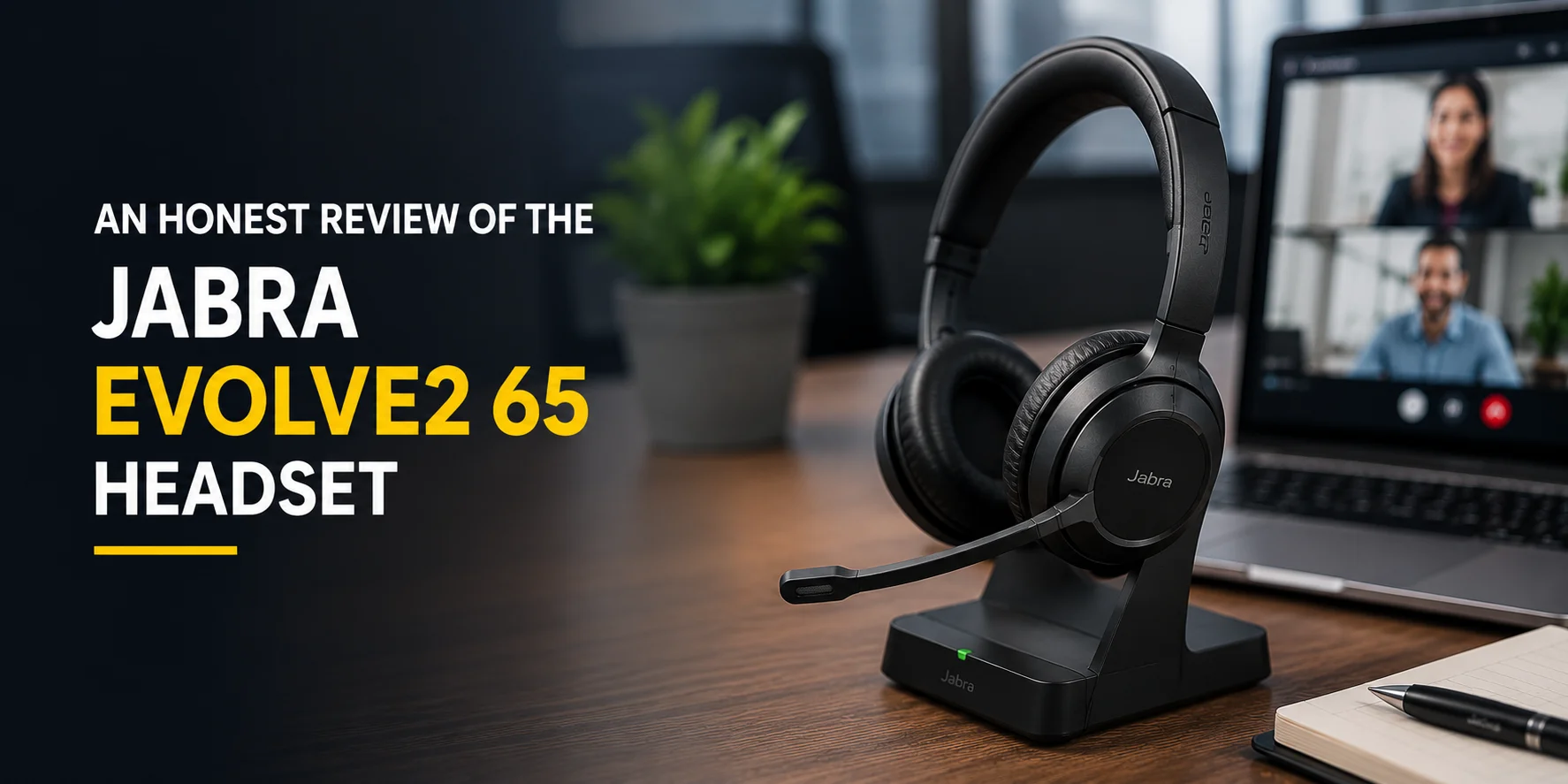
By Now and then, Jabra always bombs the headset market with its new product that becomes the center of attention. Jabra continues its legacy of introducing new headsets in the market, and today, I am going to review one of its best wireless headsets. Please note that till the time of this review blog, many new products have been introduced, but they have not replaced the previous ones.
In this blog, I am going to share my complete Jabra Evolve2 65 review, from its microphone performance to the advanced features that differentiate it from others. Let’s get started!
Overview of Jabra Evolve2 65
Jabra Evolve2 65 is one of the best headsets from the Jabra Evolve2 series and the second generation of the original Jabra Evolve 65. This headset is specifically designed keeping in mind the agile needs of the professionals without compromising on the wireless audio performance. This headset offers exceptional sound performance with strategically placed three microphones, an advanced digital chipset, and digital signal processing.
If I talk about its compatibility, it is UC certified. This means you can collaborate on multiple unified communication platforms. Whether it's Microsoft Teams, Zoom, Google Meet, or any other UC platform, this headset is good to go. Integrated busylights, long battery life, comfortable design, and a state-of-the-art microphone are some prominent features of the Jabra Evolve2 65.
This headset is available in unnecessarily large combinations to target as large a market as possible. This headset is available in Mono/Stereo, black or beige color, with a USB A/C connector, and buyers can either get it with or without a charging stand.
Testing Methodology
How did I test the Jabra Evolve2 65?
For this review, I tested the Microsoft Teams Stereo version of Jabra Evolve2 65 with a charging stand (SKU 26599-999-889). I tested this headset in the office and remote work environments for a week to verify Jabra's claim that it keeps us agile.
What did I get in the Box?

When I got my Evolve2 65, I also received a Jabra Link 380 BT USB adapter and a 1.2m USB-C to USB-A cable. Besides these items, the box also included a soft pouch for the headset (not for the stand) and a few leaflets in the box. This headset comes with a warranty of 2 years.
How does the Jabra Evolve2 65 Look?

I found the Jabra Evolve2 65 very attractive at first glance when I pulled it out of the box. It gave a fresh and modern look with a matte black finish all over its design. Its overall design is innovative and has set the standard for the upcoming headset models. I would doubt the taste if someone does not like how it looks.
How Heavy does Jabra Evolve2 65 Feel?
The Jabra Evolve2 65 weighs only 176 grams or 6.22 ounces, which makes it one of the lightweight headsets. When you are working in the office, the weight matters because you will have to wear it all day. I tried wearing it for 5 to 6 hours, and I didn’t get significant ear fatigue.
So I guarantee you will not need any painkillers by the end of the day. In addition to the duo variant, this headset is also available in a Mono variant for those who prefer a single-ear headset.
Design Review
How Comfortable is the Evolve2 65 Design?
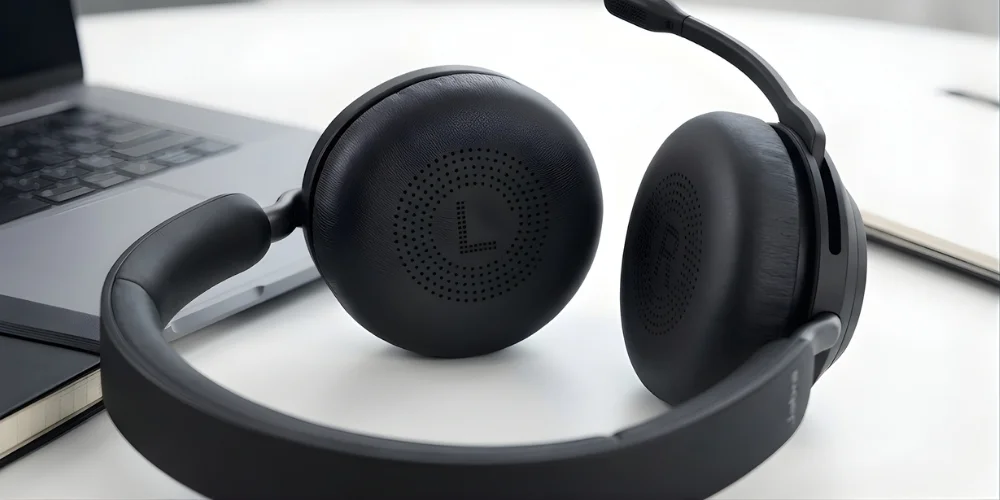
When you are busy working while wearing a headset in a 9-to-5 job, your comfort truly matters for your improved productivity. Evolve2 65 caters to your comfort needs with its ergonomic design. This headset is an over-the-ear headset that comes with a padded headband and oversized ear cushions. The earcushions are connected through sturdy and adjustable silicone arms.
Reviewer's Verdict
Besides the padded headband and soft ear cushions, the design contains a microphone on the right side only — best for right-handed people but may be troublesome for left-handed users. Overall, the design is very comfortable and will not let you reach for painkillers.
How much Talk Time and Listening Time did I Enjoy?
This headset claims to offer 37 hours of battery life on a single charge. So I tried this headset for 8 hours a day to see to what extent this is true. Moreover, I observed how much and how fast it gets charged in different fractions of minutes. The battery life was impressive, and their claim is almost correct.
The battery was charged fully in 90 minutes to give you 37 hours of charging. If you charge it for 15 minutes, you get 8 hours of battery, while in 30 minutes the headset gets charged 40%. In 60 minutes, the headset was 80% charged. Recharging is done via USB or a charging stand.
Overall, you get 37 hours of listening time and 35 hours of talk time when the busylight is off. When I turned on the busylight, the talk time was limited to 24 hours, which was also good.
What does the Evolve2 65 Connect to and How?
This wireless headset connects with your mobile phone and other devices via USB dongle or Bluetooth. The Bluetooth option works only if your computer is Bluetooth-enabled. I would not recommend this for your computer because it doesn’t allow remote call answering, which most users prefer. It will require you to come to the desk and attend the call, which is manageable but not preferred.
If you want to enjoy wireless connectivity without compromising on the remote call answering, use the Jabra Link 380 BT USB adapter. I used this, and it gave me seamless connectivity over Microsoft Teams, Zoom, RingCentral, and other applications. I had access to all the features I needed, including the remote call answering.
Anyhow, you enjoy simultaneous connectivity up to 8 devices without the need to disconnect and reconnect. This headset lets you switch between devices automatically.
How was the Sound Quality?
This headset comes with a microphone that contains 3 strategically placed microphones. This picks up your voice and eliminates the background noise. This is true as I tried this in the noisy office environments while recording a video, and the results were amazing.
For me, the three microphones in the boom arm did the intended job and sounded solid. The ear speakers performed beyond my expectations. If you are an audiophile, I must recommend this headset to you as it sounded amazing from the highs, right down to the deep bass lows, and everything in between.
Was the Wireless Range Worth it?
For a hybrid professional who needs to multitask, the wireless range is not a factor to be ignored. Jabra Evolve2 65 operates on Bluetooth 5.0, so it offers a wireless range of 100 ft as claimed by Jabra.
To verify the claim truly, I tried this within the half wireless range, and the results were satisfactory. But when I extended the 50ft range, the connection became a little unstable. So this headset works best within the 50 ft range, which is enough for most of the professionals. So, here its performance was mediocre, neither better nor worse compared to other wireless headsets.
Microsoft Teams Integration
As I am reviewing the Microsoft Teams version of Jabra Evolve2 65, how could I forget to mention Microsoft Teams integration? This headset is optimized for Microsoft Teams, which means you can collaborate on Teams without any hassle. I tried this with Microsoft Teams, and thanks to its plug-and-play setup, the headset was automatically set to Teams.
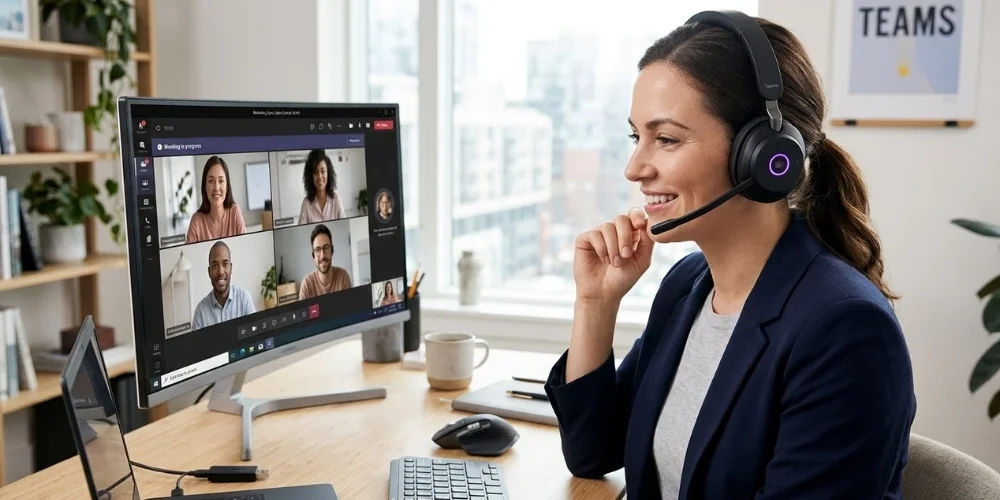
There is a dedicated Microsoft Teams button, which allows you to quickly answer calls, open meetings, view missed calls, and perform other operations. The LED indicator on the headset gives you a visual alert for Teams. The purple indicates that Teams notifications include Voicemails or meetings, while the green light indicates incoming calls.
Pros that Will Convince You to Purchase Evolve2 65
Cons of Evolve2 65 that You Will Have to Ignore
Final Thoughts
In my opinion, Jabra Evolve2 65 is one of the best headsets designed for hybrid work environments. Be it a great and innovative design, advanced features, wireless range, noise-cancelling microphone, Bluetooth, or USB dongle, it checks every box of a wireless headset. Most of the claims by Jabra are true for this headset, and I highly recommend this headset for your office and professional use.
No comments yet. Be the first to comment!
Leave a ReplyYour email address will not be published. Required fields are marked *