
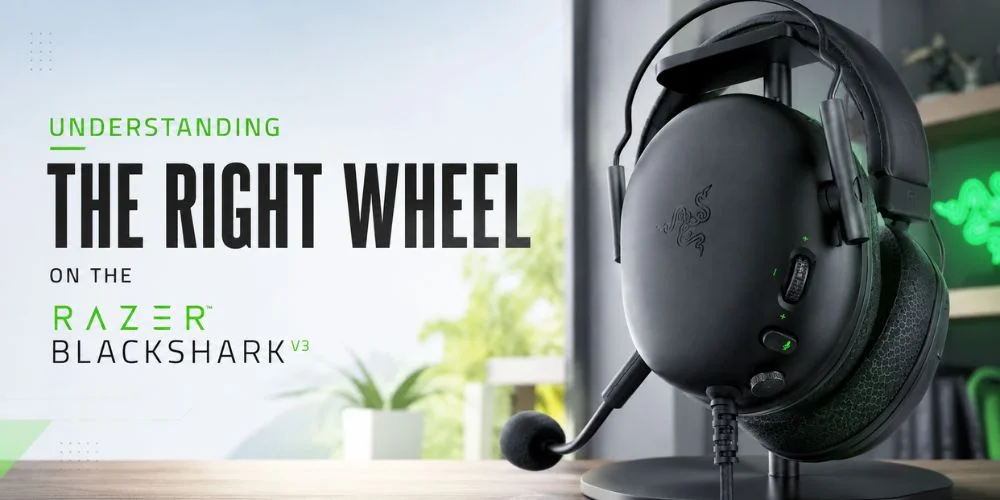
In today's competitive market, audio is not just about hearing the sound only; it is more than that, because it is about controlling what you are hearing, when you are hearing it, and how clearly you are hearing it. This is the exact time when modern gaming headsets like the Razer BlackShark V3 give you the perform best. It is designed with advanced features specially to perform best for driven players.
One of the most well-known and talked-about features is the right-side wheel of this headset. It is also called a configurable roller. When you look at it for the first time, firstly you will think that it is just a simple volume controller, but in reality it plays a much bigger role. It is specially stylized to give the users real-time control over the different elements of audio. It also eliminates the need to pause your game.
Whether you are trying to focus on your enemy's footsteps during the match. Or want to make sure that your mic volume stays consistent during the streaming, and balance the game volume with the team communication. This wheel becomes an important tool. It shows you how gaming hardware has evolved from the simple, basic features to more precise control and customization.
In this blog, you will learn how the right wheel on the Razer BlackShark V3 works. What it controls, and why it has become a key function for both gamers.
What Does the Right Wheel Do On BlackShark V3?
Firstly, when you pick up the Razer Black Shark V3, the one thing that immediately stands out is the wheel (roller) on the right earcup. If we talk about the looks, it looks simple, but in reality, it is one of the most powerful controls on the headset.
What Is the Right Wheel on BlackShark V3?
The right wheel on the Razer BlackShark V3 is a multi-functional control dial. It helps to fix different audio settings immediately. It allows you to: balance the game and the chat, control the microphone monitoring, and increase important in-game sounds like footsteps. In simple and easy words, you can say that this wheel works like a small audio mixer that is built into your headset.
How Does The Right Wheel Work?
The right wheel performs multiple tasks instead of just decreasing or increasing the volume of the headset; this wheel fixes the audio priority. Now lets diss that how it works? So, it works in a simple way that when you move the wheel. You can control what you hear more clearly, you can shift focus between various sound channels, and you can optimize the audio based on the circumstances of your gaming situation. It makes it far more advanced than the regular headset controls.
Key Functions Of The Right Wheel On Razer BlackShark V3
There are some key functions of the right wheel on the Razer BlackShark V3; let's discuss them in detail below:
Game Vs Chat Audio Balance
It is the most important feature of the right wheel because it allows you to maintain balance between:
The gaming session helps to control the audio (footsteps, effects, environment)
The voice chat (Discord communication, teammates)
Some Benefits Of Game VS Chat Audio Balance
It focuses on the gameplay during the intense moments
It does not require opening the audio settings in the middle of the game
It also helps to improve the team communication when required
Footstep Audio Enhancement
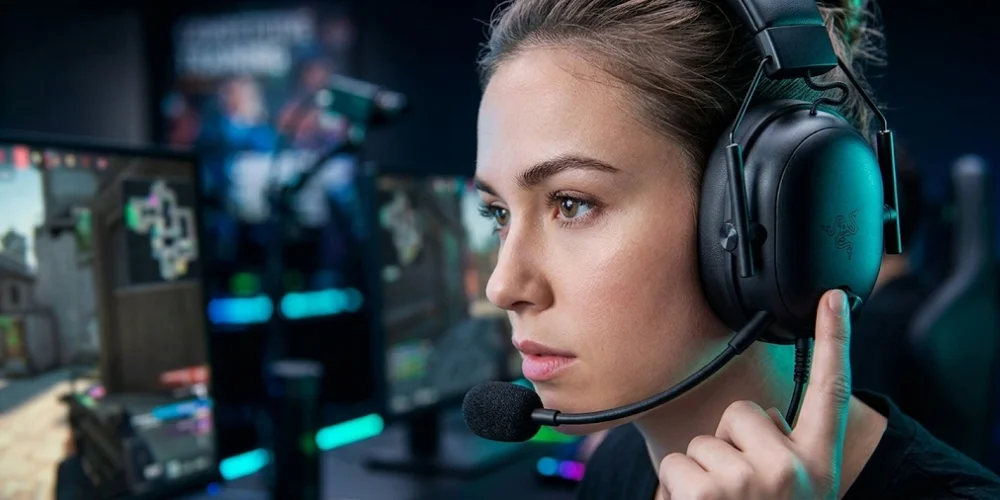
This headset is designed specially for competitive gaming, and this function proves it. The right wheel on the Razer BlackShark V3 helps to:
Identify the enemy movement sounds
It reduces the unwanted background noise
It also improves the directional awareness
This headset is an ideal choice for FPS games. This feature gives players a competitive benefit by improving sound clarity.
Mic Monitoring (Sidetone)
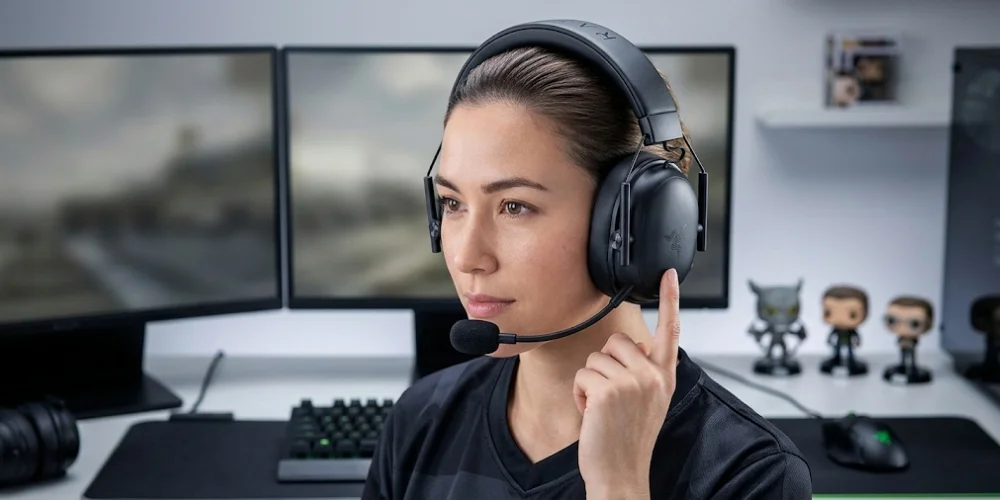
The mic monitoring allows you to hear your own voice when you are speaking.
Why It Matters
It helps to prevent uneven voice levels
It improves the communication clarity
It is great for streamers and the team players
The right wheel helps you to adjust this immediately.
Real-Time Audio Control Advantage (Why It Is A Game-Changer)
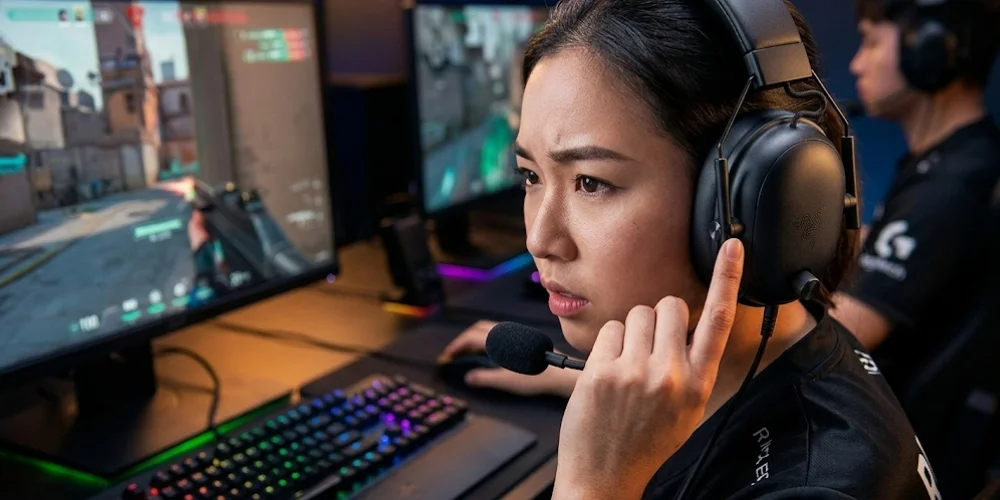
It is the best gaming headset with audio controls. One of the most important functions of the BlackShark V3 wheel is that it works immediately and controls instantly.
It helps you to:
Fixes the audio during the gameplay
It avoids switching tabs and pausing
This headset reacts faster in critical moments
That is the reason that makes it a great choice for esports-level gaming.
Customizing The Right Wheel
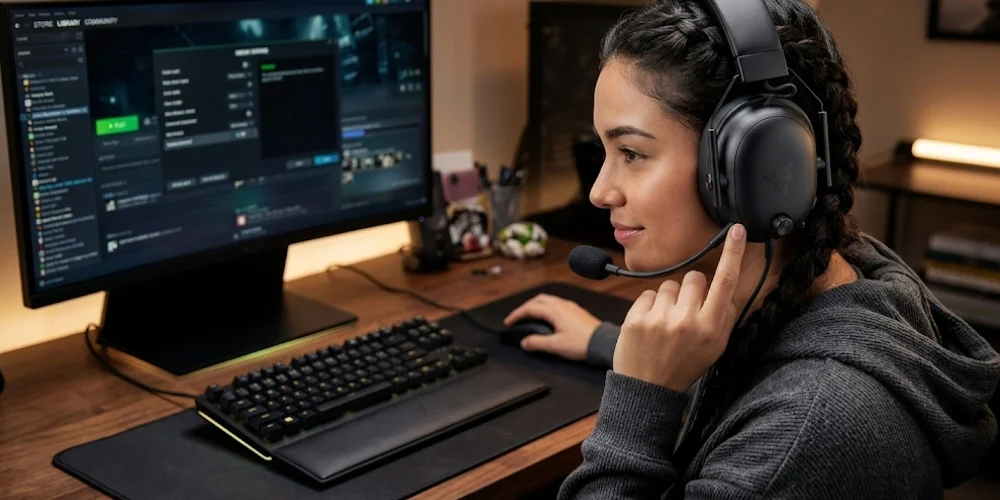
If you want to customize the Razer BlackShark V3 right wheel, then you need the Razer software. So that it can help you to:
Switch between the EQ profiles
Control the volume during the gaming zone
Fix the various audio settings in the headset
This flexibility of customization helps you to allow gamers to personalize their headset audio to their gaming style.
Practical Use Cases
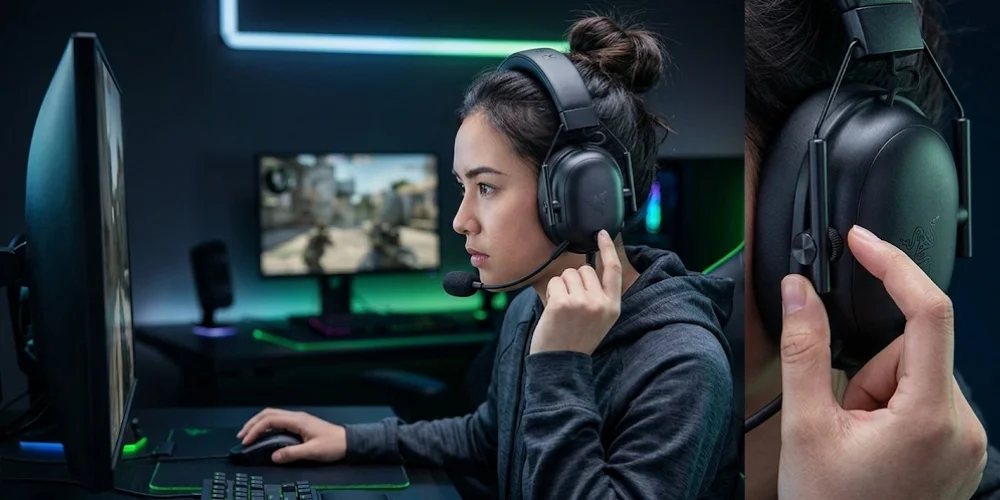
Some of the practical uses of the Right Wheel on the Razer BlackShark V3 are that this headset is a good choice for competitive gaming, team communication, and streaming.
Competitive Gaming: It helps to lower the chat, improves the volume of the game, and mainly focuses on the movement of the enemy.
Streaming: It supports adjusting mic monitoring and makes sure that the voice quality remains consistent.
Team Communication: It also raises the audio chat, which will give you better coordination.
How the Right Wheel Compares to Other Gaming Headsets
Here is the comparison table that will show you why the Razer BlackShark V3 with the right wheel is a better choice than other standard headsets.
Quick Insight
The basic and standard headsets guives you simple volume control. But the Razer BlackShark V3 gives you the complete audio control in the real time. It helps you to make a clear difference in competitive gaming.
Setup Tips for Best Performance
Additionally, you can use some setup tips for the best performance to fully use the right wheel. Below are the tips they are:
To get the best performance, you can separate game and chat audio in the system settings
It supports you in arranging the audio channels properly
But you must know that this will not work effectively if you do not have a proper setup.
Why the Right Wheel Matters in Gaming Headsets
The right wheel matters in gaming headsets because most of the headsets only offer basic volume.
But the BlackShark V3 gives:
It gives you advanced-level audio customization
It offers you real-time adjustments
It has competitive sound tuning
These are reasons that help Razer BlackShark V3 stand out in the gaming headset market.
Final Verdict
The right wheel on the Razer BlackShark V3 is a powerful, real-time audio control that goes beyond the basic volume. The right wheel help you to quickly balance the game and the chat audio that enhances your gaming experience, without any kind of interruption in the gameplay.
In short, it is practical. It focuses on the performance that gives you a better gaming experience, great control, clearer awareness, adjusts mic monitoring, works in real-time, and can be fully customized. All these features of the Razer BlackShark V3 make it a standout addition for both casual players and the competitive.
If you are a serious gamers and spend most of your time in the gaming sessions then this function is not optional it is necessary.
No comments yet. Be the first to comment!
Leave a ReplyYour email address will not be published. Required fields are marked *