
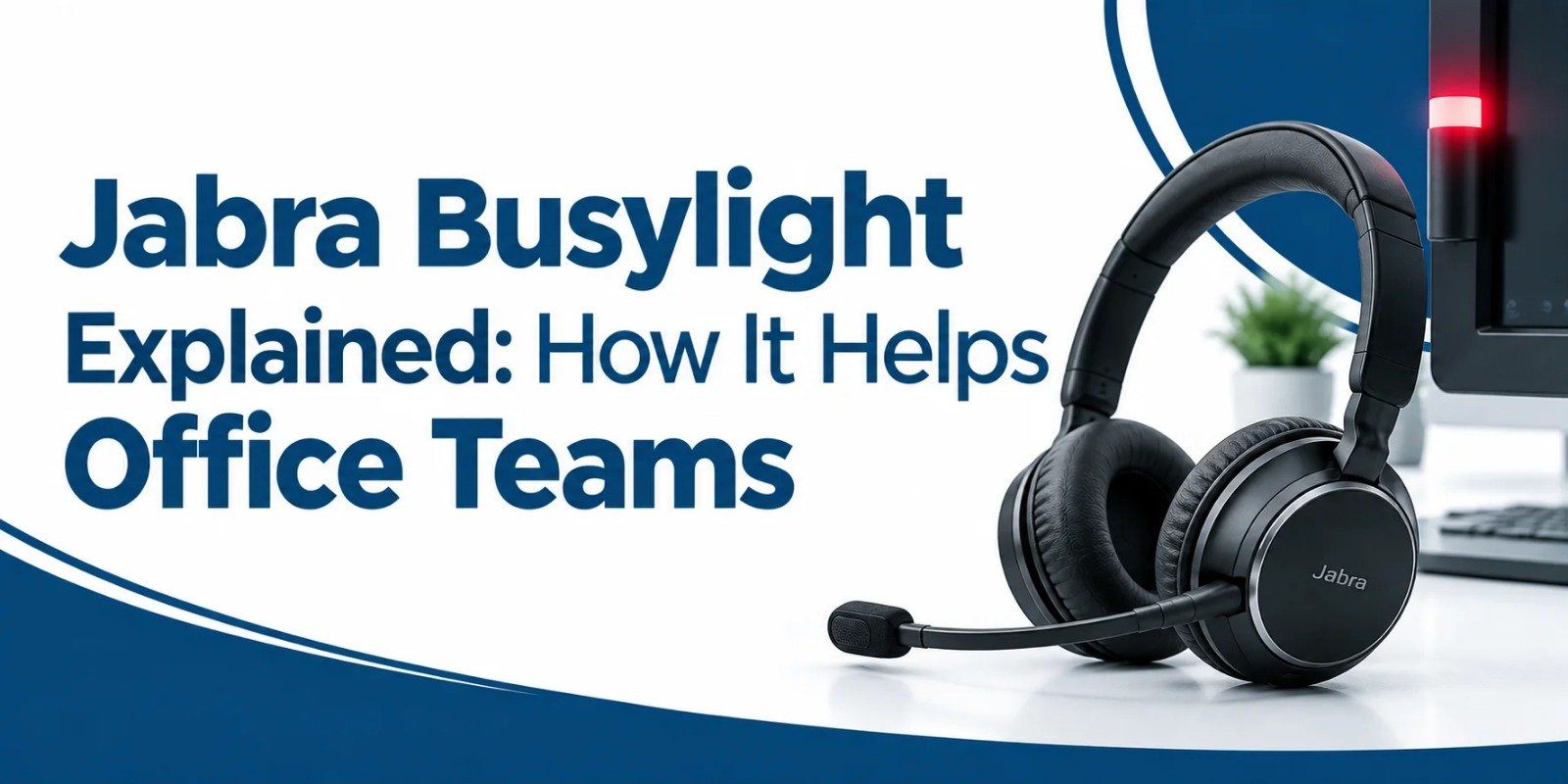
Jabra headsets have many advanced features. One of the most integral features of these headsets is busylight. Far from being just a fancy LED light, this built in or standalone indicator serves as a silent and universal signal for the modern workplace. Let’s break down what a Jabra busylight is and how it works under the hood, and why it has become a necessity for high-performing office teams.
What Is Jabra Busylight?
A Jabra busylight is an integrated status indicator. It glows bright red and lets everyone around you know when you are busy on a call or deep in concentration.
Depending on the specific Jabra hardware model you use, this light manifests in a couple of ways as below.
Built into the Jabra headset Earcup
On popular series like the Jabra Evolve and Evolve2, the small LED lights integrated directly into the outer edges of the earpieces light up automatically.
As a Standalone Desktop Accessory
Older and smart setups have a small, curved physical light pod that is connected through a long cord. It can be installed on your monitor or desk partition using a turnable foot.
Jabra Busylight Options and Configuration at a Glance
| From Factor / Series | Primary Integration Method | Best Suited For | Key Advantages |
|---|---|---|---|
| Integrated Headset LEDs Evolve2 Series |
Automatically sync via Bluetooth / USB dongle with softphones (Teams, Zoom, Webex) | Desk based and hybrid professionals who wear headsets for long periods | Zero extra desk clutter, automatic activation on calls, visible from 360 degrees. |
| Standalone Desktop Bustlight Link / Accessory |
Connect via USB to computer, controlled via Jabra Direct | Open office desk workers who prefer using speakerphones or specialized headsets | Highly visible to people coming from any angle, easy manual toggle button, great for desk sharing space. |
| Software Managed Status Jabra Direct / Mobile |
Integrates directly with platform presence (e.g, Microsoft Teams color codes) | Enterprise environments managing remote and in office availability | Standardizes status colors across teams, reduces manual errors, customizable behaviour. |
How Does It Actually Work?
The brilliance of Jabra Busylight lies in its easy automatic operation. You do not have to remember to flip a switch every time a phone call rings.
Automatic Activation via Softphone Integration
The moment you pick up a call through your softphone application (such as Microsoft Teams, Zoom, CiscoWebex or Jabra Direct), the headset syncs with your software. The indicator lights promptly turn to red. The person passing your desk himself understands that you are busy on a call without saying a single word.
Manual Control for Deep Work
The only time for uninterrupted focus is not only when you are on a call. If you are reviewing tight deadlines, writing code or auditing spreadsheets, you can manually switch on the busylight. On modern models like the Evovle2 series, you can easily toggle the light on or off by pressing the Volume Up and Volume Down buttons at the same time on the right earcup.
Smart Software Ecosystem
Through management software like Jabra Direct on your PC or the Jabra Sound+ app on mobile, users and IT administrators can control how they want these lights to behave. For example, teams using Microsoft Teams will see a shift of colors such as purple for specific notifications or red for busy statuses. It helps to match their exact availability profile within the app ecosystem.
The Real World Benefits for Office Teams
Integrating a visual indicator system into an open office environment creates a ripple effect of positive changes across daily operations.
Eliminating Awkward Interruptions
How many times have you panicked because a colleague started talking to you while you were on a call with a client? It creates an awkward moment of muting your microphone and trying to handle two interactions at once. A busylight cuts out the guesswork completely. Colleagues learn to see at your desk or headset before saying anything to you. It saves everyone's time and helps you to stay more productive.
Protecting Deep Focus and Flow State
Mental exhaustion is a real concern. When knowledge workers are continuously expecting the next interruption, their brains stay in a low grade state of stress. By creating a visual boundary, the busylight lets professionals enter into deep work knowing their physical space is secured from unwanted interruptions.
Boosting Call Quality and Professionalism
You may have experienced that when there is no one to grab your attention from the side, your focus stays completely on the caller. This means you are better at active listening and have sharper client interaction. Interruption means low quality conversation with a client.
Bridging the Hybrid Divide
The teams are split between home and desk spaces in modern hybrid offices. When those who work in the office use busylights religiously, it builds an internal culture of respecting boundaries. It signals that even within a noisy physical office, individual digital spaces deserve the same respect as a closed door meeting room.
Making It Work: Best Practices for Teams
Deploying hardware with a busylight is only half the way, but building a team culture around them ensures they actually work.
Establish Team Etiquette
Make an agreement within your department that a red light means absolutely zero verbal interruptions unless it is a genuine emergency. It will help to reduce unnecessary interactions and increase the productivity of the team.
Encourage Manual Use
Remind your team members that the red light is not just for phone calls. Encourage them to switch it on when they need high concentration to finish their specific task.
Keep Software Updated
You should always ensure your team runs regular updates via Jabra Direct so that softphone integrations remain snappy and sync without any lag.
Frequently Asked Questions
Do Jabra busylights turn on automatically?
Yes. The busylights automatically turn red when they are connected to supported softphone applications like Microsoft Teams, Zoom or Webex.
Can I turn the busylight on manually?
Yes. If you need uninterrupted time to finish any task, you can turn the light on manually. On headset models like the Evolve2 series, you can do this by pressing the Volume Up and Volume Down button at once.
Which Jabra headset models have a built in busylight?
These built in busylights are notably present in the Jabra Evolve lineup (such as Evolve 40, 65, 75) and the newer Evolve2 series (like Evolve2 40, 65, 75, 85).
Can I change the color of the busylight?
It depends on your software integration. Certain platforms allow status customization. For example, when synced with Microsoft Teams, the light can reflect different presence states like busy, in a meeting or presenting.
Do I need special software to use busylight?
We recommend that you install Jabra Direct on your computer. It allows you to update firmware, customize light behaviour and ensure smooth integration with your company’s communication tools.
Does the busylight affect the headset battery?
No. The indicator lights utilize highly energy efficient miniature LEDs. Their impact on the overall battery life of wireless headsets like the Evolve2 65 or 75 is negligible.
Are Jabra busylights compatible with Mac and Windows?
Yes. Jabra hardware and the partner Jabra Direct management software offer full cross platform compatibility for both Windows and macOS environments.
Final Takeaway
The modern office requires a lot of our attention, but we can not leave all of our focus on chances. Simple and reliable tools like Jabra Busylight prove that small physical adjustments can increase your daily productivity. By turning on invisible bright lights, office teams can maintain balance between personal deep work and environmental coordination.
No comments yet. Be the first to comment!
Leave a ReplyYour email address will not be published. Required fields are marked *