
 By
By Are you a person who prefers a wired connection during work, play, and schooling for your kids? Do you struggle to find one that gives you the best performance but on an affordable budget?
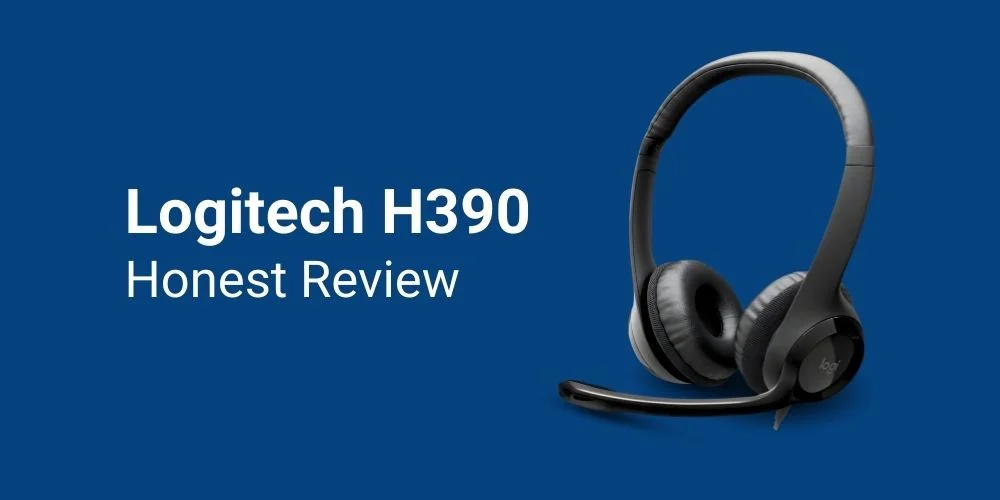
If so, you must give a try to the Logitech H390 Stereo USB Headset that is equipped with inline controls and a noise-cancelling microphone. It comes with USB-A or USB-C connectivity, making it a perfect computer USB headset for work, play, and schooling for children.
I have personally tried the H390 wired headset for work, play, and even during Skype calls for my kids. I have been using this headset for about two weeks and have found it impressive at such a budget-friendly price.
This Logitech H390 review evaluates my experience with this headset that covers all the key features, its pros and cons, and my recommendation. After reading my review, you will be able to decide whether it’s worth buying or not.
Logitech H390 Overview
The Logitech USB Stereo Headset H390 is a budget-friendly headset that comes with USB-A and USB-C connectivity. This headset features plug-and-play connectivity for ease of connection, a noise-cancelling microphone, and inline controls for mute/unmute and volume adjustment. This headset offers you a crystal clear audio experience with fine-tuned drivers during voice calls, virtual meetings, Skype calls, and webinars.
This is a perfect business headset for work because of its compatibility with most versions of Windows, macOS, and ChromeOS. Its cable or cord is 6.23 ft long (equal to 1.9 m), which gives you relief by letting you stand or stretch during long meetings. This headset is even good for kids because of the plug-and-play functionality that does not require any software installation.
Key Features of the Logitech H390 USB Headset
The H390 USB Headset gives an overall excellent performance in terms of sound quality, comfort, plug-and-play functionality, compatibility with different platforms, and other factors. I found the following key features in this headset:
Rotatable Noise Cancelling Microphone
The noise-cancelling microphone was movable and adjustable. So I was able to position it in a way that best cancelled out the background noise. I also tried it while listening to music, when I didn’t need the microphone, I simply tucked it away. That was quite satisfying.

Plug and Play Functionality
The headset has the USB A or USB-C connector that is plugged into the system and is configured automatically. This did not require any software installation to make it work, which was also a plus point, especially for my kids. My kids easily used this headset to take classes from their tutor via a Skype call.
6.23 ft Long Cable
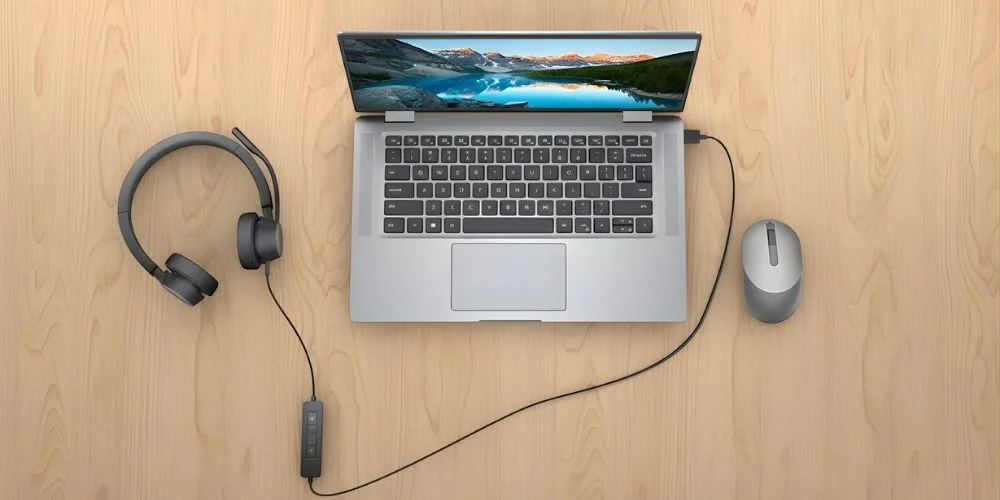
When you need to stay connected to your PC so that you can’t miss any calls or have a high workload, you get tired. But the best thing about this headset is the 6.23 ft long cable that keeps you connected to the PC while giving you a moment to stand or stretch.
On-Ear Comfortable Design with Adjustable Headband
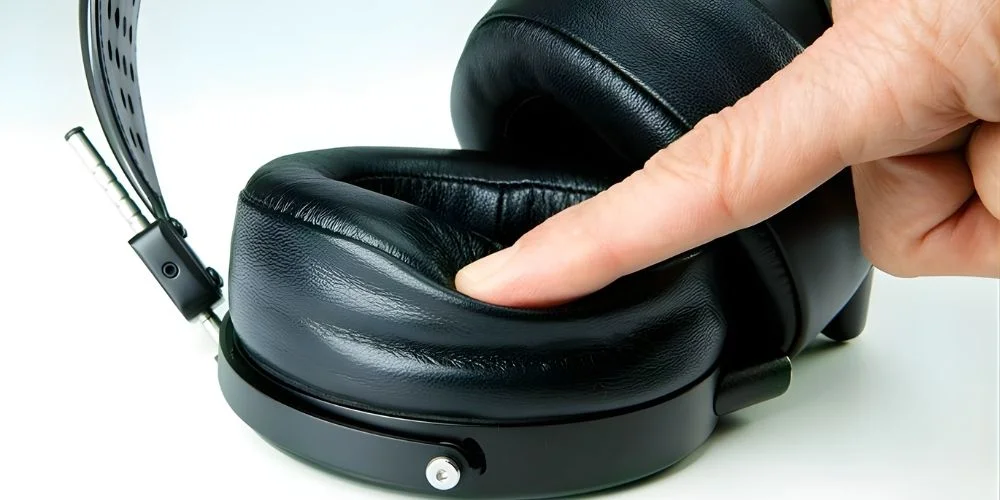
This headset features an on-ear design with an adjustable headband that does not compromise your comfort during long meetings. You can adjust the headband according to your head size. At the same time, the leatherette cups are plush and padded, which made it easier for me to wear them for an 8-hour long work shift.
Handy In-Line Controls on the Cord
If you are the person who gets frustrated when you have to adjust volume by returning to your PC, you will love the Handy in-line controls. On the cable of this headset, you will find the inline controls that let you mute/unmute or adjust volume from the headset directly. I loved this feature of the H390 headset.
Compatibility with Most Operating Systems
Purchasing a single H390 USB headset made my life easier. As an office professional, I need to work on different devices or operating systems like Windows OS, Mac OS, and Chrome OS mandatorily. This headset is compatible with all these operating systems.
Fine-Tuned Logitech USB Headset H390 Driver
This headset is enabled with laser-tuned 30 mm audio drivers and digital stereo sound to give clear audio quality during calls. I tried this headset while taking a voice call, a Skype call, or attending a webinar. I enjoyed high-quality audio on every platform.
Lightweight and Durable Construction
As I stated earlier, I needed a headset that is comfortable for me during long shifts. This headset is a blessing in disguise for me. It’s durable to withstand the daily grind while also being lightweight, which does not add any weight to my head. It weighs only 0.43/0.44 pounds, which feels as light as air.
Sustainable Headset Built with Eco-Consciousness
Do you know why I liked the Logitech headset? Because, Logitech is the first brand to mention carbon as a new calorie that we consume while using the headset. I praise them for their honesty that other brands often don’t mention.

It is made with recycled plastics, which reduces landfills and land pollution by using end-of-life plastics. Moreover, they source materials from FSC-certified resources. So purchasing a Logitech headset will directly make you contribute to the responsible management of the world’s forests. I highly recommend this headset to you if you care for the environment.
7 Pros that Give you Reasons to Purchase
- Budget-Friendly Price, i.e., 24.99 $
- Automatic configuration with plug-and-play functionality
- Rotatable Noise Cancelling Microphones to sound like a pro
- Adjustable headband with soft ear cups and a long cable
- In-line controls for mute/unmute and volume adjustment
- Available in three colors: Black, off-white and rose
- Single headset compatible with Chrome OS, Windows OS, and Mac OS
- Sustainable headset construction that reduces landfills
Cons that Suggest you Should not Buy if you Can’t Compromise
- Lack of high-fidelity sounds due to the on-ear design
- For extended use, the ear cups can get warm
- Lack of call handling features
- Limited movement despite having a long cable
Alternatives for Logitech USB Stereo Headset H390
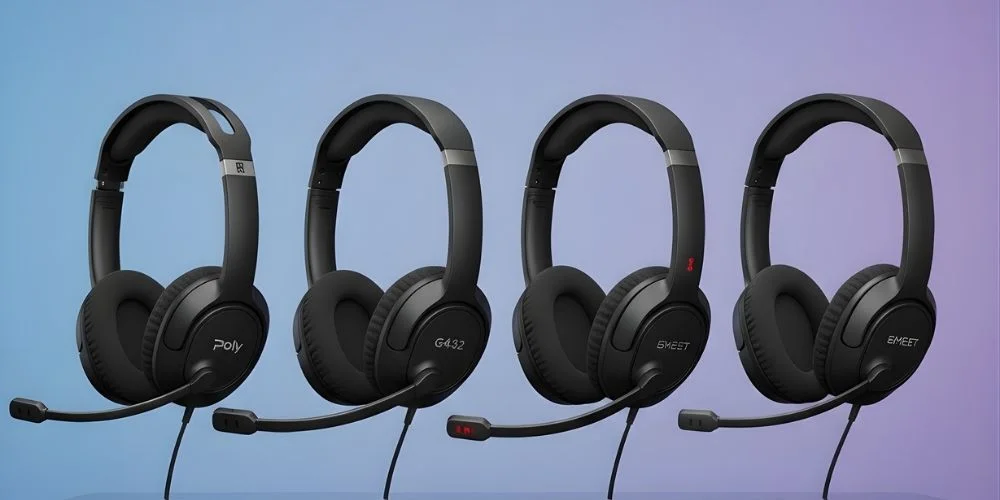
After learning about the pros and cons of the Logitech USB headset, if you don’t want to purchase this headset, there are some alternatives. For improved comfort and durability, Logitech H570e (Stereo or Mono) is an alternative. If you prefer a better noise-cancelling microphone, give the Poly Blackwire 3220/3210 a try. Some other powerful alternatives include Logitech G432 for gaming, Logitech H540, and Logitech H650e.
Final Recommendation
Based on the price and wired connection needs, I highly recommend the Logitech H390 USB headset. It’s best to use for work, play, and even schooling for their plug and play connectivity. For its price, it offers good noise cancellation, inline controls for voice adjustment, and a comfortable design. Besides these benefits, its compatibility with Mac OS, Windows and Mac OS make it a go-to choice. I must give them 9 out of 10 marks and praise their honesty for mentioning the carbon clarity that most brands don’t do.
No comments yet. Be the first to comment!
Leave a ReplyYour email address will not be published. Required fields are marked *