
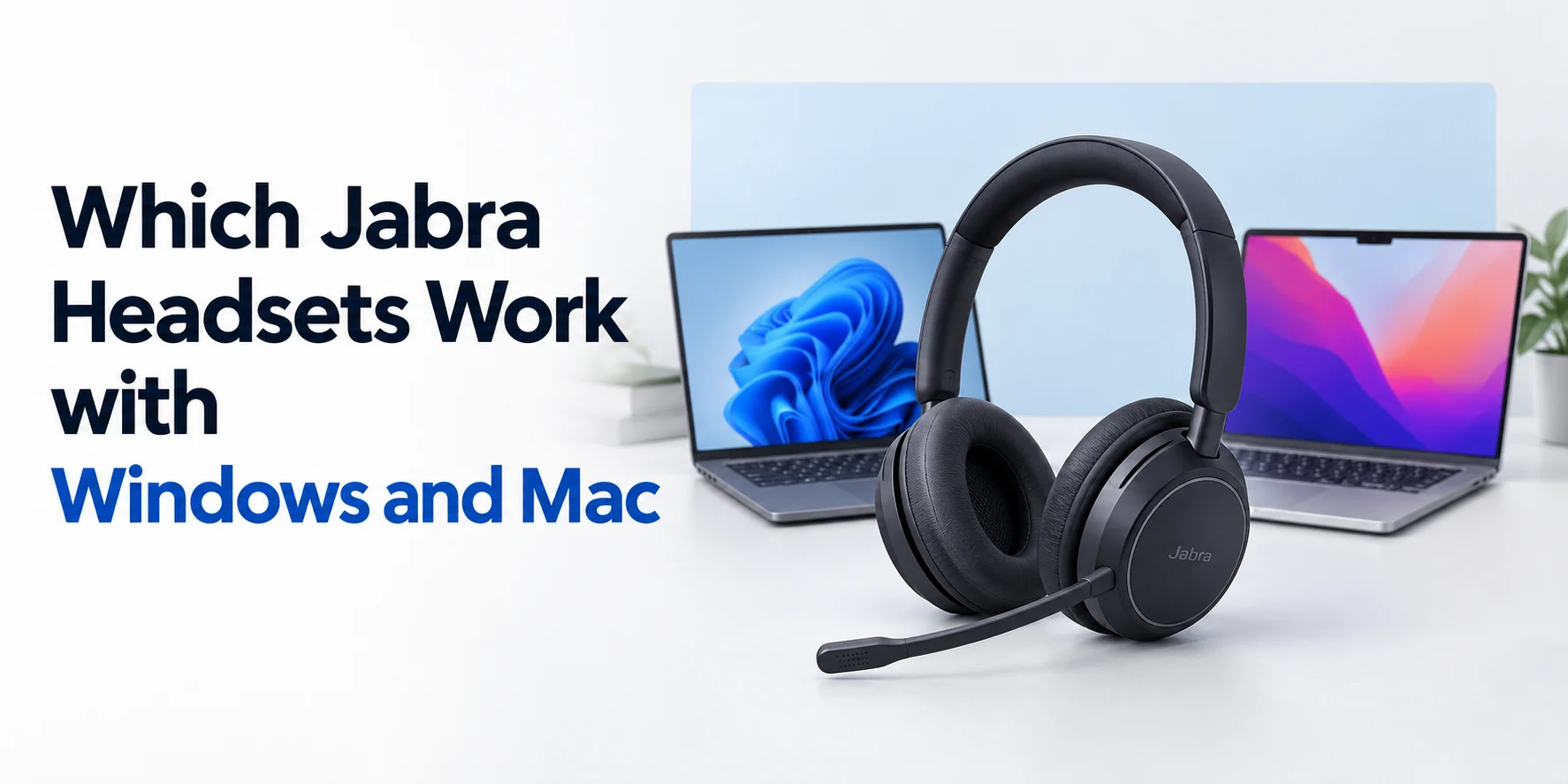
Are you looking for the best Jabra headset for your device? Maybe it is a MacBook, or it is a Windows device. Choosing the right audio gear for your machine is as important as upgrading the machine itself.
At FindHeadset, we do not just sell audio equipment, but we eliminate the hurdles to a trouble-free work environment. Our experts tested all the Jabra series and listed the top 10 Jabra headsets for Windows or Mac. Whether you manage a bustling call center or hop between different devices, this guide will help you to find the best fit for your workspace.
The Core Jabra Series: Quick Breakdown
Before we look at individual headsets, it will help you to understand Jabra’s overall product families. If you are new to the Jabra family then this quick breakdown is all you need for now to start with.
The Evolve / Evolve2 / Evolve3 Series
The headsets of these series are the absolute gold standard for open office workers, remote professionals and hybrid teams. They balance music quality and call performance on multiple platforms.
The Engage Series
These heavy duty wireless units are built for call center agents and desk workers who need phenomenal wireless range and solid stability.
The Biz Series
The simple and low budget wired headsets for people who want plug-and-play trustworthiness with zero fuss.
Top 10 Jabra Headsets for Windows and Mac
Let’s begin the breakdown of the most popular Jabra headsets for your Windows and Mac.
Jabra Evolve2 65 Flex
The JabraEvolve2 65 Flex is a portable professional wireless headset. This is designed for hybrid workers who need flexibility for both Windows and Mac without sacrificing on audio quality.
It connects smoothly to computers via pre paired USB-A or USB-C link adapter and pairs to mobile phones at one. You can have seamless switching between MacBook and Windows laptop. Hybrid Active Noise Cancellation combined with a folding compact style makes it an ideal travel companion for professionals on the go.
Why Professionals Love it
- Certified for leading UC platforms (Teams, Zoom, Google Meet)
- Hybrid Active Noise Cancellation (ANC) for focus anywhere
- Compact folding design with a slim travel pouch
- Dual connectivity for PC and mobile phone pairing
- Full support via Jabra Direct software on Windows and macOS
Jabra Evolve2 85 Stereo
The Jabra Evolve2 85 is an over ear flagship wireless headset (via USB-A or USB-C Bluetooth adapter and direct Bluetooth) engineered for maximum noise isolation and comfort for long day use in high-distraction offices. It utilizes digital hybrid ANC and powerful 40mm speakers to deliver incredible audio performance for both music playback and conference calls on Windows and Mac.
The discreet boom arm can be folded easily into the headband when you are just listening to audio or joining a casual video chat.
Why Professionals Love it
- Over-the-ear leatherette cushions for immersive sound isolation
- Digital hybrid Active Noise Cancellation (ANC)
- Integrated 360 degree busylighs on both earcups
- Up to 37hours of battery life on a single charge
- Flawless cross-platform remote call control via USB adapter
Jabra Evolve3 75 MS Teams Stereo Headset
The Jabra Evolve3 75 is a wireless on ear headset that offers USB-A connectivity to PC via the included Jabra Link Bluetooth adapter and Bluetooth for mobile devices. This variant is certified for Microsoft Teams for flawless integration and optimized call control.
This headset is built for modern work. Jabra ClearVoice uses AI powered deep learning trained on 60 million real-life sentences to isolate your voice and eliminate background noise. Advanced Noise Cancellation (ANC) adapts to your environment to block distractions. These features ensure you sound professional no matter where you are working from. This audio device is best for focus and immersive audio in a lightweight on ear style.
With Bluetooth technology, you can pair up to multiple devices and connect to 2 devices at the same time. Allows you to stay connected to the device up to 30m wireless range. If you want to know how this functions across more than one device, check out our guide on Can a Jabra Headset Connect Multiple Devices?.
Why Professionals Love it
- Wireless Bluetooth Headset for PC & Mobiles
- Microsoft Teams Certified
- Advanced ANC and Jabra ClearVoice AI Technology
- Battery life with 22 hours Talk Time and 110 hours Music
- Lightweight design for all day comfort
Jabra Evolve2 40 USB-A / USB-C
The Jabra Evolve2 40 Stereo is a professional wired headset built for professionals who stay at their desk, want zero battery anxiety and a setup that is ready to use. It connects into any available USB port on a Windows Pc or Apple Mac.
It provides immediate audio routing and automatic compatibility. With memory foam ear cushions and an ergonomic design, it stays comfortable throughout the long shifts.
Why Professionals Love it
- 100% native simple to set up on Windows and macOS
- No changing required because of a wired connection
- Integrated busy light that signals when you are on a call
- Enhanced 3 microphone call technology
- Certified for all major web conferencing software
Jabra Engage 55 Wireless DECT
The Jabra Engage 55 Stereo is a professional wireless headset that uses a secure DECT USB adapter instead of traditional Bluetooth and offers massive wireless range with security. It avoids internal audio limitations of the computer because the computer connects to the tiny USB link stick instead of internal computer hardware. It delivers the same quality of performance on Windows and Mac.
It is designed for remote employees and open office workers who need to walk away from their desks without disconnecting the calls.
Why Professionals Love it
- Superior wireless range compared to standard Bluetooth devices
- Secure DECT adapter plugs directly into Windows and Mac USB ports
- Lightweight design built for whole day wear
- Professional noise-cancelling microphone filters room hindrance.
Jabra Engage 75 Stereo
The Jabra Engage 75 SE is an advanced wireless headset system that features a desktop touch screen base station. The base station connects to your PC or Mac via a standard USB cable. It makes the operating system transparent to the hardware and unifies multiple communication streams.
It lets users easily switch between desk phones and computers from a single device.
Why Professionals Love it
- Connects to computer, desk phones and mobile at the same time
- Intuitive touch screen base station for call management
- Advanced noise-cancelling microphone for crystal clear speech
- Fast charging battery with a whole long day of talk time capacity
- Stable performance for multiple platforms
Jabra Evolve 65 MS Wireless
The Jabra Evolve 65 TE Stereo is a proven and reliable wireless on ear headset that bridges standard office connectivity with inexpensive performance. It links to computers with the included Jabra Link USB Bluetooth adapter. This feature ensures remote call control buttons work perfectly on both Windows and Mac platforms.
It remains a staple choice for office environments that want dependable wireless freedom without overcomplicating things.
Why Professionals Love it
- Trusted workhorse model and durable
- Connects wirelessly to PC via USB dongle and mobile via Bluetooth
- Passive noise cancellation via comfortable leatherette ear cushions
- Integrated busy light indicator on the earcup
- Easy setup for multi platform environments
Jabra Biz 2300 USB
The Jabra Biz 2300 Duo USB is a lightweight and durable wired headset built for everyday enterprise communication and contact center environments. It features a direct plug and paly USB interface that requires zero software configuration on either PC or macOS systems.
The strong cord and unbreakable spin boom arm make it tough against heavy daily wear and tear.
Why Professionals Love it
- Foolproof plug and play compatibility across Windows and Mac
- Kevlar cord built to withstand pulling and tugging
- Air shock microphone style to eliminate breathing noise
- Extreme lightweight build for wearing free of fatigue
- Professional solution at reasonable price
Jabra Evolve2 50 Wired Stereo
The Jabra Evolve2 50 Stereo is a mid tier professional wired headset built to deliver powerful stereo sound and sharp voice isolation for hybrid workers. It features a direct USB connection supported by Jabra Direct software on both PC and Mac.
Its professional acoustic chamber and custom-designed ear cushions provide a great balance of comfort and isolation.
Why Professionals Love it
- Powerful stereo sound for music and multimedia playback
- Advanced 2 microphone system for clean voice treatment
- Comfortable angular ear cushions built to relieve pressure
- Native USB plug and play operation on Windows and Mac
- Fully customizable via desktop software
Compatibility Comparison Table
| Headset Model | Connection Type | Windows Support | Mac Support | Best Feature |
|---|---|---|---|---|
| Evolve2 65 Flex | Wireless (Dongle / BT) | Seamless | Seamless | Foldable and Portable ANC |
| Evolve2 85 | Wireless (Dongle / BT) | Excellent | Excellent | Maximum Over Ear Isolation |
| Evolve3 75 | Wireless (Dongle / BT) | Seamless | Seamless | AI ClearVoice & Advanced ANC |
| Evolve2 40 | Wired USB | Flawless | Flawless | Zero Battery Anxiety |
| Engage 55 | Wireless DECT | Superior Range | Superior Range | Long Distance Roaming |
| Engage 75 Stereo | Base Station (USB) | Multi Device | Multi Device | 3 Way Line Switching |
| Evolve 65 | Wireless (Dongle) | Reliable | Reliable | Classic Value Workhorse |
| Biz 2300 USB | Wired (USB) | Foolproof | Foolproof | Kevlar Reinforced Cable |
| Evolve2 50 | Wired (USB) | Exceptional | Exceptional | Ergonomic Comfort design |
Crucial Tips for Windows and Mac Users
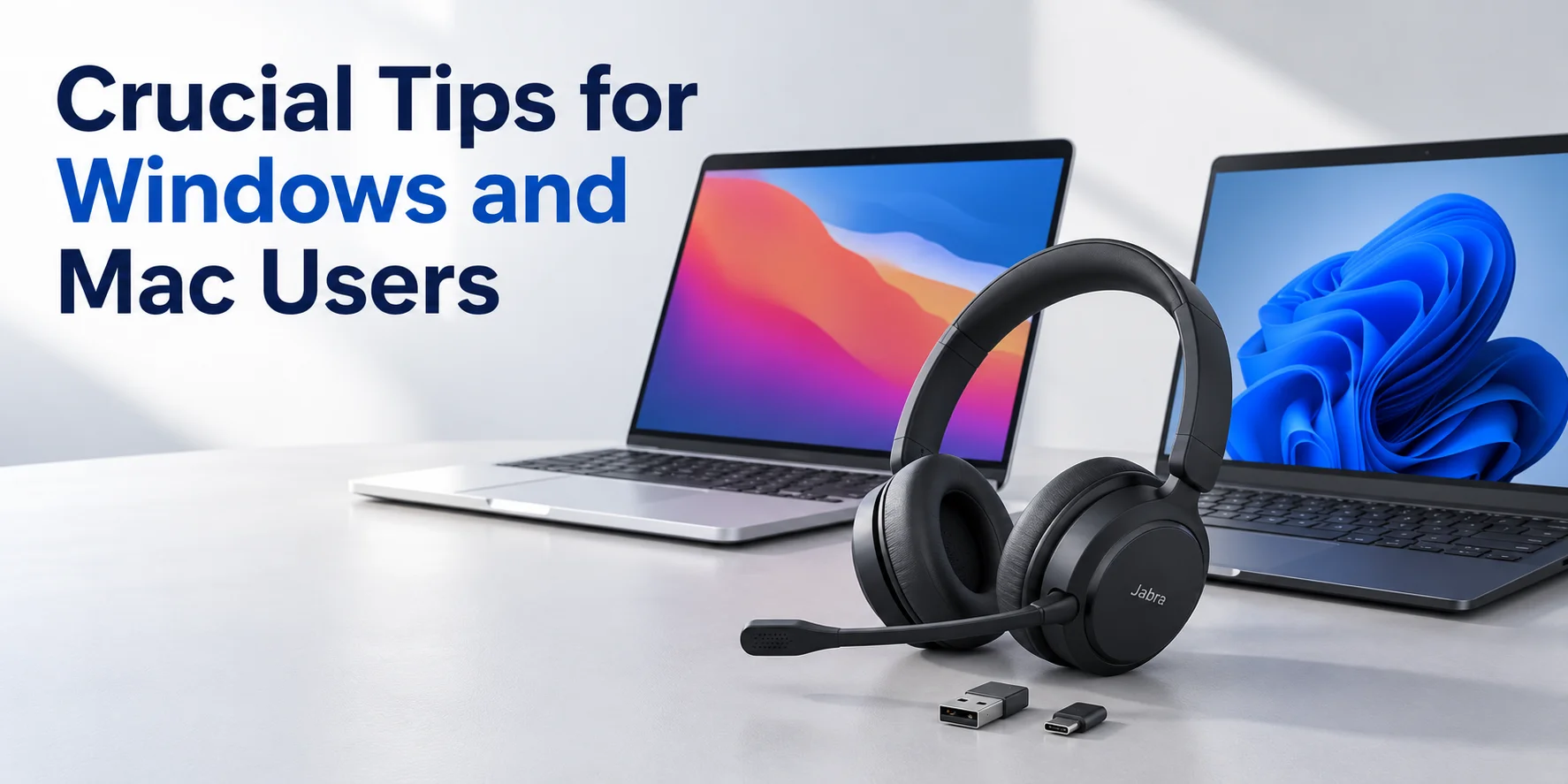
Never Skip the USB Dongle
If your wireless Jabra Headset comes with a tiny USB link adapter, plug that adapter into your computer instead of pairing straight to internal Bluetooth. The first reason users lose remote call control function can be if you skip the dongle.
Mind Your Mac Security Settings
Mac takes privacy as its core priority. If your macOS cannot pick up your voice then go to System Settings →Privacy & Security → Microphone to verify that your meeting applications (like Zoom or Teams) have permission to use your Jabra device.
Download Jabra Management Software
No matter which platform you use but keep your device updated through Jabra’s software suite. It ensures plain firmware performance and crisp audio adjustment according to your workflow.
Choose the Right Connection
Make sure your hardware matches your laptop ports in the right way. If you are not sure whether to select a USB-A or USB-C variant, read our guide Jabra USB-A vs. USB-C: Which Version Do You Need? for making the right decision.
Find Your Perfect Fit With FindHeadset
If you want to choose between Windows and Mac then it should never be like guessing a game. Irrespective of what your work environment is, FindHeadsets is committed to building the trust of its users. You can avail yourself of transparent guidance, expert knowledge, and unmatched product curation. Explore our wide range of premium wired and wireless audio gear today.
Frequently Asked Questions
Do Jabra headsets work out of the box with both Windows and Mac?
Yes. Virtually all modern Jabra wired and wireless headsets feature standard plug and play capabilities. It means you can plug them into a Windows PC or an Apple Mac and get instant audio playback and microphone input.
Do I need a special driver to use a Jabra headset on macOS?
No, you do not need special drivers. macOS treats Jabra USB devices and Link adapters as standard conventional external audio units. However, Jabra Direct is recommended for firmware updates and device customization.
Why should I use a USB Bluetooth adapter instead of my computer's internal Bluetooth?
Using a headset with a Jabra Link USB adapter guarantees stable call control integration (such as muting from the boom arm or answering calls from the headset buttons. It prevents dropouts caused by native OS Bluetooth stack limitations.
Do Jabra headsets work with a Linux computer?
While basic audio playback and microphone inputs function via the standard audio stack on Linux distributions, advanced features are typically unsupported since Jabra does not provide native Linux management software.
What should I do if my Mac is not picking up my voice through the Jabra microphone?
IF your Mac does not route audio to the mic itself, go to System Settings → Privacy & Security → Microphone and ensure that your meeting app has permission to access your Jabra device.
Will my Microsoft Teams version of a Jabra headset work with Zoom on a Mac?
Yes. Even if a headset is optimized for Microsoft Teams, it will function as a standard audio device on Zoom, Google Meet and other platforms on both Windows and macOS.
Can a Jabra wireless headset connect to my computer and phone at the same time?
Many mid to high-end wireless models such as the Evolve2 and Engage series support dual connectivity. That means it allows you to pair with your laptop and mobile phone at the same time.
Are wired Jabra headsets better for performance on different platforms?
Wired models like Evolve2 40 or Biz series offer good plug and paly consistency. Because they do not rely on Bluetooth pairing protocols or batteries, they switch between Windows and Mac machines at once.
No comments yet. Be the first to comment!
Leave a ReplyYour email address will not be published. Required fields are marked *